Wolf and Hare

Tag: iOS interface

Alerts and Sheets on Apple Platforms: How to Prioritize User Choice Without Causing Panic
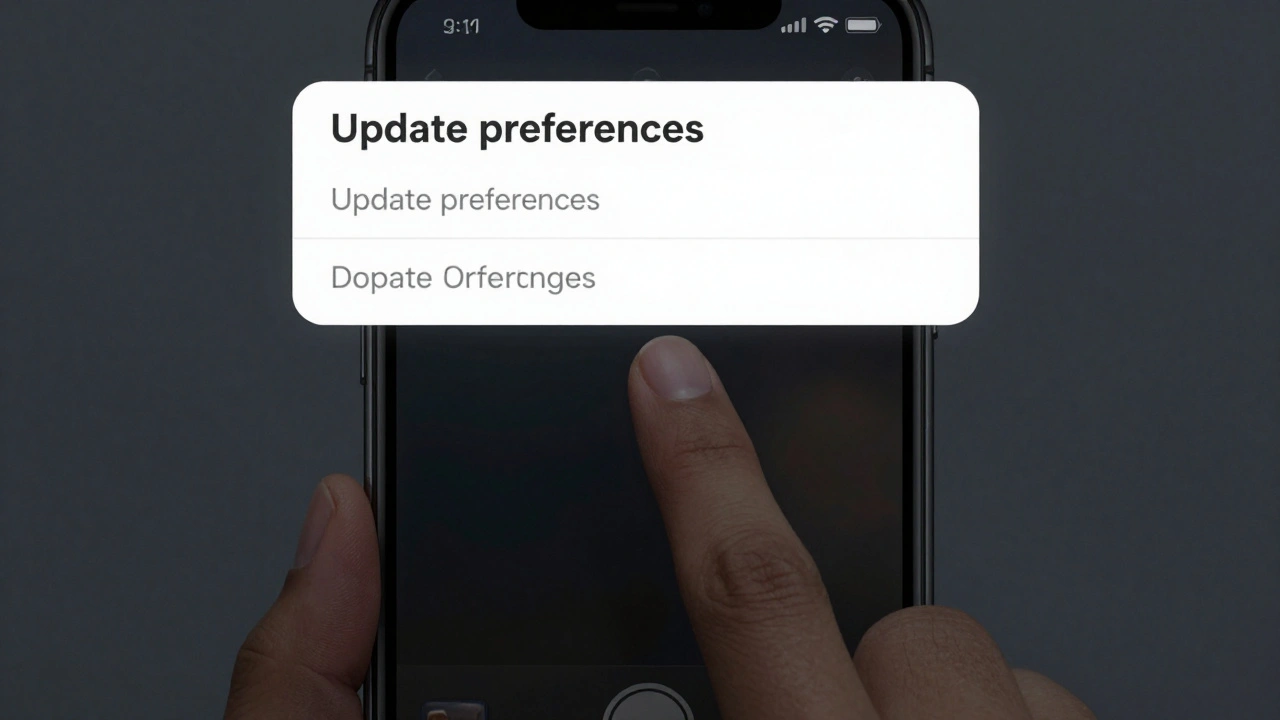
Alerts and Sheets on Apple Platforms: How to Prioritize User Choice Without Causing Panic
  • Elias Voss
  • Elias Voss

24/02
0

Learn how to use alerts, action sheets, and half sheets on Apple platforms to guide users without overwhelming them. Prioritize choice, reduce panic, and build trust with smarter UI design.


Read More...

Categories

  • Design & Technology (151)
  • Retail Design (8)
  • Design Tools (4)
  • Design & Development (4)
  • Technology (2)

Popular Articles

Iconography and Labels for AI on Apple: Clarity Without Hype

Mar 2 2026

Simplicity as ROI at Apple: How Clear UX Lowers Support Costs

Jan 30 2026

Icon Labels and Captions in Apple: How SF Pro Delivers Micro-Scale Clarity

Mar 24 2026

Type Pairing in Apple Marketing: How Serif Headlines and Sans-Serif UI Work Together

Feb 21 2026

iPhone Safety Features by Design: Visual Cues for Emergency and Critical Alerts

Mar 29 2026

Tags

  • Apple design
  • Apple ecosystem
  • Apple typography
  • Liquid Glass
  • unboxing experience
  • Apple packaging
  • iOS 26
  • user experience
  • San Francisco font
  • Apple design philosophy
  • Apple Human Interface Guidelines
  • Apple Intelligence
  • inclusive design
  • Apple accessibility
  • Jony Ive
  • industrial design
  • Apple retail design
  • Dynamic Type
  • Apple interface design
  • Apple Watch design
Wolf and Hare

© 2026. All rights reserved.