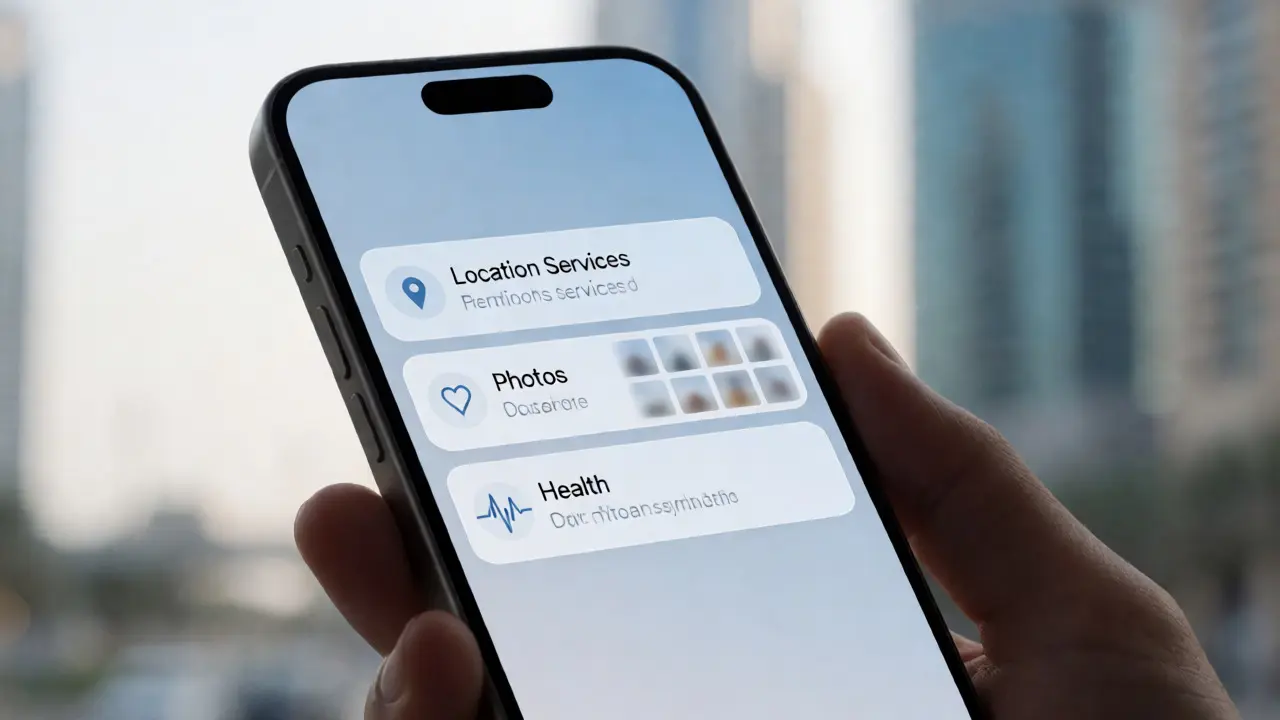

You open a fitness app to log a run. It asks for your location. Then it asks for permission to read your heart rate from the Health app on iOS. Finally, it wants to save a map screenshot to your Photos library. Three different prompts. Three different parts of the operating system. Yet they feel like one seamless experience because Apple designed them that way.
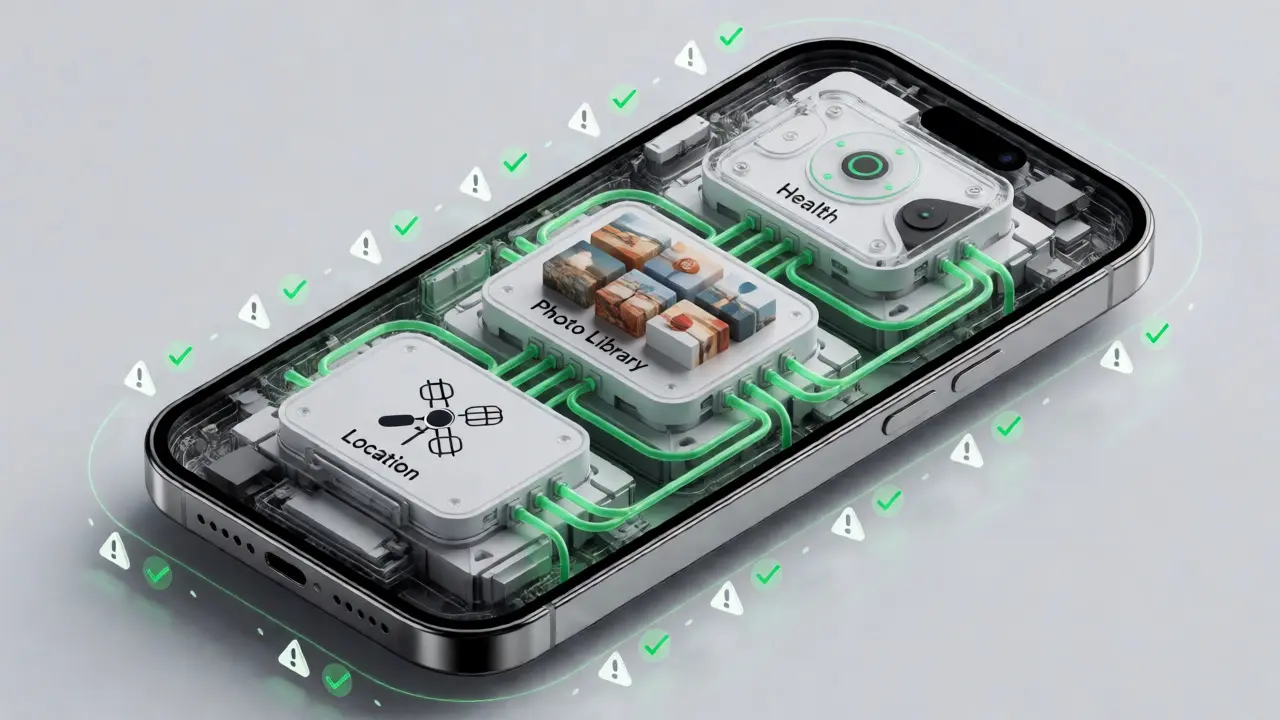
This isn't just about code; it's about trust architecture. When you build or evaluate an app, understanding how iOS handles system-level data requests is critical. The friction between user privacy and app functionality is where most products fail. But when done right, using system services like Location, Photos, and Health becomes invisible to the user while remaining robust for the developer.
The Philosophy of Permissionless Access
Think back to ten years ago. Installing a flashlight app meant granting access to your contacts and camera. Why? Because developers had no choice but to request broad permissions upfront. Today, Apple enforces strict context-aware permissions. This shift changed the design landscape entirely.
The core idea here is "just-in-time" consent. You don't ask for everything at launch. You ask only when the user tries to perform an action that requires specific data. If a user taps "Find Nearby Coffee," that's when the Location service triggers. If they tap "Share Run," that's when Photos access is requested.
- Contextual Relevance: Users are more likely to say yes if the request matches their immediate intent.
- Reduced Cognitive Load: Breaking down permissions prevents overwhelming the user with a wall of dialogs.
- Error Handling: If a user denies access, the app must degrade gracefully, not crash or nag relentlessly.
This approach forces designers to think about the user journey in micro-moments. It’s no longer about "what does my app need?" but "when does the user expect this feature to work?"
Mastering Location Services
Location is arguably the most sensitive piece of data. In iOS 17 and later versions, Apple introduced even finer controls, allowing users to share approximate locations instead of precise coordinates. This creates a new design challenge: how do you build useful features without demanding pinpoint accuracy?
For navigation apps, precision is non-negotiable. For a weather app, city-level data suffices. Developers must declare the correct usage description strings in the Info.plist file. These aren't just legal boilerplate; they are UX copy. A vague string like "We need your location" fails. A specific string like "Your location helps us find nearby restaurants" succeeds.
Consider the background mode. Many apps abuse this to track movement constantly, draining battery life. Apple’s design guidelines push for significant-change updates rather than continuous tracking unless absolutely necessary. If you’re building a fitness tracker, you might use Core Motion APIs alongside GPS to reduce power consumption. This synergy between hardware sensors and software logic is what defines high-quality native apps.

The Photo Library as a Content Hub
The Photo Library on iPhone and iPad has evolved from a simple storage dump into a curated content hub. With the introduction of the Photos Picker framework, third-party apps can now access photos without full library permissions. This is a massive win for privacy and design simplicity.
Previously, granting photo access meant giving an app read/write rights to your entire gallery. Now, via the limited access model, users select exactly which images an app can see. This changes the UI flow. Instead of a binary "Allow/Deny," you present a grid of thumbnails. The user picks three vacation photos. Done. No other memories are exposed.
Designers need to account for this selective view. Your app shouldn't assume it sees every image. It should handle empty states gracefully if the user selects zero photos. Furthermore, saving images back to the library requires explicit write permissions, which are separate from read permissions. Mixing these up leads to confusing bugs where users can view but not save, or vice versa.
Integrating Health Data Responsibly
Health data is personal. Extremely personal. Sharing steps, heart rate, or sleep patterns involves a level of vulnerability that location or photos don't always trigger. The HealthKit framework provides the infrastructure, but design determines the trust.
A common mistake is requesting read access to all health categories. Do you really need blood glucose levels for a meditation app? Probably not. Requesting excessive data raises red flags for users. Best practice dictates requesting only the specific types needed for the current feature set.
| Service | Data Sensitivity | User Control Level | Common Use Case |
|---|---|---|---|
| Location | High | Precise vs. Approximate | Navigation, Local Search |
| Photos | Medium | Limited Selection | Social Sharing, Editing |
| Health | Very High | Read/Write per Type | Fitness Tracking, Wellness |
Another critical aspect is writing data. If your app logs workouts, it needs write access. But what happens if the user manually edits that workout in the Health app? Your app needs to handle conflicts. Does your local database overwrite the cloud sync, or do you merge? This technical complexity must be hidden behind a simple interface. Users shouldn't see sync errors; they should just see accurate stats.
Designing for Failure States
No matter how well you design the happy path, things go wrong. Wi-Fi drops during a location update. Storage fills up before saving a photo. Health data sync fails due to a server timeout. Great design shines in these moments.
Instead of generic error messages like "Something went wrong," provide actionable feedback. If location fails, suggest checking signal strength. If photo saving fails, check available storage space. These small touches show respect for the user's time and device constraints.
Also, consider the "Denied" state. What does your app look like when a user refuses permission? Don't leave a blank screen. Show a helpful illustration explaining why the feature matters and offer a button to jump directly to Settings. This reduces friction for users who accidentally tapped "Don't Allow."
The Future of Contextual Intelligence
We are moving toward an era where system services anticipate needs rather than waiting for commands. With Apple Intelligence integrating deeper into iOS, apps will soon leverage on-device processing to understand context without sending raw data to servers.
Imagine a journaling app that suggests photos based on the location and time you last visited a place, pulling from the Photo Library metadata without uploading anything. Or a health coach that analyzes trends in your Health data to suggest adjustments to your routine. These capabilities rely on tight integration between system services and local AI models.
For developers and designers, this means the boundary between OS and app is blurring. You're not just building an app; you're orchestrating a symphony of system resources. The winners will be those who treat permissions not as hurdles, but as opportunities to demonstrate value before asking for trust.
Why does iOS ask for location permission multiple times?
iOS separates foreground and background location usage. You might grant permission for "While Using the App," but if the app attempts to track you in the background, it may require additional confirmation or a change in settings to ensure transparency and battery efficiency.
Can an app access my photos without full library permission?
Yes, thanks to the Limited Photo Access feature introduced in iOS 14. Users can select specific photos to share with an app, keeping the rest of their library private. Apps must use the PHPickerViewController to implement this securely.
What happens if I deny Health data access?
The app cannot read or write the specified health data types. Well-designed apps will disable related features (like showing step counts) rather than crashing, and may prompt the user to re-enable access through the Settings app if they wish to use those features later.
How does Apple protect location data privacy?
Apple processes much of the location history locally on the device. Additionally, iOS allows users to choose between Precise and Approximate location sharing. Apps must also include clear purpose strings explaining why they need location data, and users can revoke access at any time via Settings.
Do system services drain battery significantly?
Continuous GPS usage is one of the biggest battery drains. However, modern iOS APIs allow for efficient batching and significant-change monitoring. Background audio or motion-based triggers can also help minimize constant GPS polling, preserving battery life while maintaining functionality.
Categories
Popular Articles