
Imagine looking at your interface and seeing nothing but clarity. No flashing badges, no aggressive notifications, just a soft, translucent surface that responds when you need it and stays quiet when you don't. This is the promise of combining Liquid Glass is a visual design language characterized by high transparency, refraction, and fluid motion that mimics physical glass properties in digital interfaces. It emerged prominently with Apple Vision Pro and has since influenced spatial computing aesthetics across the industry. The core challenge for designers today isn’t adding more features; it’s integrating Artificial Intelligence into this aesthetic without breaking the immersion. When done right, AI becomes a calm layer-a background intelligence that enhances usability rather than demanding attention.
Why Calmness Matters in Spatial Interfaces
In traditional flat design, we are used to distinct buttons and clear hierarchies. But in spatial environments, where the screen can occupy your entire field of view, cognitive load spikes rapidly. If every AI suggestion pops up as a bold card, users feel overwhelmed. The concept of Calm Technology, originally coined by Mark Weiser and John Seely Brown, suggests that technology should operate at the periphery of our attention until needed. Liquid Glass provides the perfect vehicle for this because its materiality naturally recedes. A semi-transparent panel doesn't shout; it whispers. By embedding AI logic within these glass surfaces, we create an interface that feels like part of the environment rather than an overlay on top of it.
The Mechanics of the Liquid Glass Aesthetic
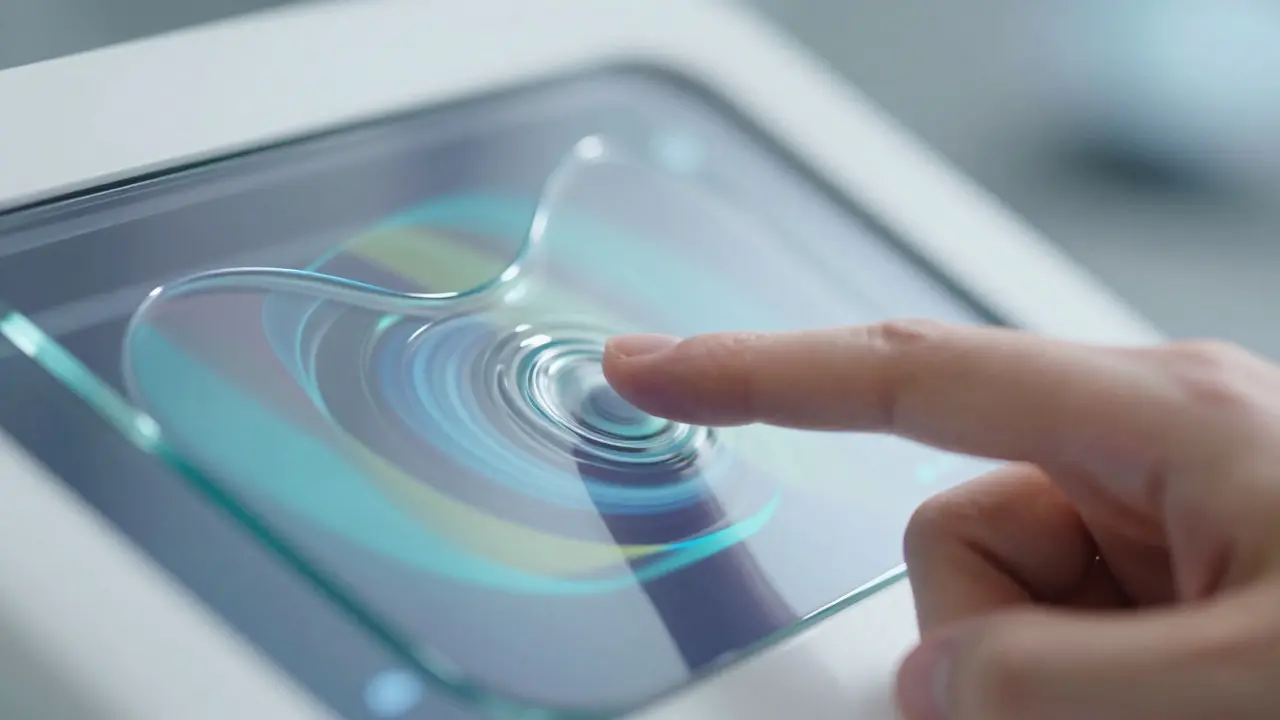
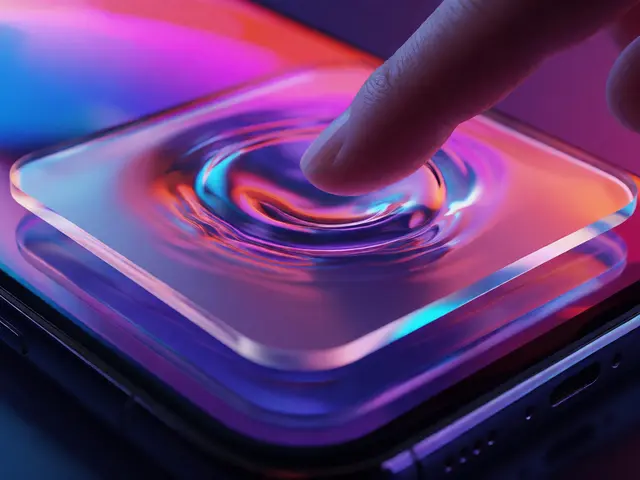
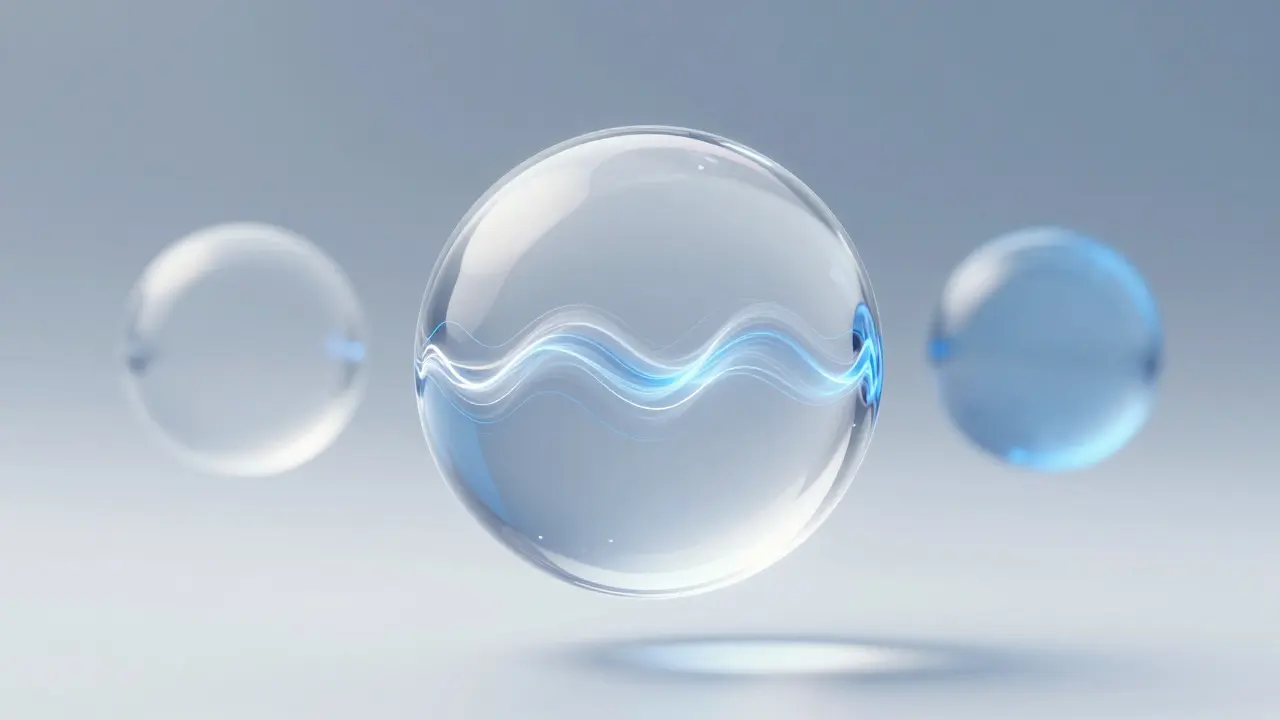
To integrate AI effectively, you first need to understand what makes Liquid Glass work visually. It relies on three key attributes: refraction, reflection, and depth. Refraction bends light through the material, creating subtle distortions that signal interactivity. Reflection captures ambient light from the user's environment, grounding the digital object in physical space. Depth is achieved through layered blurring, where background elements become softer as they move behind the glass. These aren't just decorative choices; they are functional cues. For instance, when an AI model processes data, the glass might subtly ripple or change opacity, indicating activity without requiring a loading spinner. This micro-interaction keeps the user informed while preserving the serene quality of the interface.
Mapping AI States to Visual Feedback
The most common mistake in AI integration is treating the model as a black box that outputs text. In a Liquid Glass context, the AI state itself should be visible. Consider a navigation assistant in a smart home app. Instead of a text bubble saying "Thinking...", the glass pane containing the map could slightly blur the background details, signaling that the system is analyzing traffic patterns. Once the route is calculated, the clarity returns, and the path appears etched into the glass. This mapping of internal states to visual properties creates a direct feedback loop. Users learn to read the interface intuitively, reducing the need for explicit labels. Here is how you can map common AI states to visual changes:
- Idle State: High transparency (85-90%), static refraction, minimal border glow.
- Processing State: Slight increase in blur radius, dynamic refraction patterns moving slowly, opacity drops to 70%.
- Active/Response State: Sharp edges, increased contrast on text elements, subtle pulse effect on borders to draw focus.
- Error State: Cool blue tint shift, reduced saturation, static distortion to indicate a frozen process.
Practical Implementation Strategies
Implementing this requires a shift in how we structure our code. Traditional CSS transitions aren't enough for the fluid dynamics of Liquid Glass. You often need to leverage WebGL or Metal shaders to achieve real-time refraction effects that respond to device orientation. However, performance is critical. Heavy shader calculations can drain battery life on headsets like the Apple Vision Pro or Meta Quest 3. The solution is to limit the area affected by complex shaders. Apply the heavy liquid effects only to interactive elements, keeping the rest of the interface as lightweight standard materials. Additionally, use machine learning models optimized for edge devices. Running a large language model locally ensures low latency, which is essential for the seamless feel of the glass interface. If there is a lag between user action and visual response, the illusion of fluidity breaks.
Comparing Traditional vs. Liquid Glass AI Integration
To visualize the difference, let's compare a standard dashboard approach with a Liquid Glass AI approach. The table below highlights the key distinctions in user experience and technical requirements.
| Feature | Traditional Flat UI | Liquid Glass AI Layer |
|---|---|---|
| Attention Mechanism | Explicit pop-ups and modals | Subtle material changes and peripheral cues |
| Cognitive Load | High due to visual interruption | Low due to integrated feedback |
| Technical Complexity | Standard DOM manipulation | Requires GPU-accelerated shaders and real-time rendering |
| User Trust Factor | Moderate; users ignore frequent alerts | High; consistent, non-intrusive behavior builds confidence |
| Best Use Case | Data entry and form completion | Spatial navigation, ambient monitoring, and contextual assistance |
Common Pitfalls to Avoid
Even with the best intentions, designers can ruin the calm aesthetic. One major pitfall is over-animation. If the glass ripples constantly, it becomes distracting noise. Reserve dynamic movement for moments of actual computation or user interaction. Another mistake is ignoring accessibility. High transparency can make text hard to read for users with low vision. Always ensure that text contrast ratios meet WCAG standards, even if the background is blurred. You might need to dynamically adjust the glass opacity based on the content type. Finally, avoid mixing metaphors. Don't combine the organic flow of Liquid Glass with rigid, industrial-style icons. The visual language must remain consistent to maintain the sense of cohesion. If the AI suggests a next step, present it within the same glass container, not in a separate widget that clashes stylistically.
Future Implications for Ambient Computing
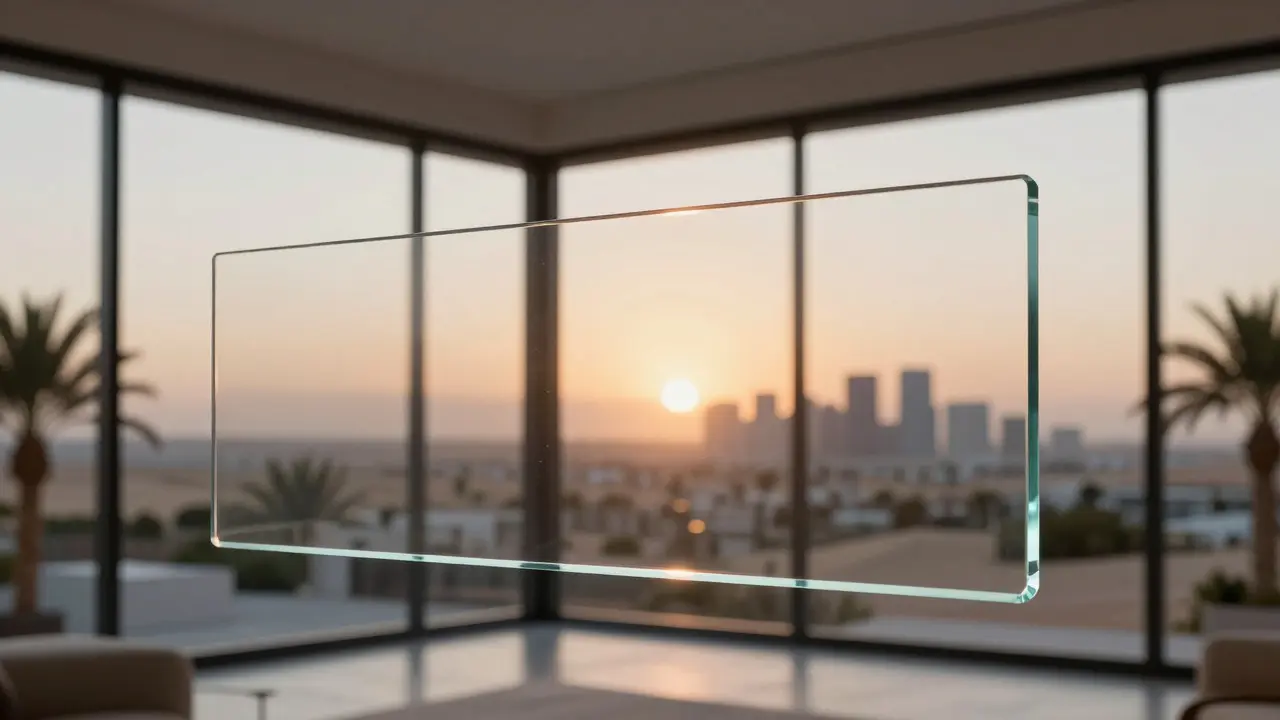
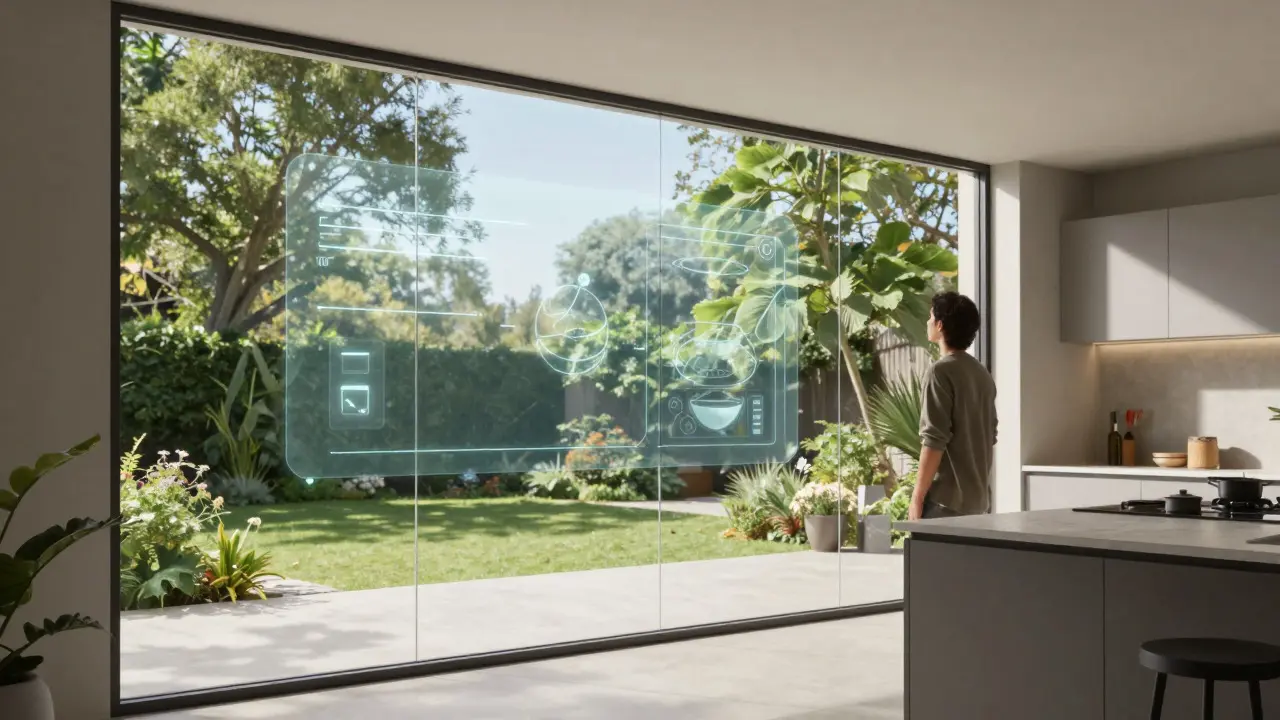
As hardware improves, the line between digital and physical will continue to blur. Liquid Glass serves as a bridge, allowing AI to exist in spaces without dominating them. Think about a kitchen where a recipe assistant projects steps onto a glass window. The glass remains transparent enough to see outside, but the text floats clearly above the scene. The AI adjusts the brightness of the text based on outdoor lighting conditions automatically. This level of adaptability is only possible when the interface material is flexible enough to accommodate environmental variables. By presenting intelligence as a calm layer, we move away from the idea of computers as tools we operate and toward systems that inhabit our world quietly, supporting us without demanding our full attention.
What is Liquid Glass in UI design?
Liquid Glass is a visual design style that simulates the optical properties of physical glass, including refraction, reflection, and transparency. It is commonly used in spatial computing interfaces to create a sense of depth and integration with the physical environment.
How does AI integrate with this design style?
AI integrates by using visual changes in the glass material to represent its internal states. Instead of text-based status updates, the interface uses shifts in opacity, blur, and color temperature to indicate processing, idle, or error states, maintaining a non-intrusive user experience.
Is Liquid Glass suitable for all types of applications?
No, it is best suited for spatial computing, AR/VR, and ambient interfaces where continuity is important. For dense data entry or precise editing tasks, traditional opaque interfaces may still offer better readability and lower cognitive load.
What technologies are required to implement Liquid Glass?
Implementation typically requires GPU acceleration via WebGL or Metal shaders to handle real-time refraction and reflection effects. It also benefits from edge-computing capabilities to run AI models locally with low latency.
How do I ensure accessibility with transparent interfaces?
You must monitor contrast ratios dynamically. Since the background can vary, the system should adjust text color or glass opacity to ensure that content remains legible according to WCAG guidelines, regardless of the environment.