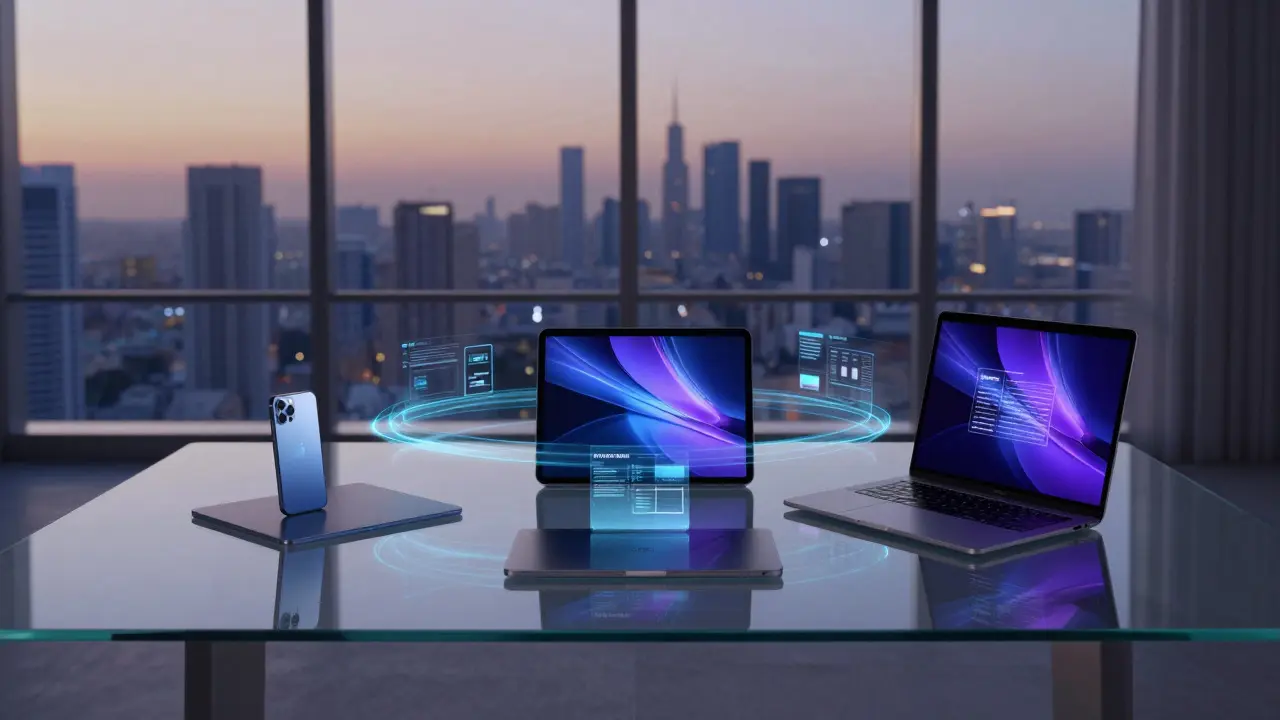

Imagine asking your iPhone for a summary of a meeting you just had on your Mac. You don't copy-paste notes or upload files to the cloud. The AI already knows what you discussed because it learned from your context across all three devices. This isn't science fiction; it’s the emerging reality of cross-device AI on Apple hardware. By August 2026, Apple has moved beyond simple feature parity to true continuity of learning, where your digital assistant remembers not just data, but behavioral patterns across your entire ecosystem.
The core promise here is seamless intelligence. If you start drafting an email on your iPad during a commute, finish it on your Mac at your desk, and send it from your iPhone in the elevator, the AI should treat this as one continuous workflow. It understands that the tone used on the iPad carries over to the Mac, and that the recipient's preferences learned on the iPhone apply to the final send. This level of integration relies heavily on the underlying architecture that connects these devices, moving away from siloed apps toward a unified neural network experience.
The Hardware Foundation: Neural Engines and Unified Memory
To understand how this works, we have to look under the hood. Apple’s approach differs significantly from competitors who rely almost exclusively on server-side processing. Instead, Apple prioritizes on-device computation using the Neural Engine is a dedicated coprocessor within Apple Silicon chips designed to accelerate machine learning tasks locally. In the M4 Pro and M4 Max chips found in current Macs, as well as the A18 Pro in iPhones, this engine handles billions of operations per second without draining the battery excessively.
This local processing is crucial for privacy and speed. When you use dictation on your iPhone, the speech-to-text model runs locally. But the "learning" part-adjusting to your specific vocabulary, accents, or frequent phrases-requires a more complex system. Here, iCloud Private Cloud Compute is Apple's secure infrastructure that allows heavy AI models to run on servers while keeping user data encrypted and separate from other users' data. It acts as the bridge. Lightweight models run on your device for immediate responses, while heavier, more context-aware models run in the private cloud, syncing insights back to your devices via iCloud is Apple's proprietary cloud storage and synchronization service that links iOS, iPadOS, and macOS devices.
How Continuity of Learning Actually Works
You might wonder: does my Mac really know I prefer concise emails when I'm on my phone? Yes, but it’s not magic. It’s a system of shared embeddings. Every time you interact with Siri or use built-in AI features like photo tagging or document summarization, your device generates vector representations of your intent and style. These vectors are small, anonymous mathematical fingerprints of your behavior.
- Capture: You edit a photo on your iPhone, cropping out a background. The local Neural Engine records this action as a preference for minimal backgrounds in professional contexts.
- Sync: This preference vector is encrypted and synced to iCloud Private Cloud Compute.
- Application: Later, when you open a similar photo on your Mac for a presentation, the AI suggests a clean crop automatically, mirroring your earlier choice on the iPhone.
- Refinement: If you reject the suggestion on the Mac, that negative feedback is also synced, refining the model for future interactions on all devices.
This loop happens in milliseconds. The key is that the raw data (your actual photos or emails) stays on your device or in encrypted storage. Only the learned patterns move between devices. This distinction is vital for maintaining trust while achieving fluidity.
Real-World Scenarios: From Note-Taking to Creative Work
Let’s look at concrete examples where this shines. Consider a student using an iPad for class notes. They dictate lecture points, and the AI organizes them into bullet points based on semantic importance. At home, they switch to their MacBook to write an essay. The AI doesn’t just copy the notes; it recognizes the structure of the lecture and suggests an outline that mirrors the logical flow captured on the iPad. It even flags contradictions if the student wrote something different in their personal journal app on the iPhone.
For creative professionals, the impact is even more pronounced. A photographer editing images on an iPad can apply a specific color grading style. When they switch to a Mac running Final Cut Pro or Lightroom, the AI suggests applying that same grade to new footage, recognizing that the lighting conditions and aesthetic intent are consistent across sessions. This eliminates the tedious process of re-adjusting settings every time you switch screens.
| Feature | On-Device (Local) | Private Cloud Compute |
|---|---|---|
| Speed | Near-instantaneous (no network latency) | Fast, but dependent on connection quality |
| Privacy | Highest (data never leaves device) | High (end-to-end encryption, ephemeral processing) |
| Battery Impact | Moderate (uses Neural Engine efficiency) | Low (offloads work to servers) |
| Context Depth | Limited to recent local history | Deep, long-term behavioral patterns across all devices |
| Connectivity Requirement | None | Required |

Privacy and Data Sovereignty
A common concern is whether this constant syncing compromises privacy. Apple’s strategy relies on end-to-end encryption and hardware-based security keys stored in the Secure Enclave. Your AI preferences are tied to your hardware ID, meaning if you sell your iPhone, the next owner doesn’t inherit your writing style or photo preferences unless you explicitly transfer the account.
However, there are nuances. If you use third-party apps that integrate with Apple Intelligence, those apps may have their own data policies. The continuity of learning primarily applies to first-party experiences like Photos, Mail, Notes, and Safari. For third-party apps, the AI assists with generic tasks (like translation or summarization) but doesn’t necessarily share deep behavioral profiles unless you grant specific permissions. This separation helps maintain a clear boundary between your personal core data and app-specific usage.
Challenges and Limitations in 2026
Despite the advancements, cross-device AI isn’t perfect. One major limitation is the handling of conflicting signals. If you write formally on your Mac for work but casually on your iPhone for friends, the AI must distinguish between these contexts. It does this by tagging interactions with metadata (time of day, connected keyboard, active app). However, edge cases still exist. For instance, if you use your iPhone for both work and personal life, the model might occasionally blur the lines, suggesting a formal tone in a casual chat or vice versa.
Another challenge is storage overhead. While the vectors are small, the cumulative effect of syncing thousands of micro-decisions daily requires efficient compression algorithms. Apple has optimized this, but users with limited iCloud storage may find that AI-related data consumes more space than expected. It’s not massive, but it’s noticeable compared to older versions of iOS/macOS where only file data was synced.

Best Practices for Maximizing Cross-Device AI
To get the most out of this ecosystem, consistency is key. Keep your software updated across all devices, as AI models are frequently patched and improved via over-the-air updates. Ensure your iCloud account is fully set up with two-factor authentication to protect your behavioral data. Finally, be intentional about your inputs. If you want the AI to learn a specific style, reinforce it consistently across devices. If you dislike a suggestion, dismiss it firmly rather than just ignoring it, as explicit negative feedback is a stronger signal for the learning algorithm.
Also, consider using the same input methods where possible. Typing on a physical keyboard versus typing on a touchscreen generates slightly different interaction data. While the AI accounts for this, minimizing friction by using compatible accessories (like a Magic Keyboard for iPad) can help the system recognize you more accurately as a single user profile across platforms.
Frequently Asked Questions
Does cross-device AI require an internet connection?
Basic features like dictation and photo tagging work offline using the local Neural Engine. However, deep continuity of learning-where long-term preferences sync across devices-requires an internet connection to communicate with iCloud Private Cloud Compute. Once synced, the preferences are cached locally, so you can still benefit from them briefly without a connection.
Can I turn off cross-device AI learning?
Yes. You can disable specific AI features in Settings > Privacy & Security > Analytics & Improvements. To stop the syncing of behavioral data entirely, you can sign out of iCloud on one device, though this will also stop file and photo syncing. There is no granular toggle to keep file syncing but stop AI preference syncing, so users should weigh the convenience against privacy preferences carefully.
Which Apple devices support full cross-device AI continuity?
As of 2026, full support is available on iPhone 15 Pro and later, iPad Pro M4, and Macs equipped with M2 Pro or newer chips. Older devices may support basic on-device AI features but lack the processing power or software optimization for seamless cross-device behavioral syncing.
How much extra storage does AI data consume?
The behavioral vectors and preference data typically consume less than 1GB per year for average users. This is negligible compared to the terabytes of photos and videos stored in iCloud. However, if you use heavy generative AI features that cache large model weights locally, you might see a temporary increase of 5-10GB until the cache clears.
Does the AI track my location for better suggestions?
Location data is used sparingly and often anonymized. For example, knowing you are in a "work" zone (based on Wi-Fi networks) helps the AI suggest formal email templates. This data is processed locally or in the private cloud and is not sold to third parties. You can check which apps access location services in Settings to ensure transparency.