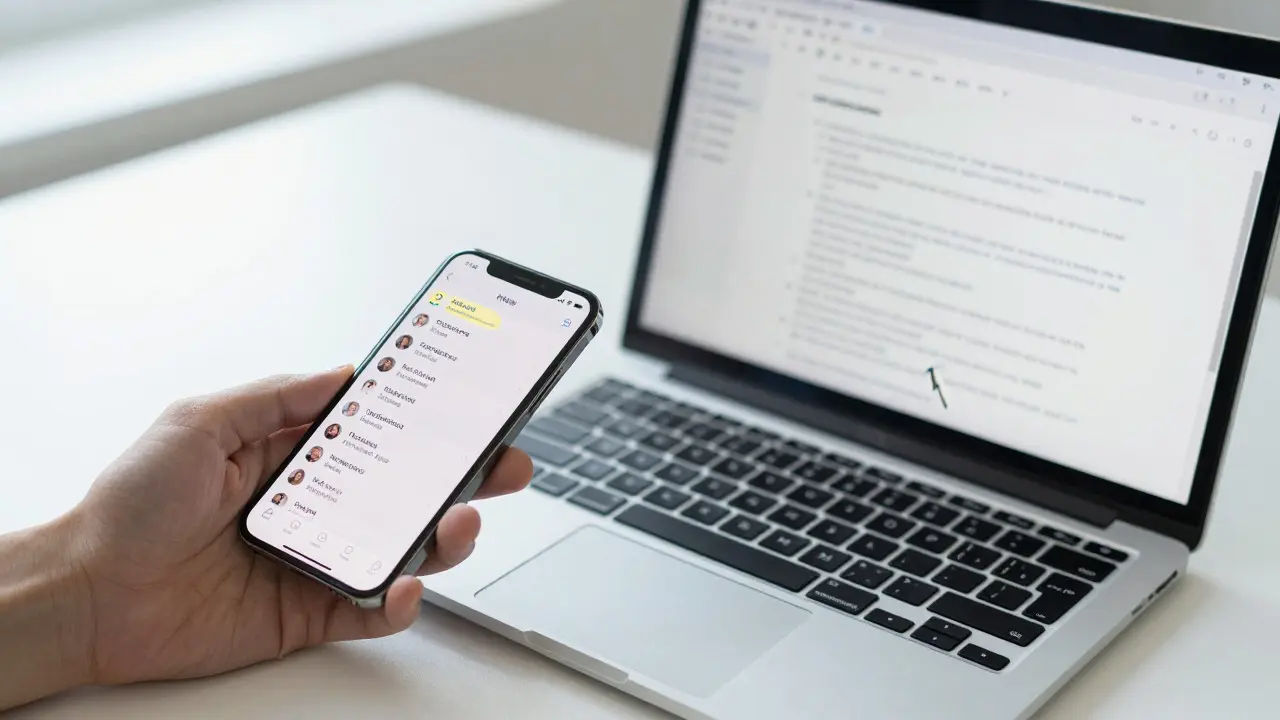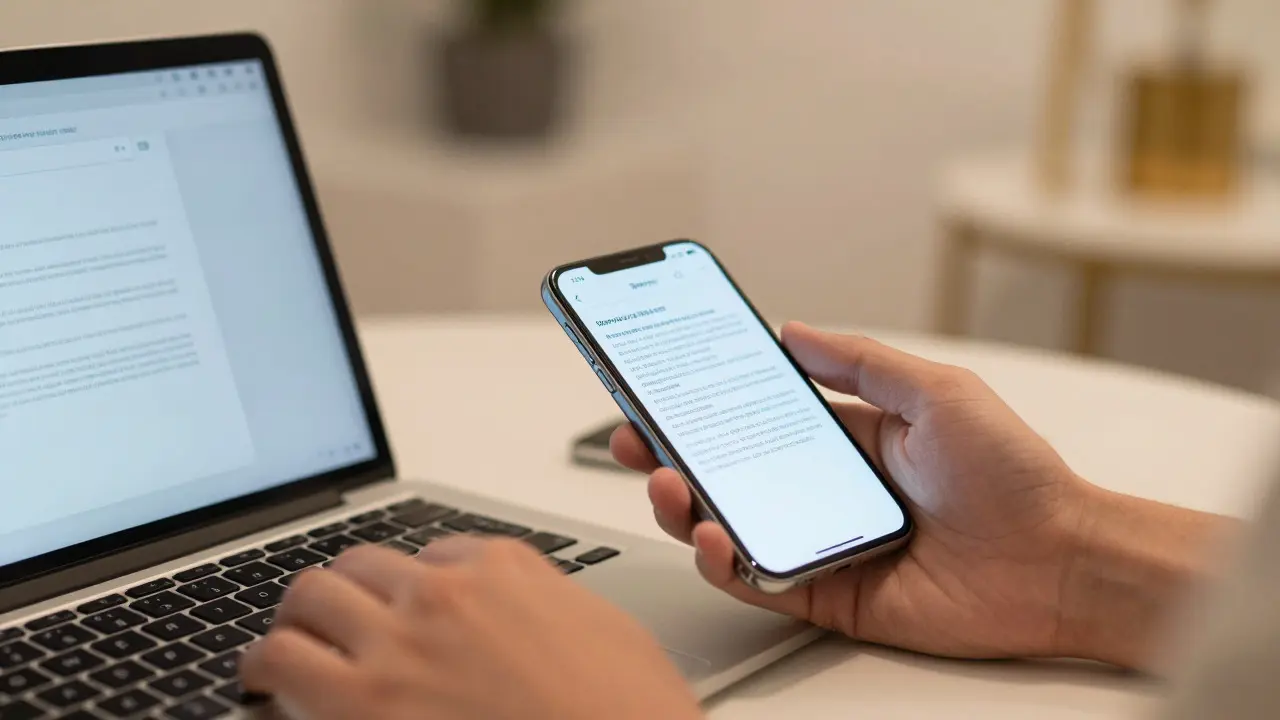

Imagine you are typing a draft on your Mac when your phone buzzes. You don't pick it up to check the notification; instead, you grab your iPhone, and the cursor is already waiting in the same document. That is Apple Handoff a feature that allows users to start a task on one Apple device and continue it instantly on another. It is not just a tech trick; it is a fundamental shift in how we think about digital workflows. For designers and developers, understanding this mechanism reveals how Apple integrates hardware and software to create an ecosystem that feels less like a collection of gadgets and more like a single, fluid interface.
The Core Mechanics of Continuity
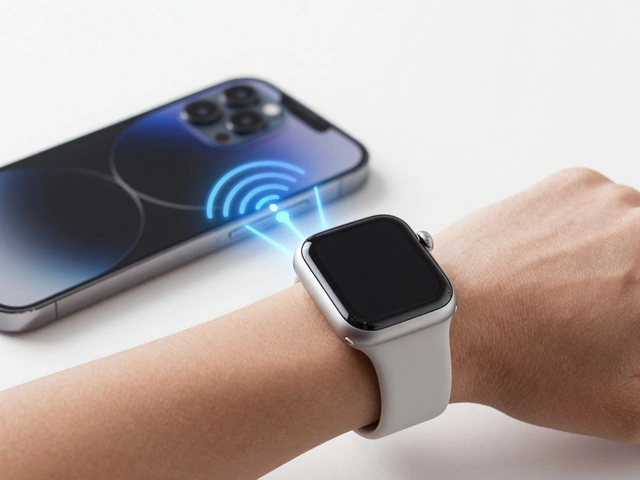
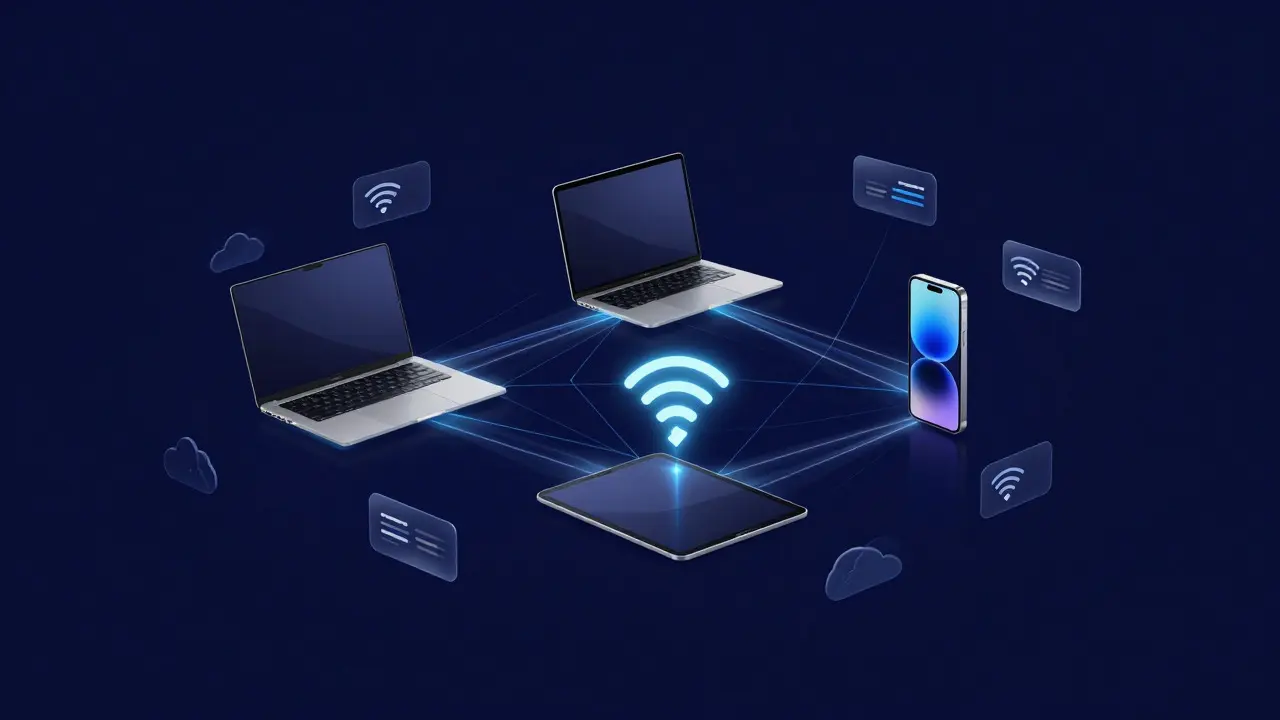
At its heart, Continuity the overarching framework for cross-device features on Apple platforms relies on tight synchronization between devices. This isn't magic; it is rigorous engineering. The system uses Bluetooth Low Energy (BLE) to detect when two devices are nearby and Wi-Fi Direct to transfer data quickly once they are close enough. But the real glue is iCloud. Every action you take is synced through your Apple ID, ensuring that state-like where you left off in a video or what text you copied-is available across the board.
This infrastructure supports several specific tools. Universal Clipboard allows copying text or images on one device and pasting them on another is perhaps the most used. If you copy a link on your iPad, you can paste it into a browser on your Mac without opening any apps. Similarly, AirDrop enables direct peer-to-peer file sharing between Apple devices handles larger files by creating a temporary local network, bypassing cloud latency entirely. These features work together to remove friction from the user's day.
Why Seamless Transitions Matter for UX
From a design perspective, the goal is invisibility. The best cross-device flow is one the user doesn't notice. They don't think, "I need to sync my notes now." They just move their hand from the keyboard to the phone, and the context follows. This requires consistent visual language. Icons must look identical whether rendered on an OLED screen or an LCD display. Typography scales proportionally so that a headline on a MacBook Pro matches the hierarchy on an iPhone SE.
However, consistency alone isn't enough. The transition must be fast. If there is a lag of even two seconds between picking up the phone and seeing the content, the illusion breaks. Users perceive delay as brokenness. Apple addresses this by pre-loading states on nearby devices. When your laptop sleeps, it pushes the current app state to your phone if it detects proximity. This proactive approach keeps the user in a flow state, which is critical for productivity tasks like writing, coding, or designing.
| Feature | Primary Use Case | Underlying Technology | Latency Expectation |
|---|---|---|---|
| Handoff | Resuming apps/tasks | iCloud + BLE | < 1 second |
| Universal Clipboard | Cross-device copy/paste | Bluetooth + Local Sync | Near-instant |
| AirDrop | Large file transfer | Wi-Fi Direct | Variable (size-dependent) |
| Instant Hotspot | Shared internet access | Personal Hotspot API | ~5 seconds |
Designing for the Ecosystem: Best Practices
If you are building an app or service that aims to integrate with this ecosystem, you need to respect these patterns. First, ensure your app saves state aggressively. Don't wait for the user to hit 'save.' Update the local database or cloud backend on every significant change. Second, use standard UI components wherever possible. Custom widgets often break continuity because they rely on local resources that aren't synced. By using native controls, you inherit the platform's ability to render those elements correctly on other screens.
Third, consider the physical context. A user might switch from a large desktop monitor to a small phone screen while walking. Your layout must adapt not just in size, but in interaction model. Touch targets need to be larger on mobile. Gestures should replace mouse hover effects. This adaptive design ensures that the 'seamless' feel isn't compromised by poor usability on the receiving device.

Challenges and Pitfalls
Despite the polish, there are friction points. Battery life is a major concern. Keeping multiple devices awake and syncing constantly drains power. Developers must optimize background processes to minimize energy usage. Another issue is privacy. Since data moves between devices locally, users worry about interception. Apple mitigates this with end-to-end encryption during transfers, but users still need clear indicators showing when data is being shared. Transparency builds trust.
There is also the problem of device fragmentation. Not all Apple devices support all features equally. An older iPhone might lack the processing power to handle complex Handoff animations smoothly. Designers should test on the oldest supported hardware to ensure the experience remains acceptable, even if it isn't perfect. Graceful degradation is key here.
The Future of Cross-Device Interaction
As mixed reality headsets like the Vision Pro enter the market, the concept of continuity expands beyond phones and laptops. Imagine adjusting a virtual window on your headset and then seeing that same window projected onto your desk via a smart speaker. The principles remain the same: low latency, consistent state, and intuitive transitions. The technology will evolve, but the human desire for a unified digital space won't change. We want our tools to follow us, not the other way around.
For now, mastering the existing suite of tools is essential. Whether you are a developer integrating APIs or a designer crafting interfaces, understanding how these pieces fit together allows you to build products that feel natural. The goal is simple: make the technology disappear so the user can focus on the task.
Does Apple Handoff work over cellular data?
Yes, but it works best over Wi-Fi. Handoff primarily uses local Bluetooth and Wi-Fi connections for speed and efficiency. If devices are not in the same location, iCloud syncs the state over the internet, which may take longer depending on network conditions.
Can I use Handoff with non-Apple devices?
Generally, no. Handoff is proprietary to the Apple ecosystem. While some third-party apps offer similar functionality, the native system-level integration only works between iOS, iPadOS, macOS, and watchOS devices signed in with the same Apple ID.
How do I enable Handoff on my Mac?
Go to System Settings > General > AirDrop & Handoff. Ensure 'Allow Handoff between this Mac and your iCloud devices' is toggled on. Make sure Bluetooth and Wi-Fi are enabled on both devices.
What happens if I turn off Bluetooth?
If Bluetooth is off, Handoff will not detect nearby devices automatically. You may still be able to resume tasks if the devices are connected via Wi-Fi and iCloud is active, but the automatic prompt to continue a task will likely fail.
Is Universal Clipboard secure?
Yes. Data transferred via Universal Clipboard is encrypted using keys derived from your device's Secure Enclave. This means the data is unreadable to anyone who isn't authenticated on your Apple ID, providing strong protection against eavesdropping.