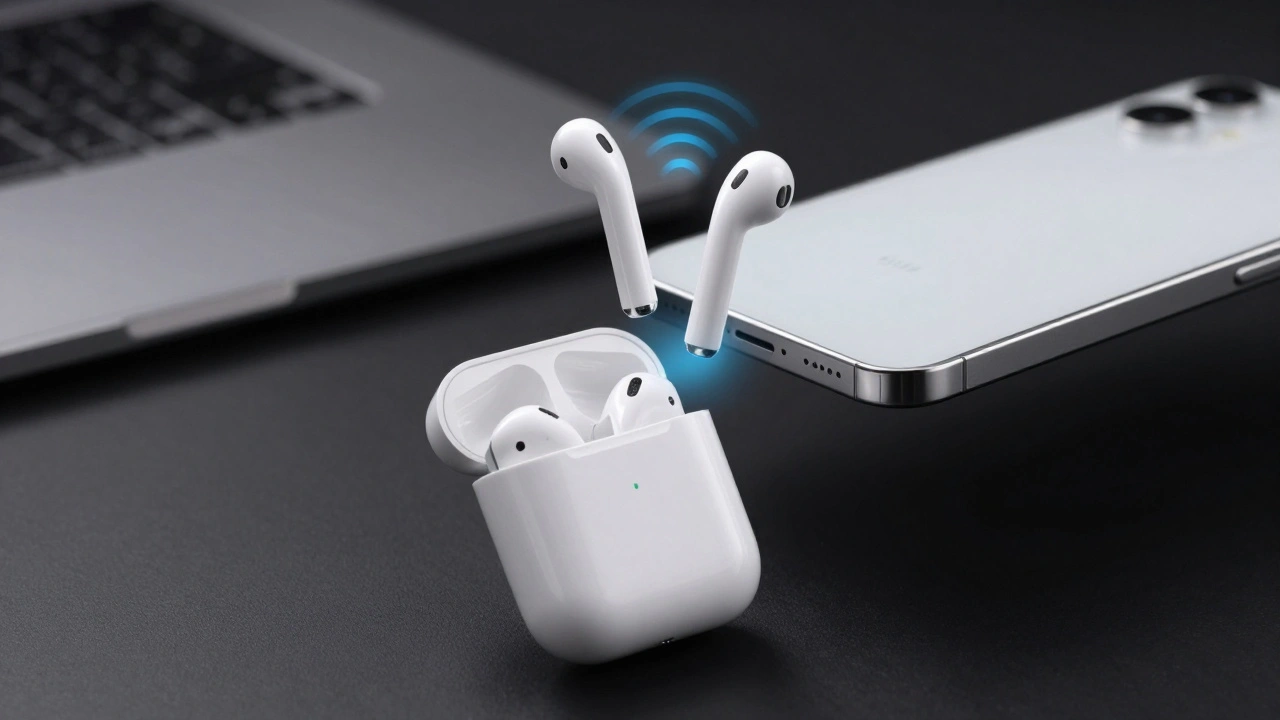

Think about the last time you paired a new Bluetooth speaker or headphones. You probably had to dig through settings, toggle switches, wait for a scan, and maybe even type in a PIN code. It’s tedious. Now think about opening an AirPods case near your iPhone. A card pops up. You tap Connect. Done. That gap between those two experiences is what we call low-friction setup, and it is the gold standard of modern user experience design.
As designers and developers, we are no longer just building apps; we are choreographing physical interactions. The goal is instant recognition-where the device knows you are there before you even touch it-and a setup process that feels like magic rather than configuration. This article breaks down how Apple achieves this using frameworks like Nearby Interaction and DockKit, and how you can apply these principles to your own hardware-software integrations.
The Anatomy of Instant Recognition
Instant recognition isn't just about speed; it's about context. When you bring an accessory close to an iPhone, the system needs to answer three questions immediately: What is this object? Is it safe? And what should I do with it?
Traditionally, Bluetooth Low Energy (BLE) handled the "what" by broadcasting simple IDs. But BLE is blunt. It tells the phone something is nearby, but not exactly where or how close. Enter Ultra-Wideband (UWB). By measuring the time-of-flight of radio signals, UWB gives devices centimeter-level precision regarding distance and direction. This allows for Nearby Interaction, which is a framework that enables fluid, interactive sessions between devices based on their relative physical positions.
When you combine BLE for basic discovery with UWB for spatial awareness, you get a pairing flow that reacts to physical movement. If you point your phone at a compatible accessory, the UI responds. This creates a direct cause-and-effect relationship in the user's mind. They don't feel like they are managing a network connection; they feel like they are interacting with a physical object.
- BLE Advertising: Used for initial detection and low-power listening.
- UWB Ranging: Provides precise distance and angle data for spatial triggers.
- NFC Tap: Acts as a deliberate "handshake" to initiate secure pairing without ambiguity.
Low-Friction Setup: Reducing Cognitive Load
Friction in UX comes from two sources: physical effort (taps, typing) and cognitive load (decisions, confusion). Apple’s pairing flows aim to eliminate both. The philosophy is simple: if the user has to think about whether they did the right step, the design has failed.
Consider the DockKit integration for gimbals. To pair an iPhone with a DockKit-enabled gimbal, the user follows a strict sequence:
- Unlock the iPhone.
- Unfold and power on the gimbal (indicator turns red).
- Hold the iPhone’s NFC reader against the gimbal’s sensing area.
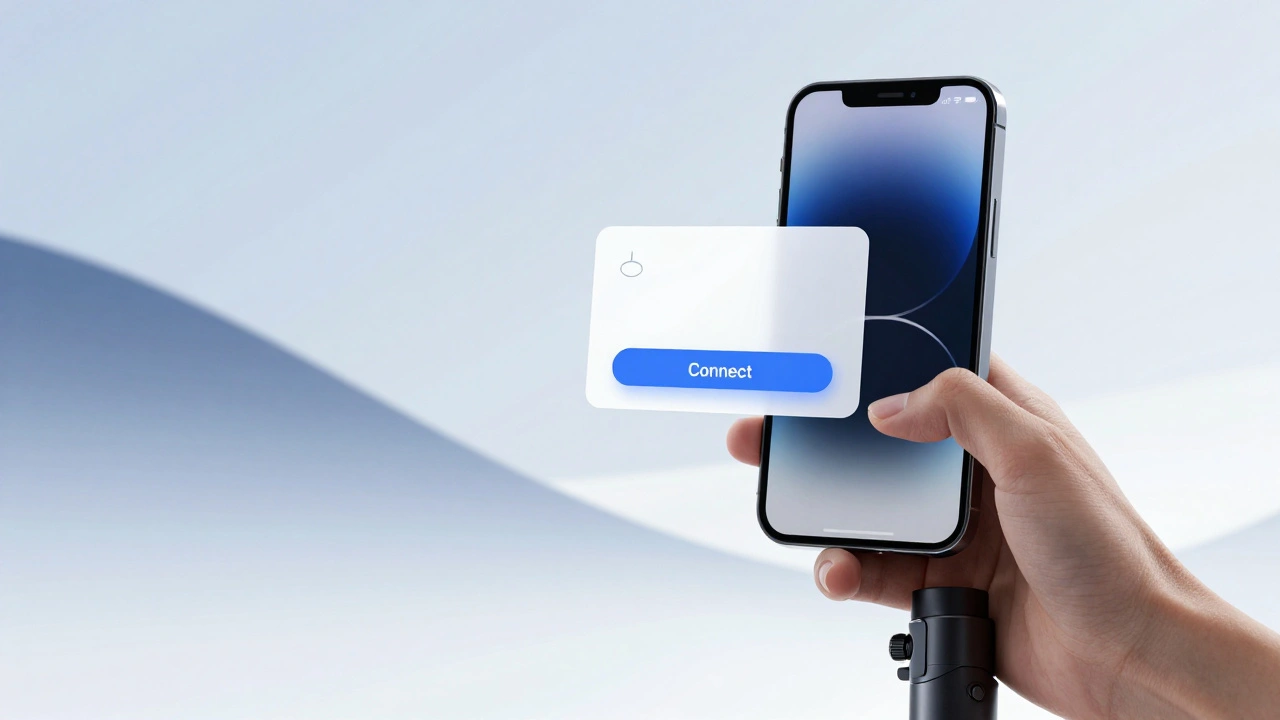
- Tap the "Connect" button on the system prompt.
- Place the phone in the magnetic clamp.
This looks like five steps, but notice what is missing. There is no menu navigation. No toggling Bluetooth manually. No entering serial numbers. The NFC tap acts as a trigger that wakes up the system-level UI. The "Connect" button is the only decision the user makes. Once paired, future sessions require zero input-the gimbal detects the phone and connects automatically.
This mirrors best practices in digital signup flows. Just as reducing form fields increases conversion rates, reducing physical taps increases adoption. By deferring advanced settings (like tracking sensitivity) until after the core connection is established, you practice progressive profiling. Get the user connected first; optimize later.
The Invisible Security Handshake
Speed cannot come at the cost of security. A major concern with instant pairing is spoofing-what if a malicious device mimics an accessory? Apple addresses this with an encrypted handshake that happens entirely in the background.
When the system presents the pairing card, it has already verified the accessory’s identity. The process binds the accessory to the user’s Apple ID, ensuring that the device appears on all other trusted devices signed into that account. This trust material is stored in secure components within the iPhone, preventing eavesdropping or man-in-the-middle attacks.
For designers, the key takeaway is separation of concerns. Hide the cryptography. Show the confirmation. The user sees a friendly product render and a single action button. They do not need to know about public keys or certificate exchanges. However, you must ensure that the visual feedback clearly indicates when this secure exchange is happening. An animation or progress indicator reassures the user that the system is working, preventing them from tapping repeatedly out of anxiety.
Spatial Interaction and Multi-Device Context
Apple’s design guidelines for spatial interaction emphasize that digital responses must match physical relationships. If two devices are brought together, the interface should react instantly. Delay kills the illusion of connectivity.
In a DockKit scenario, the pairing prompt only appears after the NFC tap. Why? Because simply being nearby isn't enough intent. The NFC tap confirms the user *wants* to interact. This reduces accidental prompts. Similarly, using Nearby Interaction, you can gate features based on orientation. For example, a camera app might only enable subject tracking when the phone is placed flat in the gimbal’s clamp, detected via accelerometer and proximity sensors.
| Method | User Effort | Intent Clarity | Best Use Case |
|---|---|---|---|
| Proximity Only (BLE) | Low | Low (accidental triggers) | AirPods cases, smart tags |
| NFC Tap | Medium | High (deliberate action) | Gimbals, payment terminals |
| UWB Directional | Low | Medium-High | Handoff between devices |

Best Practices for Designers and Developers
If you are building an accessory or an app that integrates with hardware, here are actionable rules to follow:
- Check Compatibility Early: Don’t let users go through a physical setup only to fail because their OS is too old. DockKit requires iPhone 12 or later running iOS 17.0+. Check these constraints before asking the user to unfold or power on the device.
- Use Multi-Modal Feedback: Visuals aren't enough. Use LEDs, haptics, and sound. In the DockKit example, the gimbal light changes from red (power on) to green (paired). This physical cue confirms success even if the user’s eyes are on the camera viewfinder.
- Minimize Visible Configuration: Hide IP addresses, MAC addresses, and firmware versions. Surface only the actions that matter: Connect, Cancel, or Configure Later.
- Handle Errors Gracefully: If pairing fails, don’t show a generic error code. Provide specific troubleshooting steps. For example: "Ensure Bluetooth is enabled and try tapping the NFC area again."
Future Directions: Beyond Simple Pairing
We are moving past simple binary connections (connected/disconnected). With the maturation of Nearby Interaction and UWB, we will see more directional handoffs. Imagine pointing your iPhone at a Mac to transfer a file, or holding a watch near a car to unlock it. These flows will rely on precise spatial data to trigger context-aware actions without any UI overlay.
The trend is clear: the interface is disappearing. The physical world is becoming the UI. As designers, our job is to make sure that when a user performs a natural physical action, the digital response is instantaneous, secure, and unmistakably correct.
What is the Nearby Interaction framework used for?
The Nearby Interaction framework uses Ultra-Wideband (UWB) technology to allow Apple devices to share their relative positions in physical space. This enables developers to create fluid, interactive experiences where devices respond to proximity, direction, and motion, rather than just simple presence detection.
Why does DockKit require an iPhone 12 or later?
DockKit relies on hardware capabilities introduced in the iPhone 12 series, including improved NFC readers and support for iOS 17.0+ frameworks that handle system-level robotics controls and seamless Camera app integration. Older devices lack the necessary processing power and sensor fidelity for this low-latency interaction.
How does Apple ensure security during instant pairing?
Apple uses an encrypted handshake that authenticates the accessory and binds it to the user’s Apple ID. This process generates long-term encryption keys and stores trust material in secure components, protecting against eavesdropping and spoofing while keeping the user interface simple.
What is the role of NFC in low-friction pairing?
NFC serves as a deliberate initiation trigger. Unlike passive Bluetooth scanning, tapping an NFC tag requires a specific physical action from the user. This confirms intent, reduces accidental pairing prompts, and securely passes initial identification data to the host device.
Can third-party accessories use these same pairing flows?
Yes, through programs like MFi (Made for iPhone) and frameworks like DockKit. Third-party developers can leverage system-level UI elements, such as the standardized "Connect" sheet, to provide a consistent and native-like experience for users, provided they meet Apple’s hardware and software requirements.