Wolf and Hare

Tag: Apple pairing flows

Designing Apple Pairing Flows: Instant Recognition and Low-Friction Setup
Designing Apple Pairing Flows: Instant Recognition and Low-Friction Setup
  • Elias Voss
  • Elias Voss

1/06
0

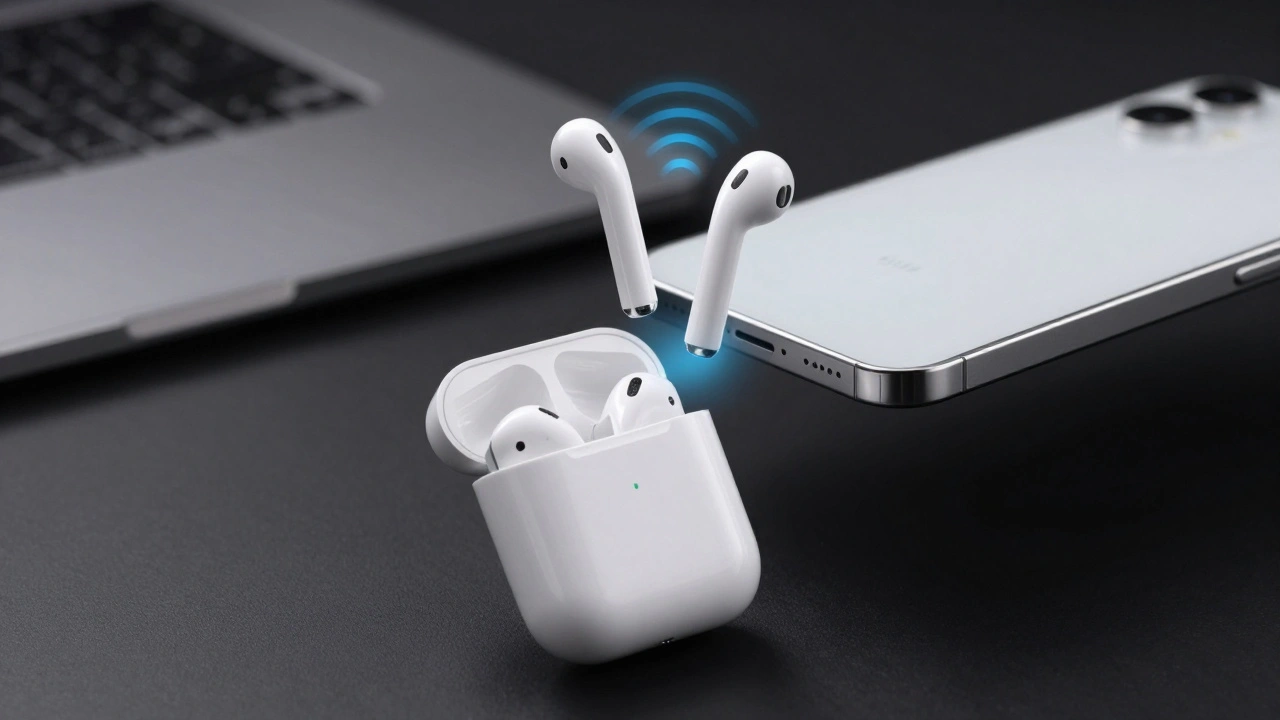
Explore how Apple designs instant recognition and low-friction pairing flows using Nearby Interaction, DockKit, and spatial cues to minimize user effort.

Read More...

Categories

  • Design & Technology (265)
  • Retail Design (15)
  • Design Tools (10)
  • Technology (7)
  • Design & Development (6)

Popular Articles

Cross-Channel Design: How Apple Aligns Its Website and Retail Stores

Feb 17 2026

Ecosystem Branding: How Apple Uses Visual Signals to Connect Its Products

Jan 21 2026

AssistiveTouch and Switch Control: Alternative Interaction Modes on Apple Devices

Jan 19 2026

Packaging as a UX Extension: How Apple Turns a Box into the First User Experience

Feb 3 2026

Alerts and Sheets on Apple Platforms: How to Prioritize User Choice Without Causing Panic

Feb 24 2026

Tags

  • Apple design
  • Apple ecosystem
  • industrial design
  • user experience
  • Apple typography
  • Apple Intelligence
  • Liquid Glass
  • inclusive design
  • Apple design philosophy
  • Apple Human Interface Guidelines
  • Apple packaging
  • Jony Ive
  • iOS design
  • unboxing experience
  • iOS 26
  • Apple accessibility
  • sustainable packaging
  • SF Pro
  • UI design
  • San Francisco font
Wolf and Hare

© 2026. All rights reserved.