Wolf and Hare

Tag: Nearby Interaction framework

Designing Apple Pairing Flows: Instant Recognition and Low-Friction Setup
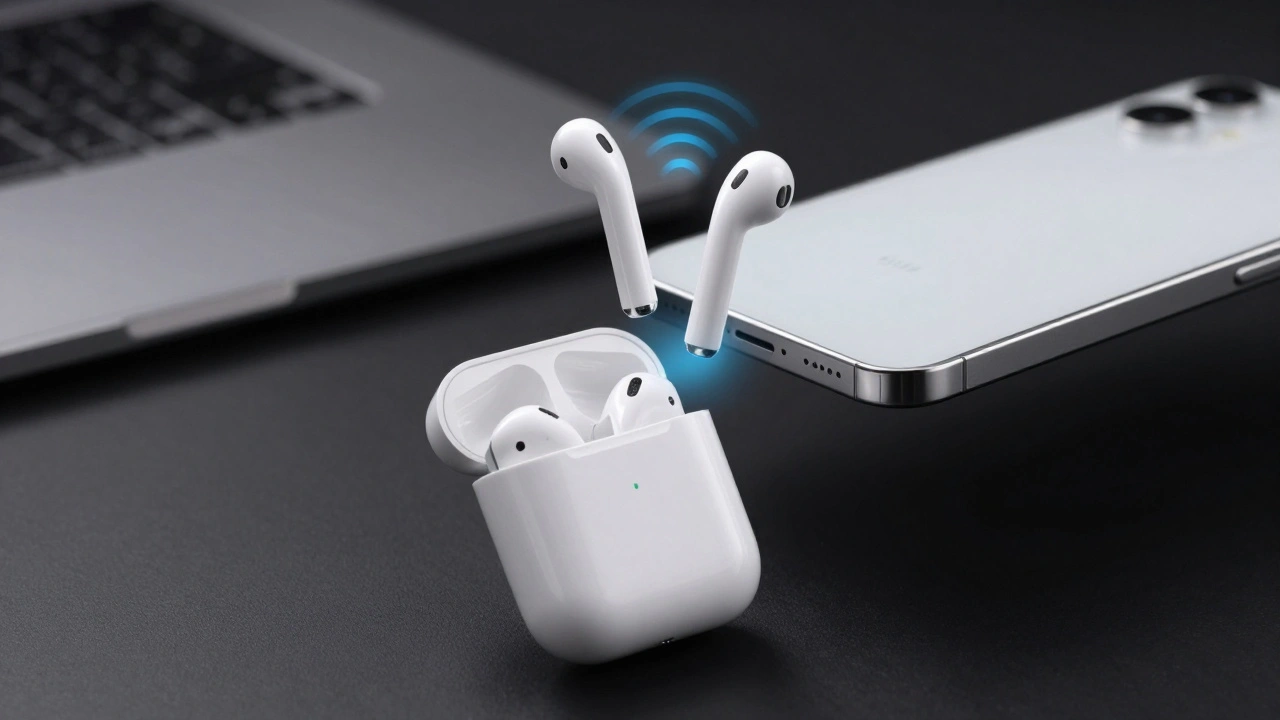
Designing Apple Pairing Flows: Instant Recognition and Low-Friction Setup
  • Elias Voss
  • Elias Voss

1/06
0

Explore how Apple designs instant recognition and low-friction pairing flows using Nearby Interaction, DockKit, and spatial cues to minimize user effort.

Read More...

Categories

  • Design & Technology (184)
  • Retail Design (8)
  • Design Tools (6)
  • Design & Development (6)
  • Technology (3)

Popular Articles

Shared iPad Setup: Privacy, Accounts, and Classroom Management Guide

May 30 2026

How iPad’s Aspect Ratio Shapes Split View and Stage Manager Interfaces

Mar 19 2026

Designing Apple Watch Straps: How Personalization Became a Core Hardware Feature

Mar 1 2026

Designing Widgets for Apple Platforms: At-a-Glance Value and System Harmony

Jan 21 2026

Why iPhone Edges, Rims, and Bezels Matter for Touch Accuracy

Dec 29 2025

Tags

  • Liquid Glass
  • Apple design
  • Apple typography
  • Apple ecosystem
  • inclusive design
  • Apple Human Interface Guidelines
  • Apple Intelligence
  • user experience
  • Apple design philosophy
  • unboxing experience
  • Apple packaging
  • iOS 26
  • San Francisco font
  • Apple accessibility
  • Apple industrial design
  • Jony Ive
  • industrial design
  • Apple retail design
  • Dynamic Type
  • Apple interface design
Wolf and Hare

© 2026. All rights reserved.