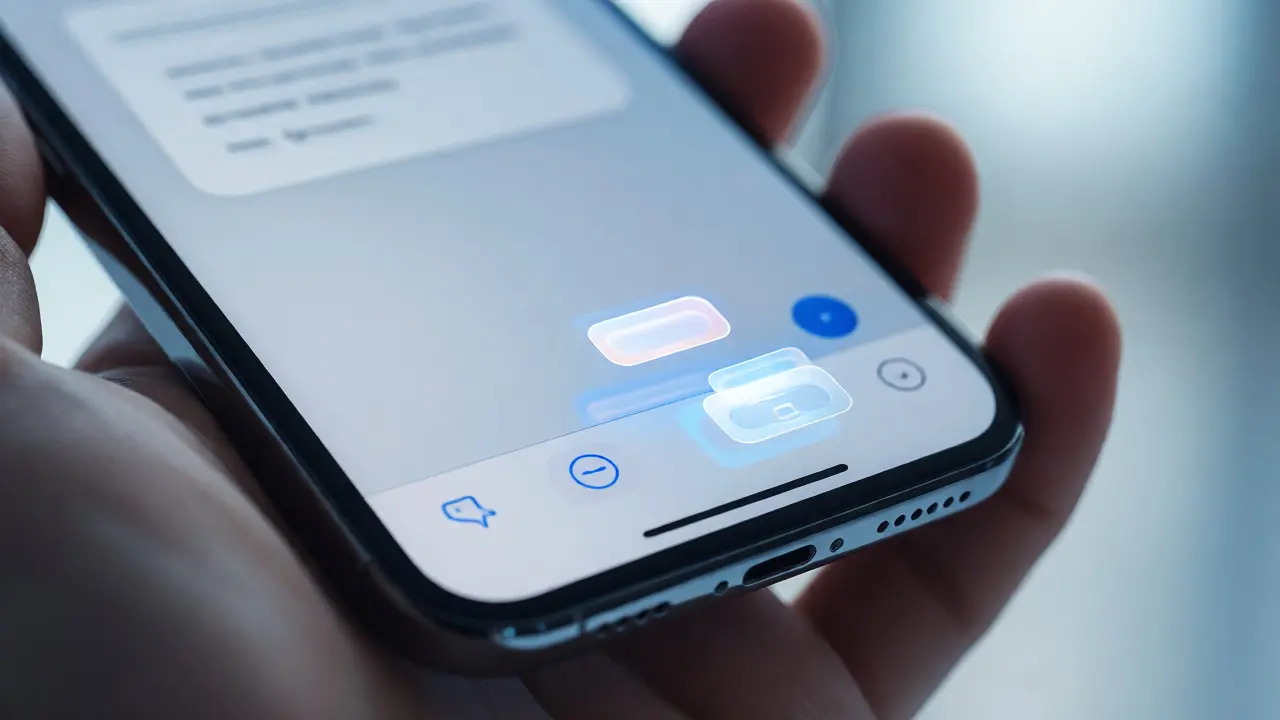

You tap the screen. You expect magic. Instead, you get a spinner that lasts three seconds too long, followed by a response that is technically correct but completely useless for what you were trying to do. This friction isn't a bug; it's a design choice. For years, Apple Intelligence has walked a tightrope between being helpful and being intrusive. The company’s approach to AI integration in its interfaces relies less on raw processing power and more on two specific design principles: contextual awareness and strict capability boundaries.
Most tech companies try to shove AI into every button and menu. Apple does the opposite. It waits. It watches. And when it speaks, it usually knows exactly why you’re asking. If you’ve ever wondered why your iPhone feels different from an Android device running similar specs, it’s not just hardware. It’s how the software handles the ambiguity of human intent. Let’s look at how this actually works under the hood, without the marketing fluff.
The Shift from Command-Based to Contextual Interaction
Traditional voice assistants operate on a command-and-control model. You say "Set timer," it sets a timer. You say "Play jazz," it plays jazz. This is brittle. If you change your mind mid-sentence, the system often fails. Siri, particularly in its recent iterations within iOS 26, has moved toward contextual prompting. This means the AI doesn't just listen to your words; it reads the room-digitally speaking.
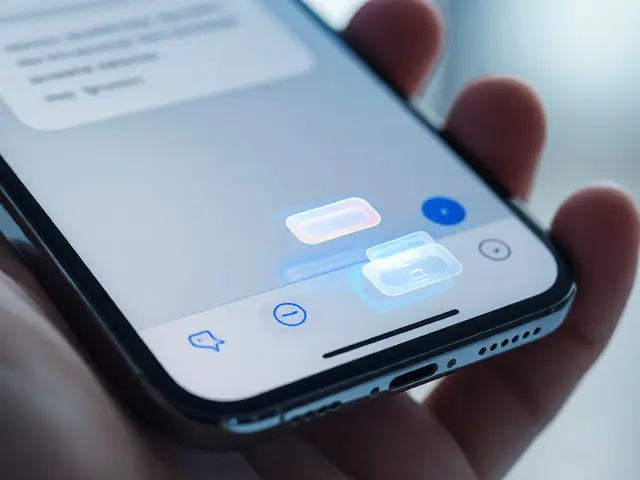
Imagine you are drafting an email in the Mail app. You type, "Can we reschedule?" In older systems, this was just text. Now, the interface recognizes the context. A subtle prompt appears near the send button: "Find open time in Calendar?" You didn’t ask for it. The system inferred it based on the semantic meaning of your draft and your current calendar status. This is contextual prompting. It reduces cognitive load because you don’t have to switch apps or remember commands. The AI anticipates the next logical step in your workflow.
This shift requires massive changes in how data is processed. To make these suggestions relevant, the system needs access to your local data-your emails, your messages, your calendar events. But here is the catch: Apple refuses to send all this raw data to the cloud. They use a hybrid architecture. Simple tasks stay on the device. Complex reasoning goes to the server, but only after stripping away personal identifiers. This balance is what keeps the experience fast while respecting privacy.
Defining the Walls: What Apple AI Won’t Do
One of the most confusing aspects of modern AI is over-promising. Users expect their phones to write novels, plan vacations, and diagnose illnesses. Apple draws hard lines around what its Neural Engine can handle locally versus what requires external help. These are capability boundaries.
Why does this matter? Because unmet expectations create distrust. If Siri tries to answer a complex legal question and gets it wrong, users stop trusting it with simple tasks like setting alarms. By clearly defining what the AI cannot do, Apple maintains reliability. For instance, generative image creation via Image Playground is limited to specific styles and subjects. It won’t generate photorealistic portraits of people you know unless you explicitly upload them, and even then, it processes those images on-device to prevent biometric data leakage.
These boundaries aren't arbitrary technical limitations; they are UX decisions. When the AI reaches its limit, it doesn’t hallucinate an answer. It hands off gracefully. It might say, "I found three related documents, but I can't summarize them all right now. Tap here to view." This transparency prevents the "black box" frustration common in other AI ecosystems.

On-Device Processing vs. Private Cloud Compute
To understand why Apple’s interfaces feel snappy yet private, you need to grasp the split between local and remote processing. Most competitors send everything to the cloud. Apple uses a tiered system.
| Processing Tier | Data Location | Latency | Privacy Model | Use Cases |
|---|---|---|---|---|
| On-Device (Neural Engine) | iPhone/Mac Chip | < 50ms | Total Local Isolation | Face ID, Basic Siri, Photo Search, Writing Tools |
| Private Cloud Compute | Apple Silicon Servers | ~200-500ms | Ephemeral Storage (No Retention) | Complex Summaries, Genmoji, Large Language Tasks |
| Third-Party Integration | External APIs (e.g., ChatGPT) | Variable | User Consent Required | Deep Research, Creative Brainstorming |
The first tier runs entirely on your A18 Bionic or newer chips. This includes features like Writing Tools, which rewrite sentences or proofread text instantly. Because no data leaves the phone, there is zero latency associated with network calls. The second tier, Private Cloud Compute, kicks in when the task exceeds the device's memory capacity. Crucially, Apple claims this data is never stored on their servers. It exists only in RAM during the transaction and vanishes afterward. This architectural distinction allows Apple to offer powerful features without turning your personal life into training data for a public model.
Designing for Uncertainty: The UI of "Maybe"
AI is probabilistic. It guesses. Designers hate uncertainty because it breaks predictable interaction patterns. How do you show a user that the AI thinks you want to book a flight, but it’s only 70% sure? Apple solves this with visual hierarchy and progressive disclosure.
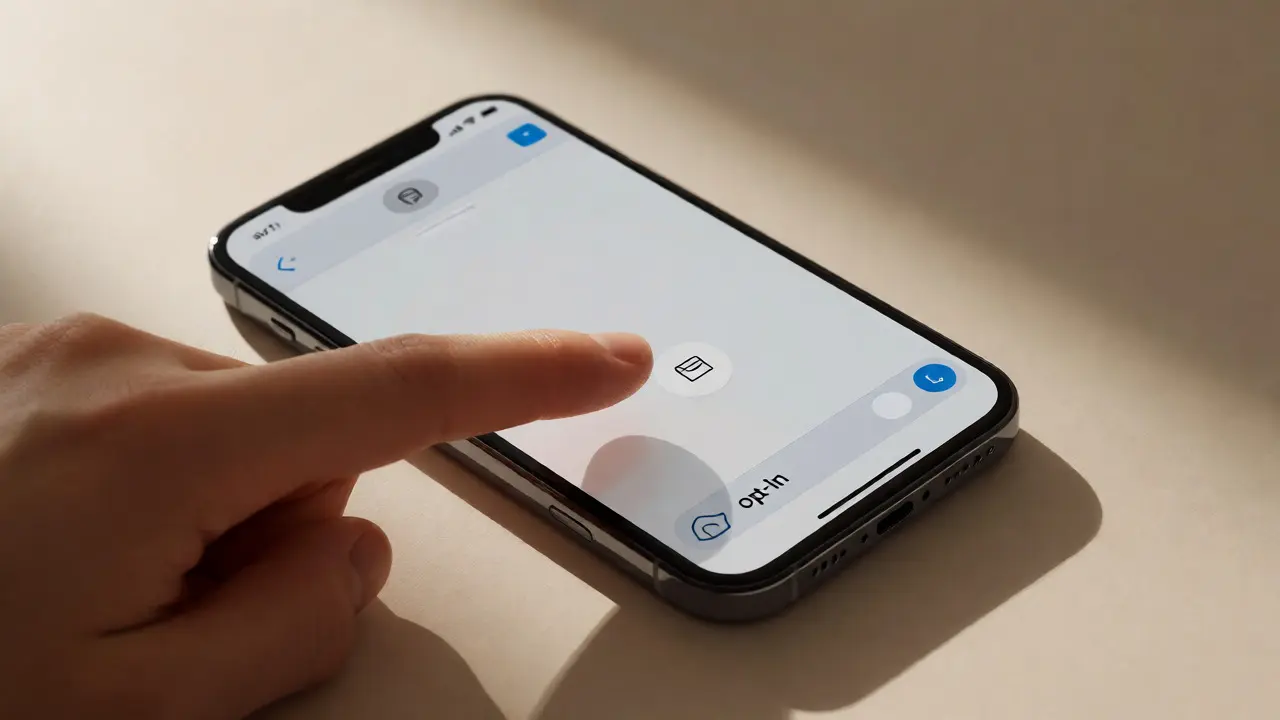
In the Messages app, if you receive a photo of a concert flyer, the AI doesn’t automatically add the event to your Calendar. That would be annoying if you already bought tickets elsewhere. Instead, it highlights the date and location in the text. A small icon appears next to it. Only when you tap that icon does the AI suggest creating an event. This gives the user control. It respects the boundary between suggestion and action.
This pattern repeats across the ecosystem. In Photos, facial recognition groups people automatically, but it asks for confirmation before naming them. In Safari, summaries appear as collapsible cards, not full-page takeovers. The interface always leaves an exit ramp. You can ignore the AI, dismiss it, or refine its output. This "opt-in" mentality is central to Apple’s design philosophy. It treats AI as a tool, not a master.
Integration with Third-Party Apps
Apple’s walled garden is cracking, but carefully. With the introduction of App Intents, developers can expose specific actions to the system-wide AI. Previously, Siri could only open apps. Now, it can perform deep tasks inside them. You can tell Siri, "Add milk to my Instacart list," and it will execute that command within the Instacart app without you opening it.
However, this integration comes with strict guidelines. Developers must define clear verbs and nouns for their services. They can’t just throw a vague API at the AI. This structure ensures consistency. Whether you’re using Spotify, Uber, or Notion, the way you phrase requests remains similar. This uniformity reduces the learning curve. You learn one syntax, and it works everywhere. It also helps the AI parse intent faster because the domain is constrained.
For users, this means fewer taps. For designers, it means thinking about how their app fits into a conversational flow. The challenge is avoiding redundancy. If every app tries to be a chatbot, the system becomes noisy. Apple mitigates this by prioritizing high-frequency tasks. If an action happens once a month, it probably shouldn’t be an App Intent. Keep the shortcuts for things you do daily.
The Future of Invisible AI
We are moving toward an era where you won’t notice the AI until it’s gone. The goal isn’t to have a robot friend living in your pocket. It’s to remove friction from digital tasks. Contextual prompts reduce decision fatigue. Capability boundaries prevent disappointment. On-device processing protects trust.
If you’re a designer or developer, the lesson here is clear: Don’t build AI features for the sake of novelty. Build them to solve specific, repetitive problems. Ask yourself: Does this save the user time? Does it respect their privacy? Can they undo it easily? If the answer is yes, you’re on the right track. If not, you’re just adding noise.
Does Apple store my data when using AI features?
For most basic tasks, no. Data stays on your device. For complex tasks requiring Private Cloud Compute, Apple states that data is used temporarily for processing and is not retained on their servers. It is not used to train third-party models.
Why does Siri sometimes fail to understand context?
Siri relies on local heuristics and limited context windows to maintain speed and privacy. If the conversation drifts far from the initial topic or involves highly specialized knowledge not present in the on-device model, it may lose track. It prioritizes accuracy over guessing wildly.
What is Private Cloud Compute?
It is a new architecture introduced by Apple where complex AI requests are sent to dedicated Apple Silicon servers. Unlike traditional cloud computing, this environment guarantees that user data is encrypted, processed in memory only, and never written to disk, ensuring it cannot be accessed by Apple or anyone else.
Can I disable contextual prompts in iOS?
Yes. While you cannot turn off the underlying intelligence engine, you can disable specific suggestions in Settings under Apple Intelligence & Siri. You can choose which apps contribute to contextual understanding, effectively limiting the scope of the AI’s awareness.
How does Apple AI compare to Google Gemini in terms of privacy?
Google typically processes more data in the cloud and uses user interactions to improve its general models. Apple focuses on on-device processing and ephemeral cloud compute. Apple’s model is designed so that your personal data does not become part of the global training set, whereas Google’s approach is more integrated with its broader advertising and search ecosystem.
Categories
Popular Articles