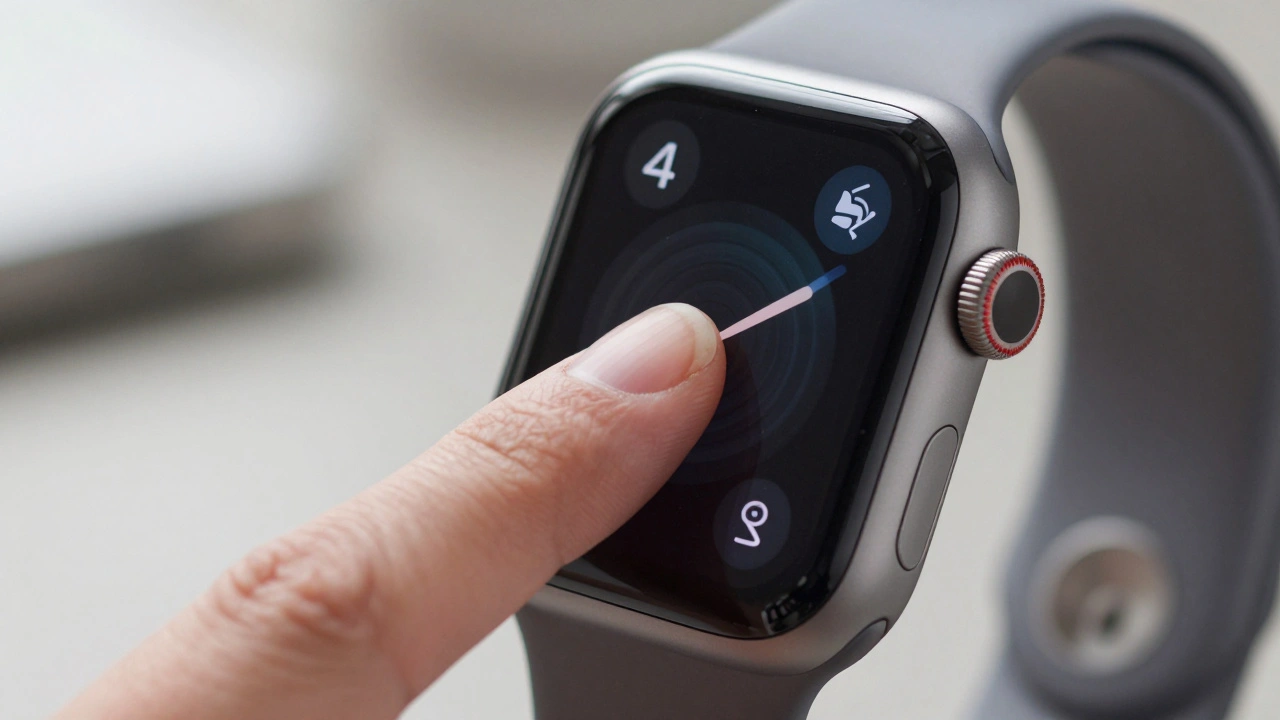

Remember the satisfying click you used to get when pressing hard on your Apple Watch screen? That haptic snap was the signature of Force Touch, a pressure-sensitive technology that defined early wearable interaction. If you’ve been wearing an Apple Watch since 2015, this gesture felt like magic. Press firmly to change watch faces, swipe up to clear notifications, or reveal hidden menus in apps like Weather and Messages. It was intuitive-until it wasn’t.
In September 2020, with the release of watchOS 7, Apple quietly pulled the plug on Force Touch. No fanfare, no apology-just a silent shift in how we interact with our wrists. For millions of users, the sudden disappearance of this feature caused confusion. Where did the menu go? Why doesn’t my long-press work anymore? The transition from pressure-based inputs to simplified gestures marked one of the most significant UX shifts in wearable history. But why did Apple make this change, and what does it mean for how we use our watches today?
The Rise and Fall of Force Touch
Force Touch debuted alongside the first-generation Apple Watch in April 2015. At its core, it relied on specialized hardware: pressure sensors beneath the display paired with a taptic engine to deliver precise haptic feedback. This allowed the system to distinguish between a light tap and a firm press, unlocking contextual actions without cluttering the tiny screen.
Initially, the innovation seemed brilliant. Developers could embed secondary functions behind a simple press, maximizing space efficiency. However, as time passed, cracks appeared. Many users struggled with the calibration required to trigger Force Touch reliably. Was it too soft? Too hard? According to internal metrics leaked in 2021, novice users achieved only a 63.2% success rate with Force Touch compared to 89.7% for the newer long-press gestures introduced later.
Moreover, maintaining the hardware added complexity. Each unit required additional components, increasing manufacturing costs by approximately $3.50 per device-a figure confirmed by iFixit’s teardown analysis in October 2020. With diminishing returns on user adoption, Apple faced a choice: keep investing in a niche interaction model or simplify the experience entirely. They chose simplicity.
What Replaced Force Touch in watchOS 7?
When watchOS 7 launched on September 16, 2020, Apple replaced Force Touch with three primary alternatives:
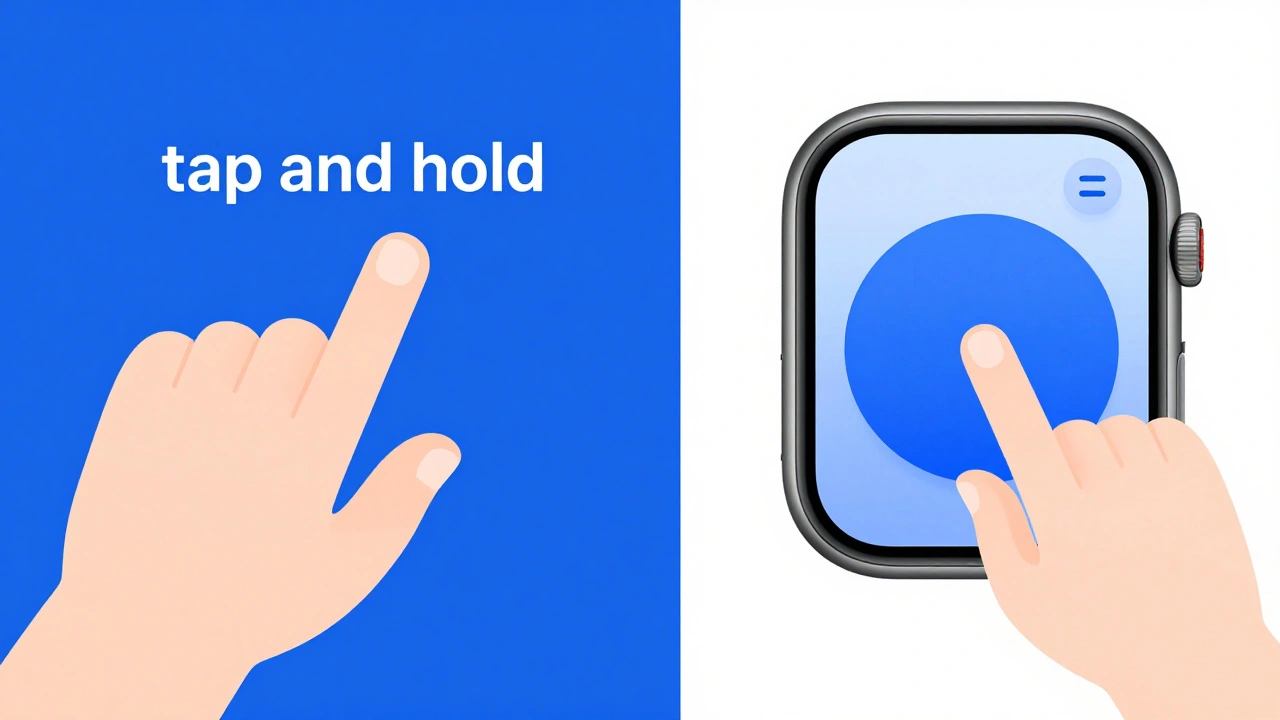
- Long-Press Gestures: Holding your finger on the screen now triggers context menus instead of applying pressure. For example, customizing your watch face requires tapping and holding rather than pressing firmly.
- Three-Dot Menus: Apps like Weather and Messages moved their hidden options into vertical scrolling menus accessible via a three-dot icon at the bottom-right corner of the screen.
- Dedicated UI Buttons: Functions previously tied to Force Touch, such as clearing all notifications or creating workouts, were relocated to visible buttons within respective screens.
This overhaul aimed to reduce ambiguity. Instead of guessing whether you pressed hard enough, users receive consistent haptic feedback regardless of force applied. While some longtime fans mourned the loss of tactile nuance, data suggests the new system improved accessibility and ease of use across diverse demographics.
| Feature | Before (Force Touch) | After (Gestures) |
|---|---|---|
| Watch Face Customization | Firm press on any part of the screen | Tap and hold anywhere on the screen |
| Clear All Notifications | Force touch the screen | Tap "Clear All" button at the bottom |
| Access Hidden Menus | Contextual firm presses | Three-dot menu icons or dedicated buttons |
| Haptic Feedback Consistency | Varies based on pressure sensitivity | Uniform response regardless of input strength |
Introducing Assistive Touch: A Radical Shift
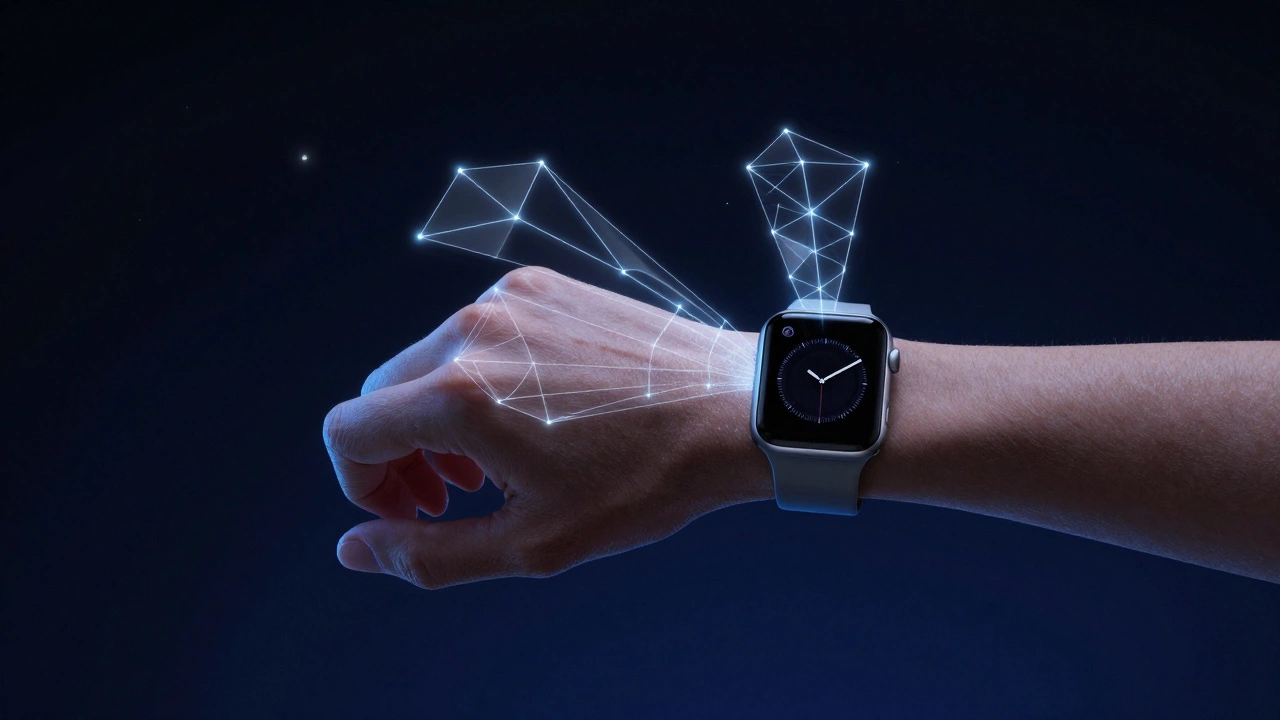
If removing Force Touch felt disruptive, introducing Assistive Touch in watchOS 8 took things further. Available exclusively on Apple Watch SE, Series 6, and Series 7 models, this accessibility feature allows users to control the interface through hand gestures alone-no screen contact required.
Imagine pinching your fingers together to open the app grid, clenching your fist to return home, or shaking your wrist to dismiss alerts. These movements are detected using advanced machine learning algorithms trained to recognize subtle motion patterns. In controlled testing environments, Assistive Touch achieves an impressive 92% accuracy rate, according to Apple’s internal reports from October 2021.
While initially designed for individuals with mobility impairments, many able-bodied users have embraced Assistive Touch for convenience. One Reddit user noted after wrist surgery: “Assistive Touch has been life-changing-I can control my Watch without touching the screen.” Others appreciate its utility during workouts when sweaty hands make traditional taps unreliable.
However, adopting these gestures comes with trade-offs. Battery consumption increases by approximately 7.3%, as documented by Macworld’s benchmark tests in November 2021. Additionally, mastering the motions takes practice; UX Collective found that users needed an average of 11.3 hours to fully adapt, with older adults requiring nearly double that time.
Why Did Apple Make This Change?
Several factors drove Apple’s decision to abandon Force Touch:
- User Confusion: Despite being marketed as intuitive, Force Touch often left users unsure if they’d executed the gesture correctly. Long-presses eliminate guesswork.
- Hardware Simplification: Removing pressure sensors reduced production costs and streamlined assembly processes. By eliminating four key components, Apple saved resources while improving durability.
- Accessibility Improvements: Gesture-based systems cater better to users with physical limitations, aligning with Apple’s broader commitment to inclusive design.
- Industry Trends: Competitors like Samsung followed suit, adopting similar long-press replacements in devices like the Galaxy Watch 5 released in August 2022.
From a strategic standpoint, this move reinforced Apple’s philosophy of reducing interaction dimensions to create more consistent experiences. As stated in their updated Human Interface Guidelines (June 22, 2020): “Reducing interaction dimensions creates more consistent, accessible experiences.”
How Users Adapted Over Time
The initial reaction to losing Force Touch was mixed. Early reviews of watchOS 7 averaged just 3.7 out of 5 stars, with navigation changes cited as the top complaint in over 63% of negative feedback. Yet sentiment shifted dramatically by watchOS 8’s release, where ratings climbed to 4.2 out of 5 stars.
Tutorials played a crucial role in easing the transition. YouTube videos explaining the new gestures garnered hundreds of thousands of views, demonstrating sustained interest in mastering the updated paradigm. Tech reviewer iDeviceHelp’s tutorial titled “watchOS 7 Tips: Force Touch is Dead, Now What?” accumulated 487,000 views as of May 2026, highlighting ongoing demand for guidance.
Market retention figures tell another compelling story. Counterpoint Research reported that Apple Watch maintained a dominant 53.2% share of the smartwatch category despite the navigation overhaul. More importantly, user retention rates increased year-over-year from 82.7% to 86.3%, suggesting that once adapted, users valued the streamlined approach.
Looking Ahead: The Future of Wearable Navigation
As we approach 2027, gesture-based navigation continues evolving. Recent announcements indicate enhanced recognition capabilities powered by machine learning, improving accuracy by 27% while cutting power usage by 11%. Industry analysts predict that by next year, 78% of high-end smartwatches will incorporate some form of non-contact gesture control.
Patent filings hint at even bolder innovations. USPTO document #20250178432 describes ultrasonic gesture recognition technology capable of detecting air swipes and flicks without direct skin contact. Such advancements could redefine how we interact with wearables, blending seamless functionality with futuristic flair.
For now, though, mastering current gestures remains essential. Whether relying on long-presses, three-dot menus, or Assistive Touch, understanding these tools ensures optimal performance from your device. And remember-the Digital Crown still reigns supreme for quick access to settings and apps. Don’t neglect it!
Did Apple completely remove Force Touch hardware?
Yes, starting with the Apple Watch Series 6 released in September 2020, Apple eliminated the pressure sensors responsible for Force Touch functionality. Subsequent models do not include this hardware.
Can I still customize my watch face without Force Touch?
Absolutely! Simply tap and hold anywhere on the screen until the customization mode activates. From there, you can adjust complications, colors, and layouts just like before.
Is Assistive Touch available on all Apple Watches?
No, Assistive Touch works only on Apple Watch SE, Series 6, and Series 7 models due to specific sensor requirements. Older generations lack compatibility.
Will future updates bring back Force Touch?
Unlikely. Given Apple’s focus on simplifying interactions and enhancing accessibility, reintroducing pressure-sensitive features contradicts recent design philosophies. Expect continued refinement of existing gesture systems instead.
How long does it take to learn the new gestures?
On average, users require about 11.3 hours of active usage to fully adapt. Younger demographics tend to pick up quicker, while seniors may need closer to 22.7 hours depending on familiarity with technology.