Wolf and Hare

Tag: gesture design

Apple HIG Checklist: Master iOS Navigation and Gestures
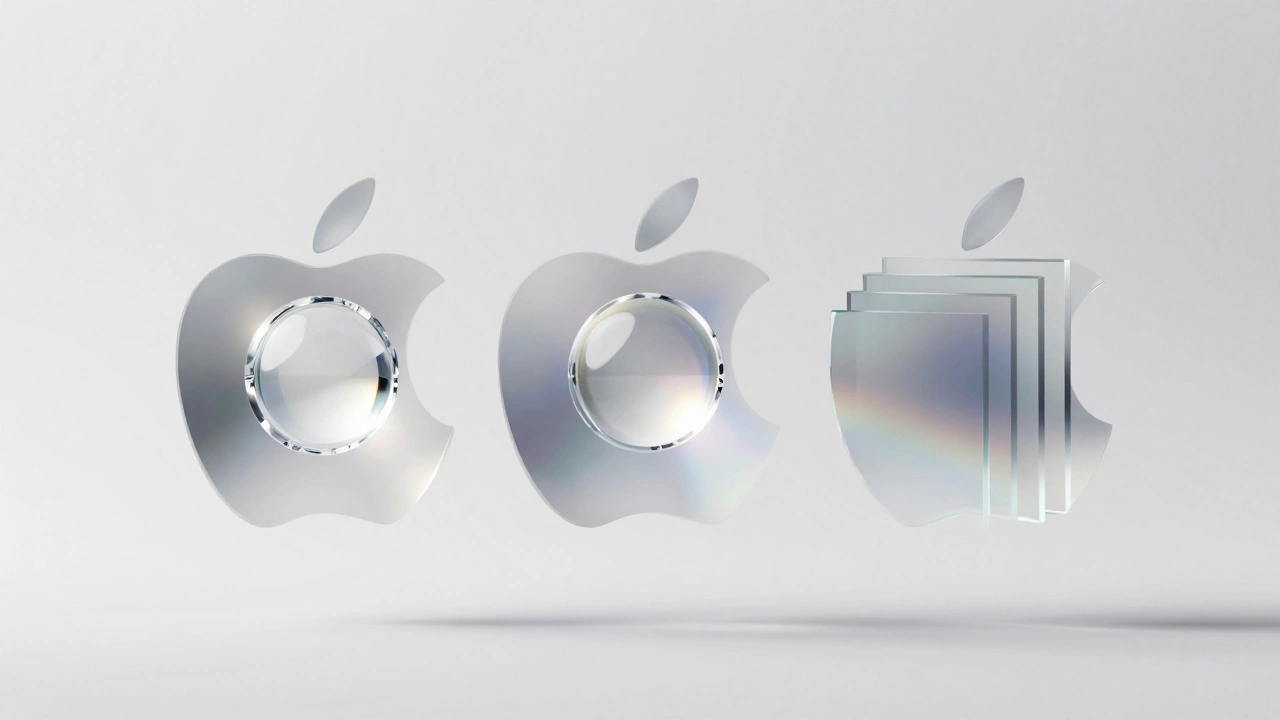
Apple HIG Checklist: Master iOS Navigation and Gestures
  • Elias Voss
  • Elias Voss

14/04
0

Learn how to use Apple's Human Interface Guidelines as a practical design checklist. Master iOS navigation, gesture design, and the 44-point touch rule.
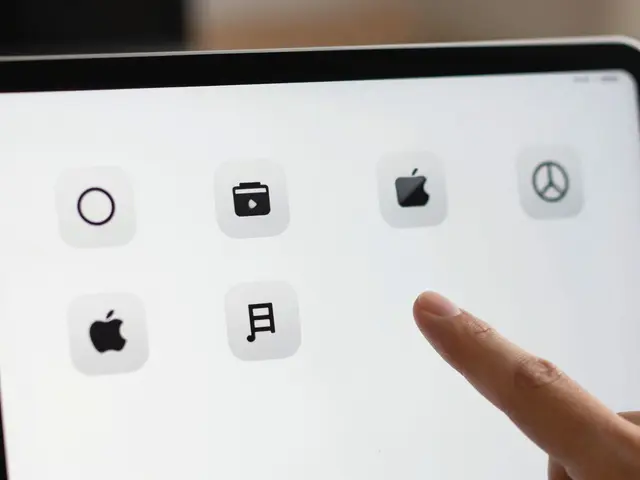
Read More...

Categories

  • Design & Technology (184)
  • Retail Design (8)
  • Design Tools (6)
  • Design & Development (6)
  • Technology (3)

Popular Articles

Designing Accessible Typography on Apple: Legible at a Glance and Up Close

Jan 14 2026

Testing Liquid Glass in Prototypes: Blur Layers and Parallax Simulation

Jan 31 2026

Personalization in Apple Interfaces: Customizing Input, Audio, and Visuals

Mar 6 2026

Apple Touch Target Design: The 44-Point Rule for Comfortable Taps

May 23 2026

Latency as Design: Why Apple’s Snappy UI Promise Is Falling Short in 2026

Feb 3 2026

Tags

  • Liquid Glass
  • Apple design
  • Apple typography
  • Apple ecosystem
  • inclusive design
  • Apple Human Interface Guidelines
  • Apple Intelligence
  • user experience
  • Apple design philosophy
  • unboxing experience
  • Apple packaging
  • iOS 26
  • San Francisco font
  • Apple accessibility
  • Apple industrial design
  • Jony Ive
  • industrial design
  • Apple retail design
  • Dynamic Type
  • Apple interface design
Wolf and Hare

© 2026. All rights reserved.