Wolf and Hare

Tag: design files

Symbol Management: Organizing SF Symbols Overrides in Design Files
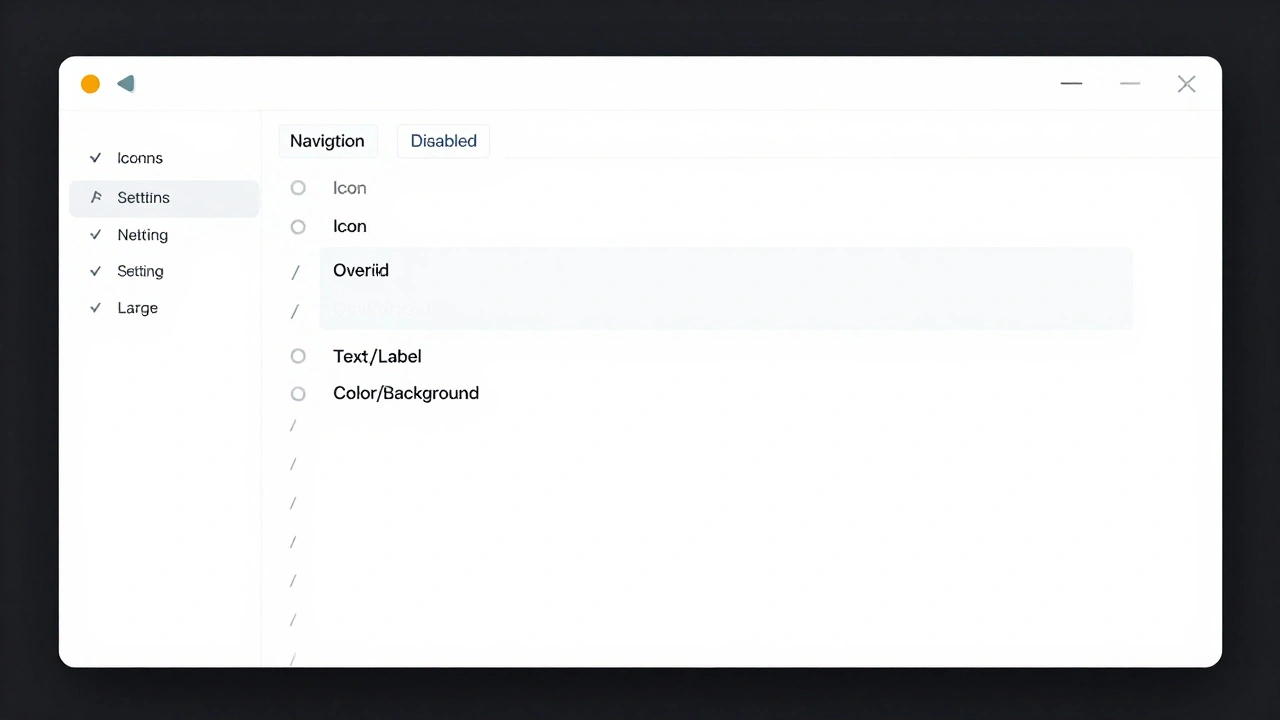
Symbol Management: Organizing SF Symbols Overrides in Design Files
  • Elias Voss
  • Elias Voss

18/02
0

Learn how to organize SF Symbols overrides in design files to avoid chaos, save time, and keep your Apple design system scalable. Use naming conventions, locking, and rendering modes to manage symbols like a pro.


Read More...

Categories

  • Design & Technology (184)
  • Retail Design (8)
  • Design Tools (6)
  • Design & Development (6)
  • Technology (3)

Popular Articles

Industrial Design at Apple in the 1990s: Brunner, Kawasaki, and the Birth of In-House Design

Jan 6 2026

Battery Life vs. Always-On Displays: Solving the Design Trade-Off

Apr 21 2026

Reducing Plastic in Apple Packaging: Material Trade-Offs and Feel

Feb 7 2026

Secure Enclave by Design: How Apple Makes Security Invisible in UX

May 20 2026

Exporting Apple-Ready Assets: Vector, PDF, and Symbol Best Practices

Feb 1 2026

Tags

  • Liquid Glass
  • Apple design
  • Apple typography
  • Apple ecosystem
  • inclusive design
  • Apple Human Interface Guidelines
  • Apple Intelligence
  • user experience
  • Apple design philosophy
  • unboxing experience
  • Apple packaging
  • iOS 26
  • San Francisco font
  • Apple accessibility
  • Apple industrial design
  • Jony Ive
  • industrial design
  • Apple retail design
  • Dynamic Type
  • Apple interface design
Wolf and Hare

© 2026. All rights reserved.