Wolf and Hare

Tag: Apple Watch accessibility

Apple Watch Accessibility Guide: VoiceOver, Taptic Time, and High-Contrast Settings
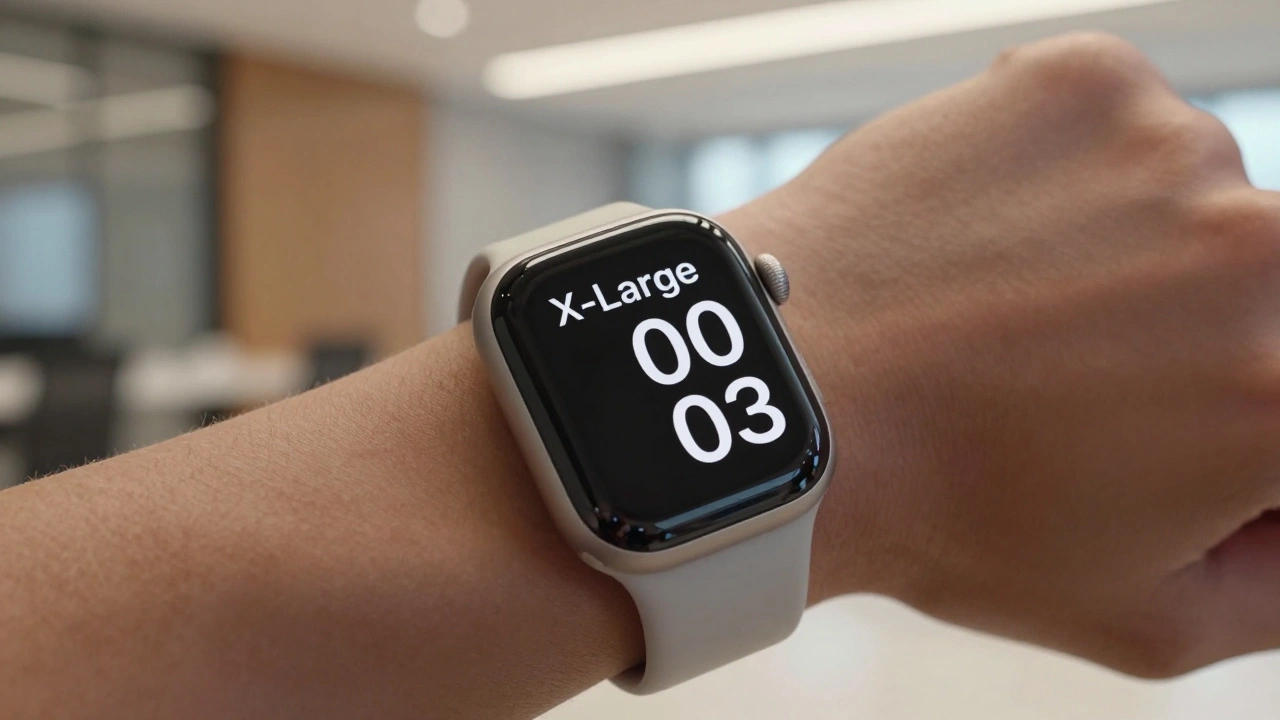
Apple Watch Accessibility Guide: VoiceOver, Taptic Time, and High-Contrast Settings
  • Elias Voss
  • Elias Voss

24/05
0

Learn how to use Apple Watch accessibility features like VoiceOver, Taptic Time, and high-contrast design. A practical guide for blind and low-vision users to navigate watchOS effectively.

Read More...

Categories

  • Design & Technology (177)
  • Retail Design (8)
  • Design & Development (6)
  • Design Tools (4)
  • Technology (3)

Popular Articles

Alerts and Sheets on Apple Platforms: How to Prioritize User Choice Without Causing Panic

Feb 24 2026

Typography and Liquid Glass: Contrast and Blur Considerations for Text in iOS 26

Dec 26 2025

Iconography and Labels for AI on Apple: Clarity Without Hype

Mar 2 2026

Haptic Feedback in Apple UI: Improving User Experience and Reducing Errors

Apr 16 2026

Defending Taste at Scale: How Apple Keeps Its Design Language Consistent Across Hundreds of Products

Feb 18 2026

Tags

  • Liquid Glass
  • Apple design
  • Apple typography
  • Apple ecosystem
  • inclusive design
  • Apple Human Interface Guidelines
  • Apple Intelligence
  • user experience
  • unboxing experience
  • Apple packaging
  • iOS 26
  • Apple design philosophy
  • San Francisco font
  • Apple accessibility
  • Jony Ive
  • industrial design
  • Apple retail design
  • Apple industrial design
  • Dynamic Type
  • Apple interface design
Wolf and Hare

© 2026. All rights reserved.