Wolf and Hare

Tag: Apple icon guidelines

How to Design Multi-Layer Liquid Glass Icons for iOS 26 and macOS

How to Design Multi-Layer Liquid Glass Icons for iOS 26 and macOS
  • Elias Voss
  • Elias Voss

21/05
0

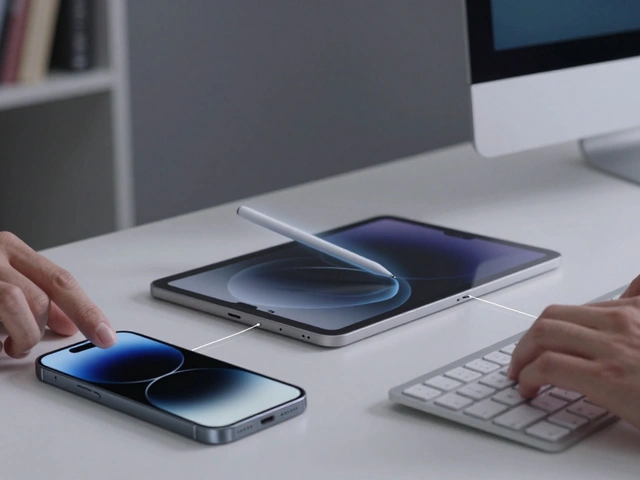
Learn how to design multi-layer Liquid Glass icons for iOS 26 and macOS using Icon Composer. This guide covers the new workflow, layer strategies, and best practices for creating adaptive, real-time rendered app icons.

Read More...

Categories

  • Design & Technology (174)
  • Retail Design (8)
  • Design & Development (6)
  • Design Tools (4)
  • Technology (3)

Popular Articles

Designing the Apple Store Experience: Try, Learn, and Decide with Confidence

Mar 13 2026

Symbol Management: Organizing SF Symbols Overrides in Design Files

Feb 18 2026

Packaging as Retention: How Apple’s Unboxing Experience Keeps Customers Coming Back

Jan 20 2026

Apple Health AI 2026: Moving from Aggressive Nudges to Sensible Guidance

Apr 26 2026

Design Patterns for AI Suggestions on Apple: Timing, Relevance, and Dismissal

Jan 4 2026

Tags

  • Liquid Glass
  • Apple design
  • Apple typography
  • Apple ecosystem
  • Apple Intelligence
  • inclusive design
  • Apple Human Interface Guidelines
  • user experience
  • unboxing experience
  • Apple packaging
  • iOS 26
  • Apple design philosophy
  • San Francisco font
  • Apple accessibility
  • Jony Ive
  • industrial design
  • Apple retail design
  • Apple industrial design
  • Dynamic Type
  • Apple interface design
Wolf and Hare

© 2026. All rights reserved.