
Apple has spent over a decade telling us that its tight hardware-software loop makes its devices feel faster, smoother, and more alive than anything else. You hear it in the ads: "Incredible speed," "Butterfly-smooth," "Like it’s reading your mind." But if you’ve been using an M2 or M3 Mac since early 2026, you know the truth: it doesn’t feel that way anymore. The UI stutters. The audio drags. The Apple Pencil hesitates. And no amount of RAM, clean installs, or disabling animations fixes it.
The Promise vs. The Reality
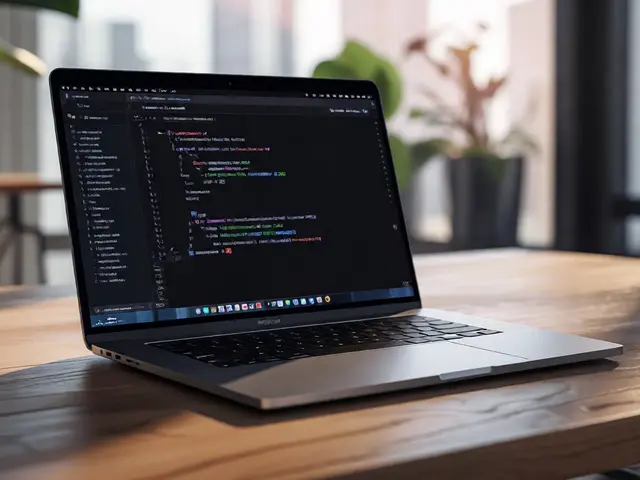
Apple’s design philosophy has always been simple: control everything. The chip, the OS, the apps - all built together. That’s why, back in 2020, the M1 chip felt like a revelation. Apps launched instantly. Scrolling was flawless. Even multitasking on a MacBook Air felt like magic.Fast forward to 2026, and that magic is gone. Users on macOS Tahoe 26.1 the latest macOS version released in early 2026, built on Apple Silicon architecture report window dragging that feels like it’s running on 30fps. Typing in Notes takes half a second to register. Audio interfaces connected to M3 Max Apple’s high-end silicon chip, introduced in late 2023, designed for pro audio and video workflows MacBook Pros show 45ms of input latency - over 25 times worse than what the hardware should be capable of.
Here’s the kicker: an older Intel MacBook Pro (2019) Apple’s last generation of Intel-based laptops, discontinued in 2020 with half the RAM and a decade-old processor performs better in audio latency tests. That’s not a fluke. That’s a failure.
Where the Latency Shows Up
This isn’t one problem. It’s a cascade.
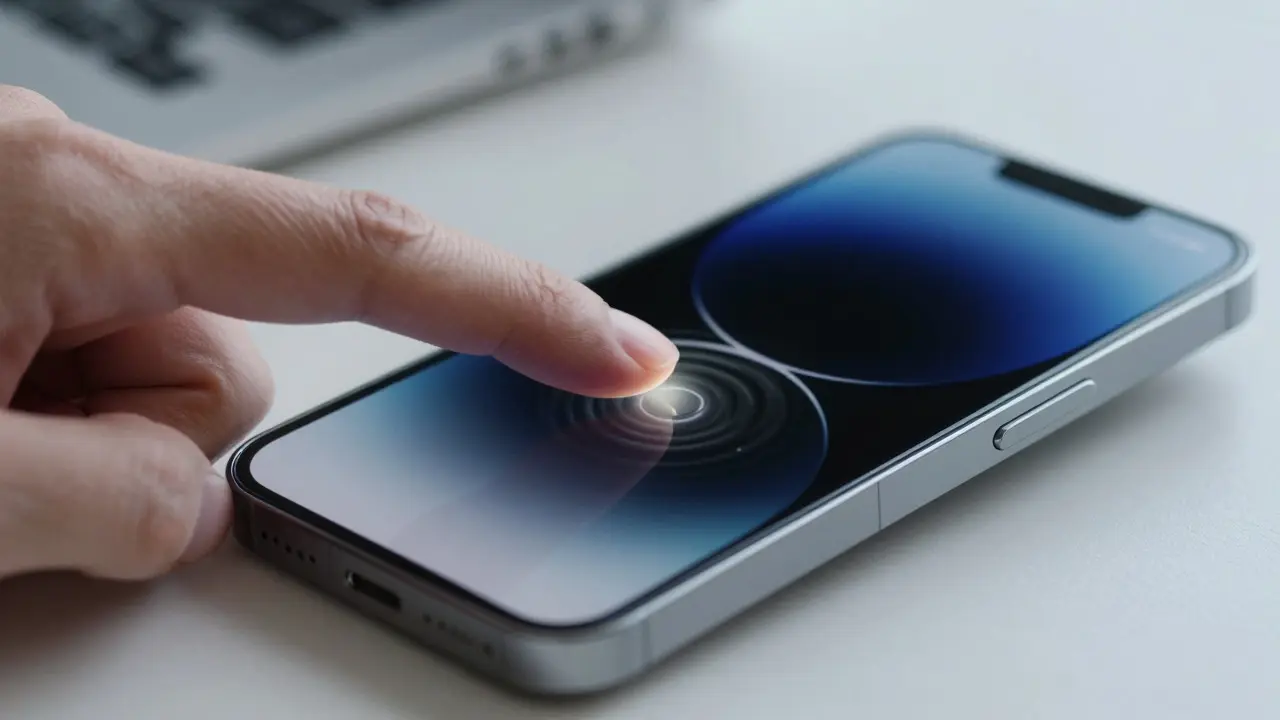
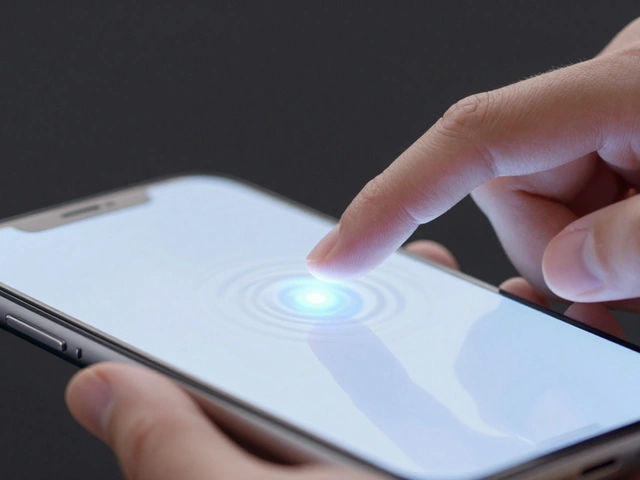
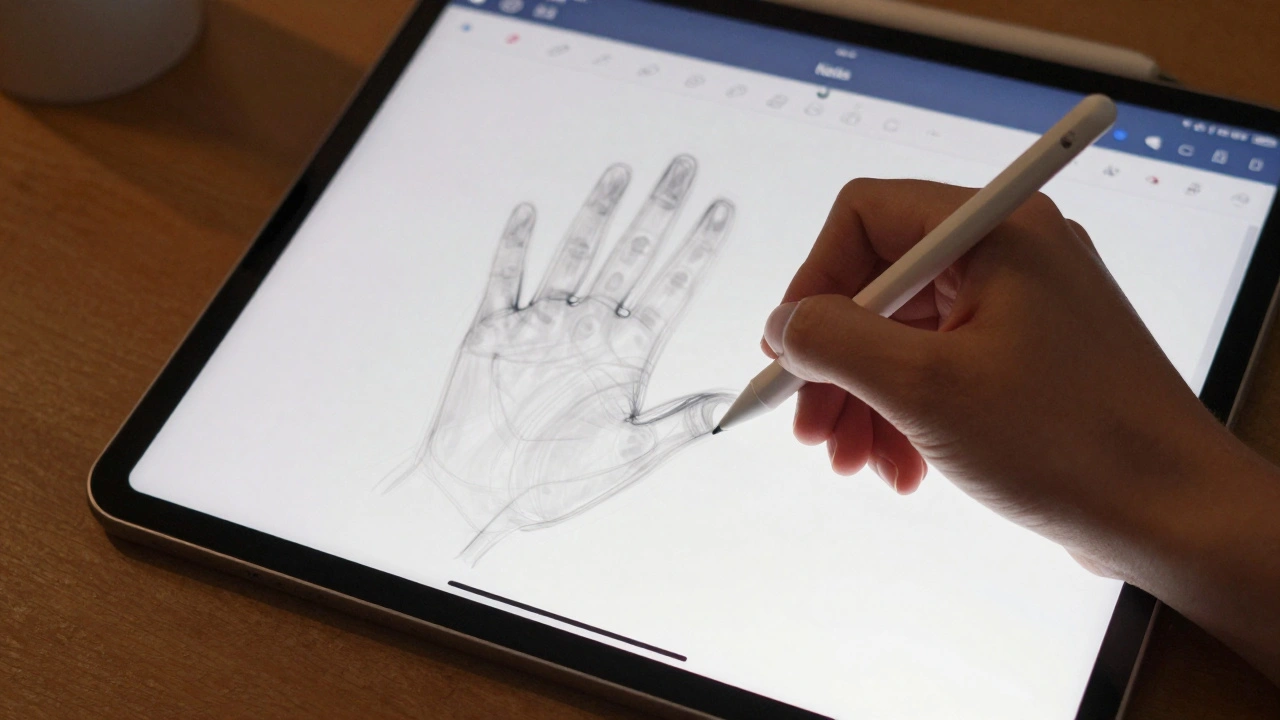
- UI Responsiveness: On iPadOS Apple’s tablet operating system, optimized for touch and Apple Pencil input, opening Notes and writing with the Apple Pencil Pro Apple’s latest stylus with enhanced pressure and roll sensitivity, released in 2025 feels like drawing in slow motion after 10 minutes of use. Strokes appear seconds after your hand moves. Palm rejection fails. Pressure curves become inconsistent.
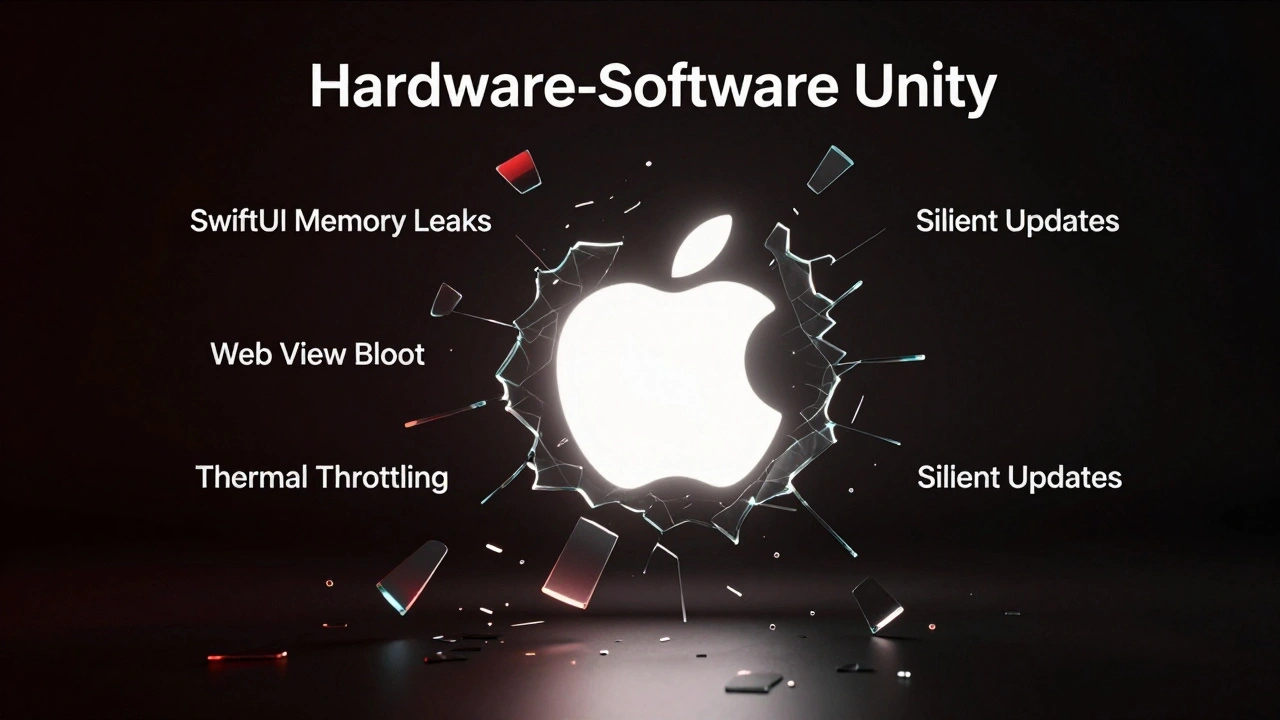
- System Settings: Every time you click a setting in System Settings Apple’s redesigned system preferences app introduced in macOS 13, built on SwiftUI, a new process spawns - and never dies. Developers on Hacker News A popular online community for tech professionals and developers tracked over 50 lingering threads after just browsing network settings. Memory leaks pile up like dust.
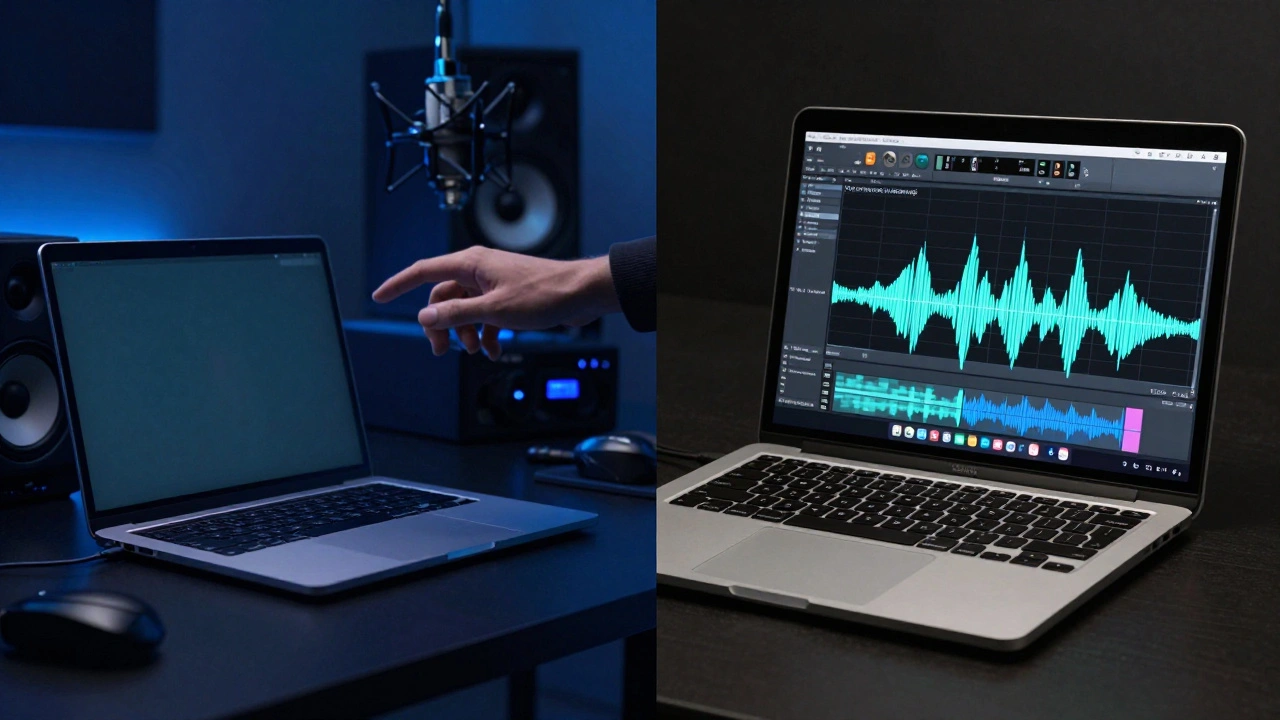
- Audio Workflows: Logic Pro, FL Studio A digital audio workstation popular among music producers, and even Audacity all show the same 45ms delay on M3 Max machines. The math says it should be under 2ms. Apple’s own tools acknowledge the problem - they compensate with 1.8ms of internal delay - but never fix the root cause. Support tells you to "just record with latency compensation." That’s not a fix. That’s a workaround you shouldn’t need.
- Thermal Throttling: The M3 chip gets hot - really hot - during pencil input. But instead of throttling before the device becomes uncomfortable, Apple lets it climb. That’s not efficiency. That’s poor thermal design. And when the chip slows down to cool off, your drawing stops.
The Software That’s Breaking the Loop
Apple’s hardware is powerful. The problem is the software layering on top of it.
Apple’s own apps are increasingly built on SwiftUI Apple’s modern UI framework for building interfaces across all Apple platforms, which sounds great - until you realize that every time you navigate a menu, the system doesn’t reuse views. It creates new ones. And never cleans them up. That’s why opening System Settings leaves behind dozens of invisible processes. That’s why your Mac gets slower the longer you use it.
And then there’s the web. Apple keeps slipping web views into native apps. Notes uses a web view for formatting. Freeform uses one for collaboration. Even the App Store has web elements hidden in its UI. Web views are slow. They’re heavy. And they add a layer of latency that native code doesn’t need.
Meanwhile, Microsoft’s PowerToys A suite of utilities for Windows power users, including FancyZones for window management has similar lag issues - FancyZones takes half a second to snap windows. But Microsoft doesn’t claim to be the gold standard of responsiveness. Apple does. And that’s why this hurts more.
Why This Matters
This isn’t about a few milliseconds of delay. It’s about trust.
Apple built its brand on the idea that its devices feel different - better - because they’re designed as a single system. But when the very people who depend on speed - musicians, artists, designers - start switching to Windows PCs or Linux machines just to get low-latency audio or smooth pen input, Apple isn’t just losing performance. It’s losing credibility.
Think about it: a professional musician spends $4,000 on an M3 Max MacBook Pro, connects a $1,500 audio interface, and still can’t record a vocal take without a half-second delay. That’s not a bug. That’s a product failure.
And Apple’s response? Silence. No public acknowledgment. No beta fixes. No roadmap. Just "use the compensation settings."
The Bigger Picture
There’s a lesson here, beyond Apple.
Control over hardware doesn’t guarantee performance. It just gives you more responsibility. Apple has the power to fix this. They have the teams. They have the tools. They even have documentation in Xcode Apple’s official integrated development environment for macOS and iOS app development telling developers how to avoid lag. But they’re not following their own rules.
Maybe it’s because the software is too big now. Maybe it’s because SwiftUI was rushed. Maybe it’s because Apple’s QA team doesn’t measure latency as a key metric. Or maybe they just don’t care anymore.
What we know for sure is this: the tight hardware-software loop isn’t working. And if Apple doesn’t fix it soon, users won’t just notice the lag - they’ll walk away from it.
Why does my Apple Pencil feel sluggish on my iPad in 2026?
The delay isn’t the pencil - it’s the software. After 5-10 minutes of use, iPadOS begins to mismanage memory, causing stroke rendering to lag by up to 5 seconds. Thermal throttling also kicks in, slowing the chip just as you need it most. This affects all recent iPad models with Apple Pencil Pro. Apple hasn’t released a fix.
Is this problem only on Apple Silicon chips?
No - but it’s worse. Intel Macs had their own issues, but they didn’t have the same audio latency. M-series chips introduced new bottlenecks in firmware and driver layers. A 2019 Intel MacBook Pro with the same audio setup showed 3ms latency. An M3 Max with identical settings shows 48ms. The problem is Apple’s software stack, not the silicon.
Can I fix macOS UI lag by disabling animations?
You can try - disabling transparency, reducing motion, turning off window animations - but none of it fixes the core issue. The lag is deeper: memory leaks in SwiftUI, persistent background threads, and web views in native apps. These aren’t visual effects. They’re architectural flaws.
Why doesn’t Apple acknowledge these problems?
Apple rarely publicly admits to performance regressions. Their support team redirects users to workarounds like latency compensation or thermal management tips. There’s been no official statement, beta fix, or developer update addressing the root causes. This silence suggests the issues are systemic and hard to fix without a major OS overhaul.
Should I switch to a Windows PC if I need low-latency performance?
If you’re a musician, digital artist, or designer who relies on real-time input, yes. Many professionals have already moved. Windows machines with Intel or AMD processors, paired with low-latency drivers and ASIO audio, consistently outperform Apple Silicon in measured latency tests. You lose some ecosystem integration - but you gain responsiveness.
What’s Next?
Apple has a choice. They can keep treating symptoms - "just use the compensation tool" - or they can go back to their roots. They can audit SwiftUI’s memory usage. They can strip web views out of Notes and Freeform. They can force thermal throttling to kick in earlier. They can measure latency as a KPI for every OS update.
Or they can keep pretending the problem doesn’t exist - and watch their most loyal users leave.