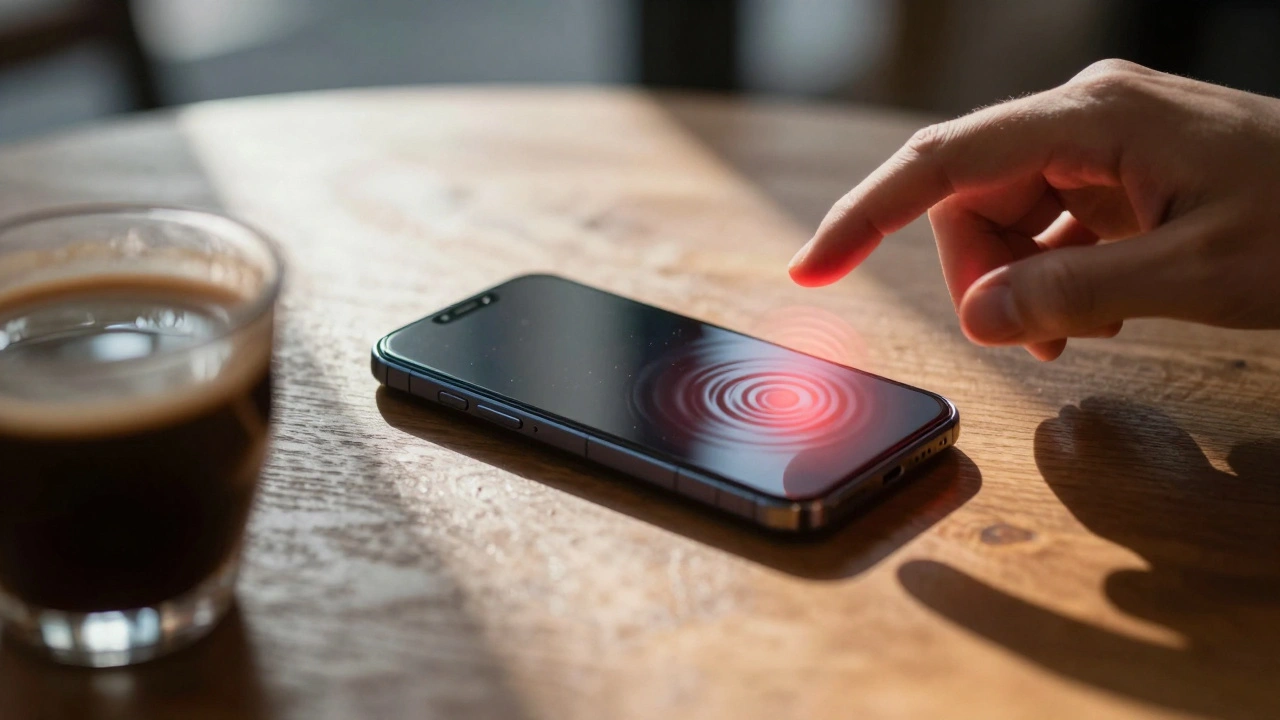

You are sitting in a café when your phone buzzes violently on the table. The screen lights up with a stark, urgent banner that cuts through a call or music. In seconds, you know this isn't just a notification; it signals danger. This is the power of iPhone Emergency Alerts a critical communication system built directly into iOS devices to deliver life-saving information instantly. As of March 2026, these systems have evolved beyond simple broadcasts to include intelligent, location-aware warnings that adapt to the severity of the threat.
The design behind these alerts isn't accidental. Every vibration pattern, sound pitch, and color choice serves a specific function to reduce cognitive load during a crisis. If you rely on your device for safety, understanding the distinction between alert types helps you react correctly without panicking unnecessarily. Below, we break down exactly what these visual cues mean, how to control them, and the privacy implications involved.
Distinguishing Between Government and Enhanced Alerts
Most users assume all emergency banners are the same, but there are two distinct architectures at play. The first type is Government Alerts broadcasts sent by official agencies via carrier networks including AMBER and Public Safety Alerts. These are enabled by default when you use a supported SIM Card physical or eSIM connection that allows emergency broadcast reception. They typically cover imminent threats like tornados, extreme weather, or kidnapping cases. The visual presentation prioritizes immediate recognition over detailed explanation.
The second layer is newer and more sophisticated. Enhanced Safety Alerts an advanced iOS feature requiring iOS 26.2 or later for full functionality. Launched recently in regions like the United States and Taiwan, these alerts run over Wi-Fi and cellular data rather than just traditional carrier towers. They are designed by Apple Inc. to provide granular details about specific hazards, such as earthquakes, before physical damage occurs. Unlike Government Alerts, which might tell you to take cover generally, Enhanced Alerts can distinguish between "prepare" and "take cover now."
The Psychology of Visual and Auditory Cues
Emergency UX design focuses heavily on differentiation. If every warning sounds identical, users eventually ignore the noise-a phenomenon known as alert fatigue. To combat this, Apple utilizes distinct audio signatures. A standard notification might chime softly, whereas an emergency alert produces a siren-like sound similar to a fire alarm. This acoustic separation ensures the signal registers even if your phone is in Do Not Disturb mode.
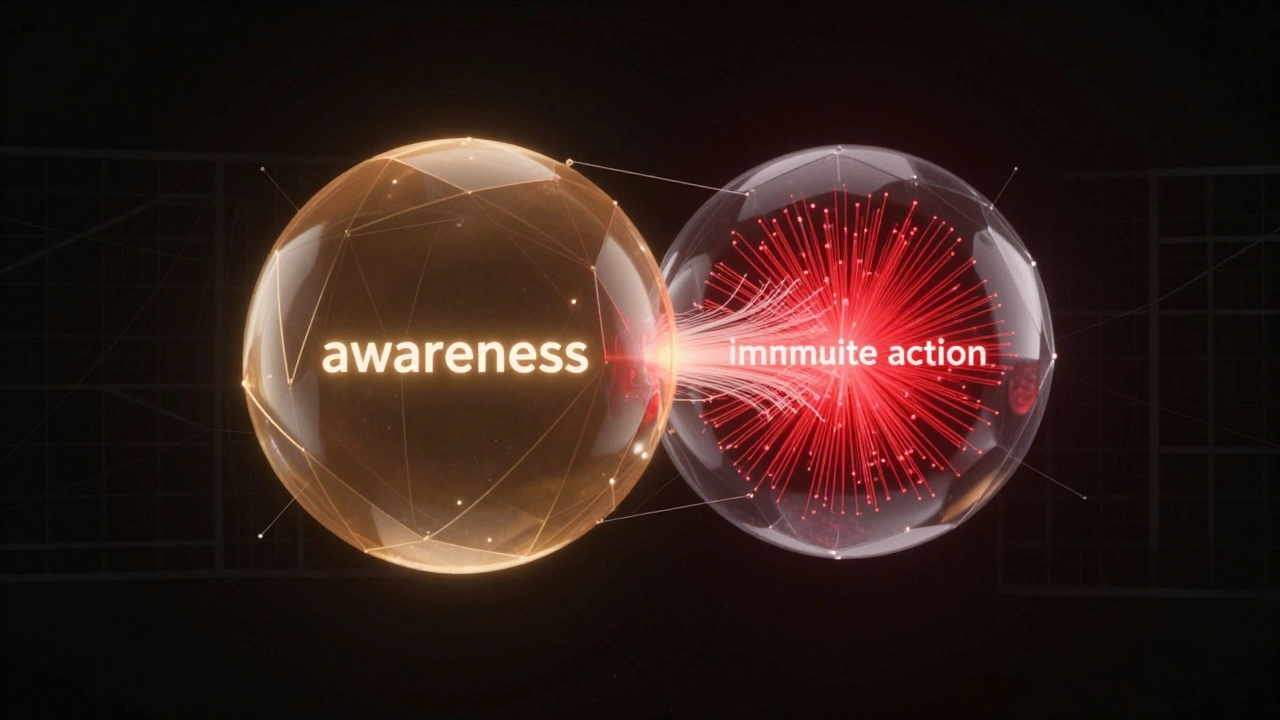
Visually, the hierarchy is equally strict. An Enhanced Safety Alerts system offering bi-level earthquake notifications for preparedness and action. uses color coding to denote urgency. For example, an Earthquake Awareness Alert might use a lower-priority visual treatment, informing you that shaking is detected nearby without demanding immediate floor-diving action. Conversely, an Earthquake Action Alert employs high-contrast visuals and louder tones because strong shaking is expected within minutes.
This dual-tier approach reflects research into cognitive processing under stress. By providing a graduated response framework, the system reduces false alarms while ensuring genuine threats demand attention. Users can toggle these independently, allowing those who live in seismically active zones to stay informed without disabling life-critical protections.
Managing Your Alert Preferences
Control over these features lives deep within your device settings. To access the menu, open the Settings App primary configuration interface for iOS device management. and tap on Notifications the centralized hub for managing all incoming message preferences. Scroll to the bottom of the screen where you will find the Emergency section. Here, you see toggles for Government Alerts and Enhanced Safety Alerts.
Be cautious when disabling options. While you can opt-out of Test Emergency Alerts-which are disabled by default-you should usually keep Imminent Threat Alerts active. Some users mistakenly turn everything off because they received too many false weather warnings in the past. However, the risk of missing a real tsunami warning outweighs the annoyance of a test blast. If you enable the Improve Alert Delivery feature, your phone shares approximate location data with Apple to speed up transmission. This feature is off by default to protect privacy, and Apple states this data is not retained.
Compatibility Across Devices and Carriers
Not every device receives these updates simultaneously. To receive Enhanced Safety Alerts, you strictly need iOS 26.2 operating system version enabling advanced safety infrastructure. or later. Older devices running earlier versions may miss out on specific bi-level notifications. Furthermore, regional restrictions apply. If you travel internationally, Government Alerts depend entirely on the local carrier supporting the emergency broadcast protocol for that country.
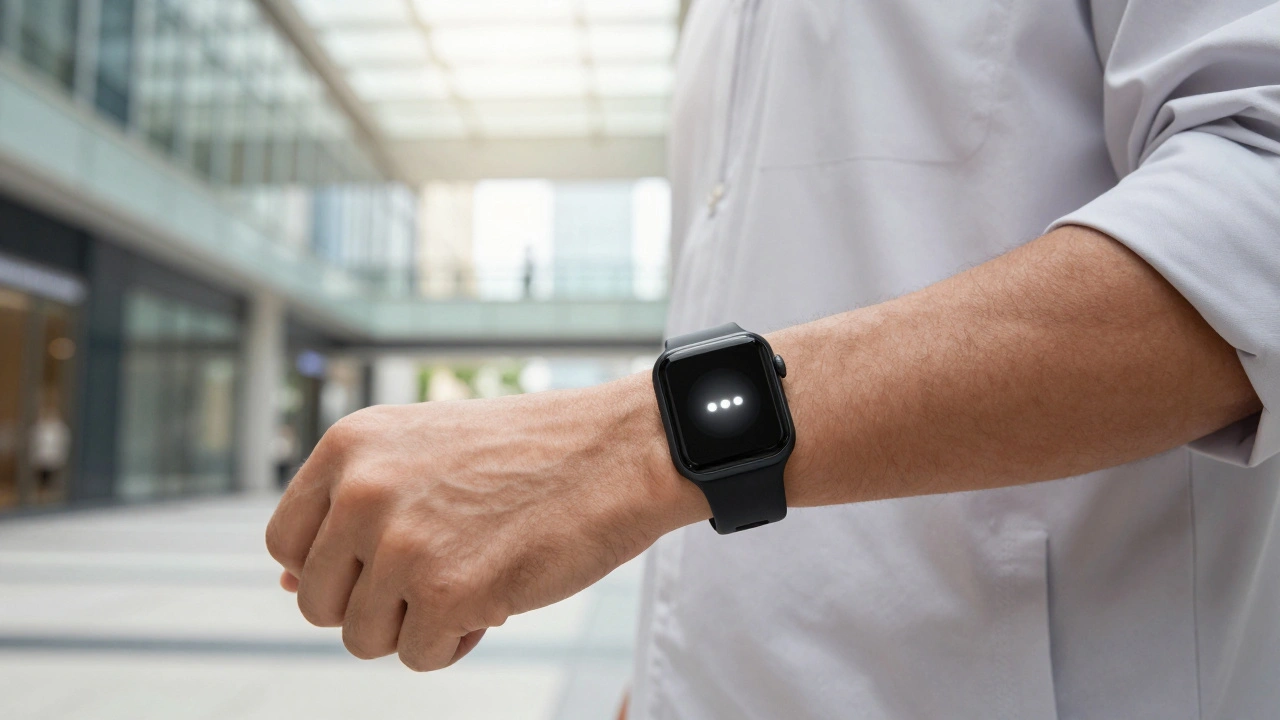
The ecosystem extends beyond the phone itself. Your Apple Watch wearable device compatible with receiving mirrored emergency notifications. is synced to handle these broadcasts. When an alert hits, your wrist taps you and displays the message alongside your arm. This redundancy is vital if you leave your phone in another room. However, watch notifications adapt to the smaller screen, often summarizing the critical info to fit compact spaces.
| Feature | Government Alerts | Enhanced Safety Alerts |
|---|---|---|
| Delivery Method | Carrier Network (Cellular) | Wi-Fi and Cellular Data |
| Source | National/Regional Authorities | Apple Infrastructure / Sensors |
| Visual Priority | Standard Urgent Banner | Bi-Level (Awareness vs. Action) |
| Default Status | Enabled | Enabled (Imminent Threat) |
| Location Data | Carrier Based | User Approximate Location (Optional) |
Troubleshooting Missing Alerts
If your phone never rings during a public emergency drill, something in your setup is blocking the signal. First, verify your iOS version. If you are stuck on an older build like iOS 17 or 18, you won't see the new Enhanced Alert graphics. Update immediately via General Settings.
Second, check your connectivity status. While Government Alerts do not require internet, some Enhanced features need a data link to fetch real-time hazard maps. Finally, review your Notification groups. Sometimes aggressive battery optimization or Do Not Disturb schedules can interfere with how the phone interprets critical overrides, though modern iOS versions usually force these through regardless of mute settings.
The design of these features represents a massive coordination effort between governments, carriers, and hardware manufacturers. As technology matures, we expect visual cues to become even more personalized, perhaps using augmented reality interfaces to direct you toward safe zones in an evacuation scenario. For now, knowing the difference between a general warning and a specific action alert could save your life.
Frequently Asked Questions
Can I completely turn off emergency alerts?
You can disable most alert types in the Settings app under Notifications. However, national security warnings often cannot be permanently disabled due to regulatory requirements, depending on your region.
Why did I receive an alert when others didn't?
Enhanced Safety Alerts use precise location data. If you were closer to the seismic event or threat radius than neighbors, your phone would trigger while theirs remained silent.
Does Apple store my location data from alerts?
When you enable Improve Alert Delivery, Apple uses approximate location to time the alert. According to privacy policies, this specific location data is processed temporarily and not retained permanently.
Will my iPhone vibrate if the ringer is off?
Yes, emergency alerts override standard quiet modes. They will play sound and vibrate regardless of the Silent switch position to ensure you notice the danger.
Are these alerts available outside the US?
Government Alerts work globally via local carriers. Enhanced Safety Alerts are currently limited to specific regions like the US and Taiwan and require newer iOS versions.