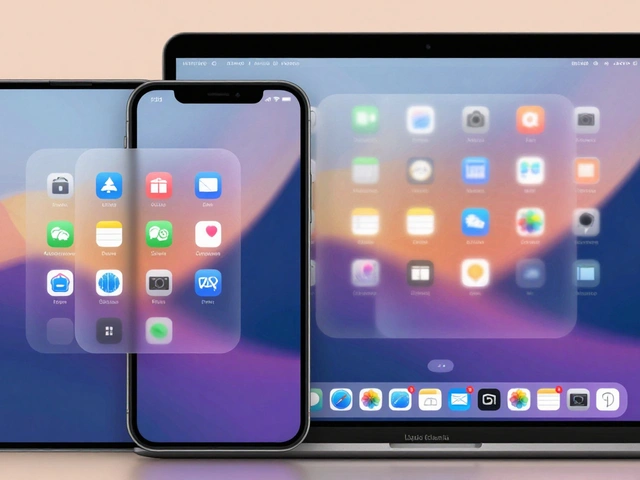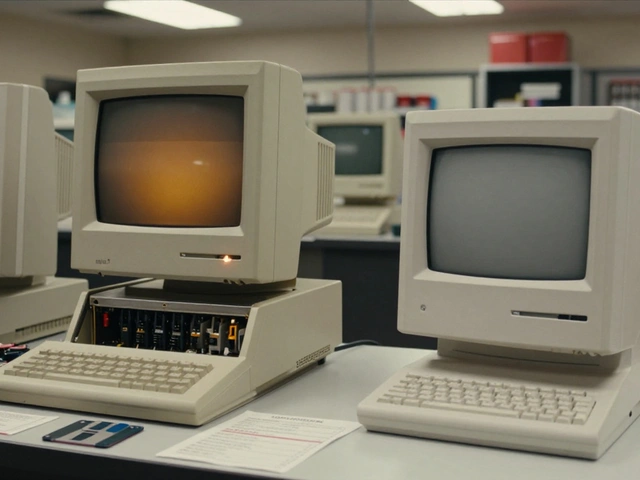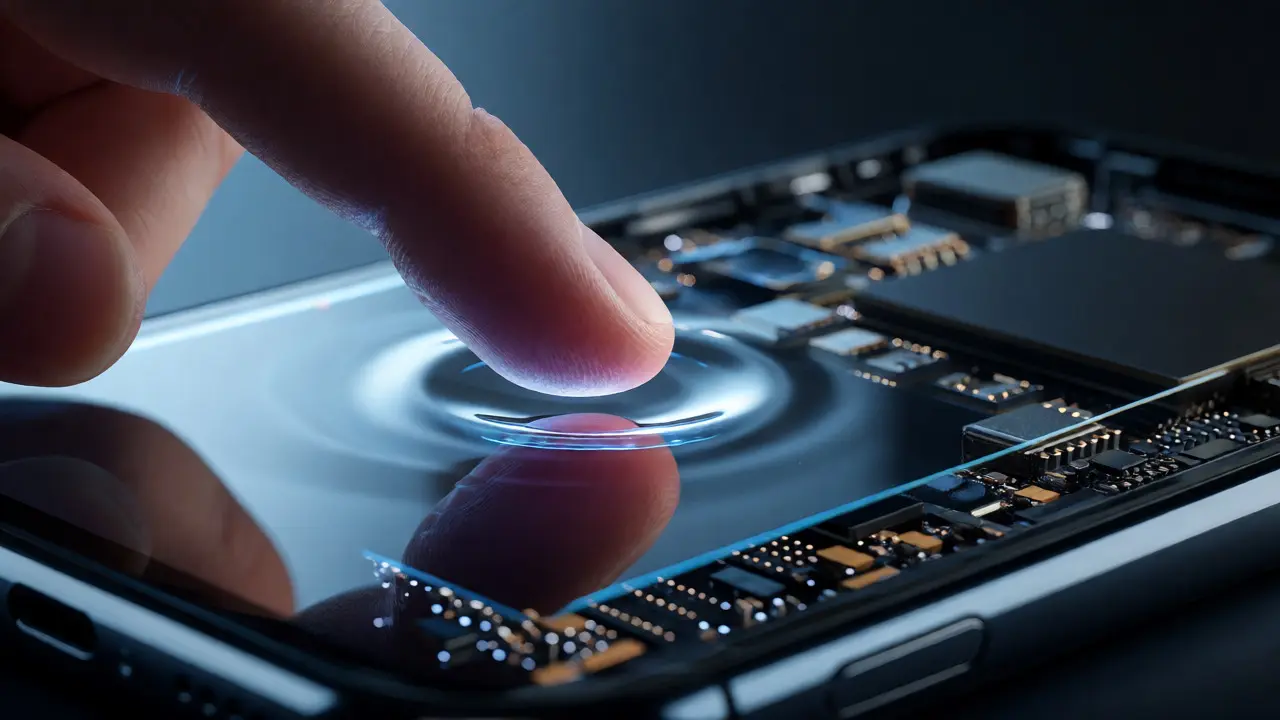

You know that feeling when you swipe on an Android phone and it feels just a *little* off? Like the pixels are lagging behind your finger by a fraction of a second? Now pick up an iPhone. It doesn’t feel like a computer pretending to be a touch device. It feels like an extension of your nervous system. Why? Because Apple didn’t just build a fast processor and slap a screen on it. They co-designed the hardware, the sensors, and the operating system so they talk to each other in real-time. This isn’t magic; it’s engineering precision where every millisecond is accounted for.
The Myth of Raw Speed vs. Perceived Responsiveness
Most people think responsiveness equals frame rate or clock speed. If a phone has a 120Hz screen and a 3GHz chip, it must be snappy, right? Not necessarily. Have you ever used a high-spec Android flagship that still felt sluggish during animations? That’s because raw power means nothing if the software doesn’t know how to use it efficiently. Apple treats responsiveness as a holistic experience. It’s about minimizing latency between user input and visual feedback. This requires tight integration across three pillars: the display panel, the sensor suite, and the iOS kernel. When these three components are siloed, you get jank. When they’re co-designed, you get fluidity.
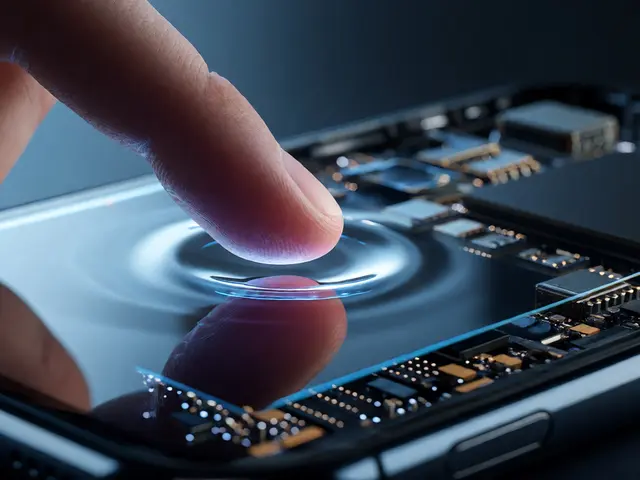
Think of it like a jazz trio. The drummer (sensors), the bassist (display), and the pianist (software) don’t just play their own parts. They listen to each other. If the drummer changes tempo, the others adjust instantly. In an iPhone, when your finger touches the glass, the digitizer doesn’t just send a coordinate. It sends pressure data, velocity, and timing to the A-series Bionic chip, which predicts where your finger will go next based on historical movement patterns. This predictive rendering is why scrolling feels effortless, even when loading heavy images.
ProMotion and the Display-Sensor Handshake
Let’s talk about the screen. Before 2017, phones ran at a fixed 60Hz. Your finger moved, the screen updated once every 16.6 milliseconds. Simple, but rigid. Enter ProMotion, Apple’s adaptive refresh technology introduced with the iPad Pro and later integrated into the iPhone 13 Pro and beyond. But here’s the catch: ProMotion isn’t just about going faster. It’s about variable speed. The display controller talks directly to the GPU and the CPU. If you’re reading text, the screen drops to 1Hz to save battery. If you start scrolling, it ramps up to 120Hz instantly.
| Activity Type | Refresh Rate | Power Impact | User Perception |
|---|---|---|---|
| Static Image / Text Reading | 1 Hz - 10 Hz | Minimal | No flicker, extended battery life |
| Video Playback (24fps content) | 24 Hz - 60 Hz | Low | Cinematic smoothness without judder |
| Scrolling / Gaming | 120 Hz | High | Ultra-fluid motion, reduced blur |
| Always-On Display | 1 Hz | Negligible | Glanceable info without waking device |
This dynamic adjustment relies on the LTPO OLED panel (Low-Temperature Polycrystalline Oxide). Unlike standard OLEDs, LTPO allows individual pixels to update independently. The software tells the hardware exactly which pixels need refreshing and when. This level of granularity reduces the "tearing" effect you might see on cheaper displays. It’s not just about looking good; it’s about reducing the cognitive load on your brain. You stop noticing the screen and start focusing on the content.
Sensor Fusion: Predicting Intent Before It Happens
Responsiveness isn’t just about reacting to what you do; it’s about anticipating what you’ll do next. This is where the sensor suite comes in. An iPhone isn’t just a camera and a touchscreen. It’s a collection of gyroscopes, accelerometers, barometers, and LiDAR scanners working in concert. This process is called Sensor Fusion.
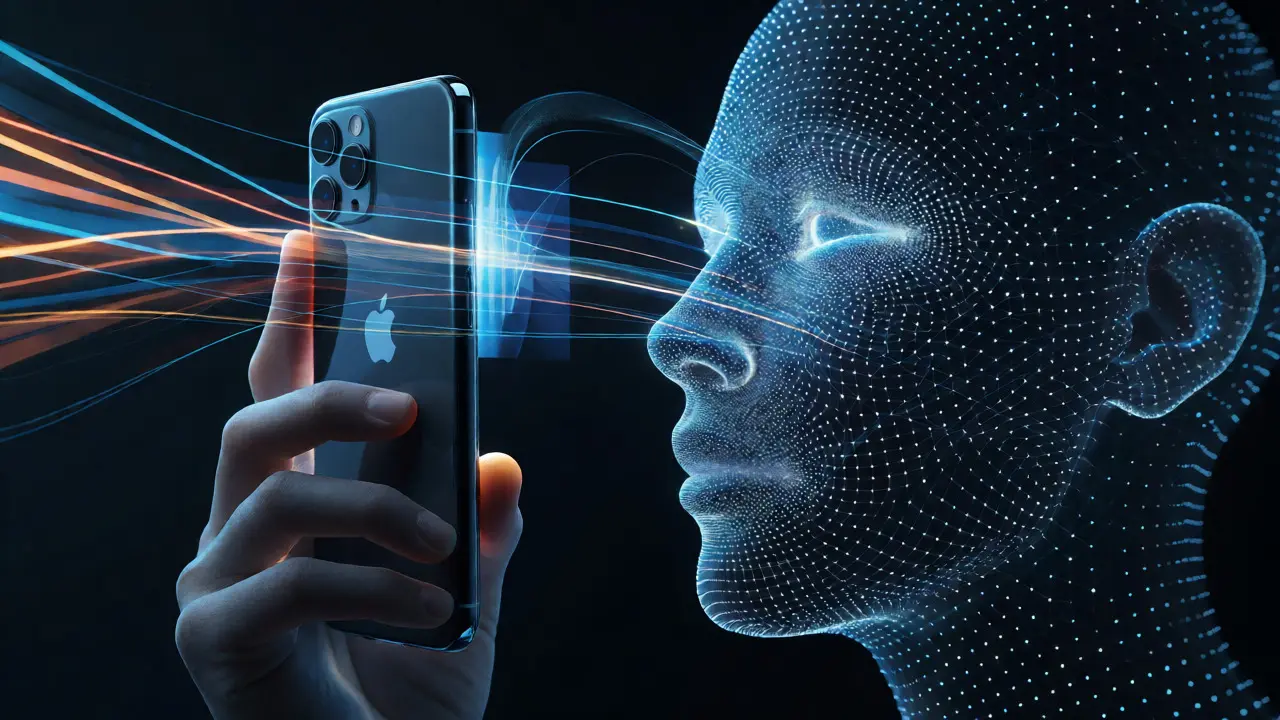
Consider Face ID. It doesn’t just take a picture. The TrueDepth camera system projects over 30,000 invisible infrared dots onto your face. The A-series chip processes this depth map in under 50 milliseconds. But more importantly, the proximity sensor and ambient light sensor work together to wake the screen only when you look at it. If you glance down, the screen dims immediately. This micro-interaction saves battery and prevents accidental touches in your pocket.
Another example is haptic feedback. The Taptic Engine is a linear actuator that provides precise vibration cues. Unlike old-school rumble motors that buzz vaguely, the Taptic Engine can simulate clicks, textures, and impacts. When you drag an icon and it "snaps" into place, you feel a tiny click. This tactile confirmation closes the loop between action and result, making the interface feel physically solid. Without this sync, visual updates would feel hollow.
iOS Kernel and Animation Physics
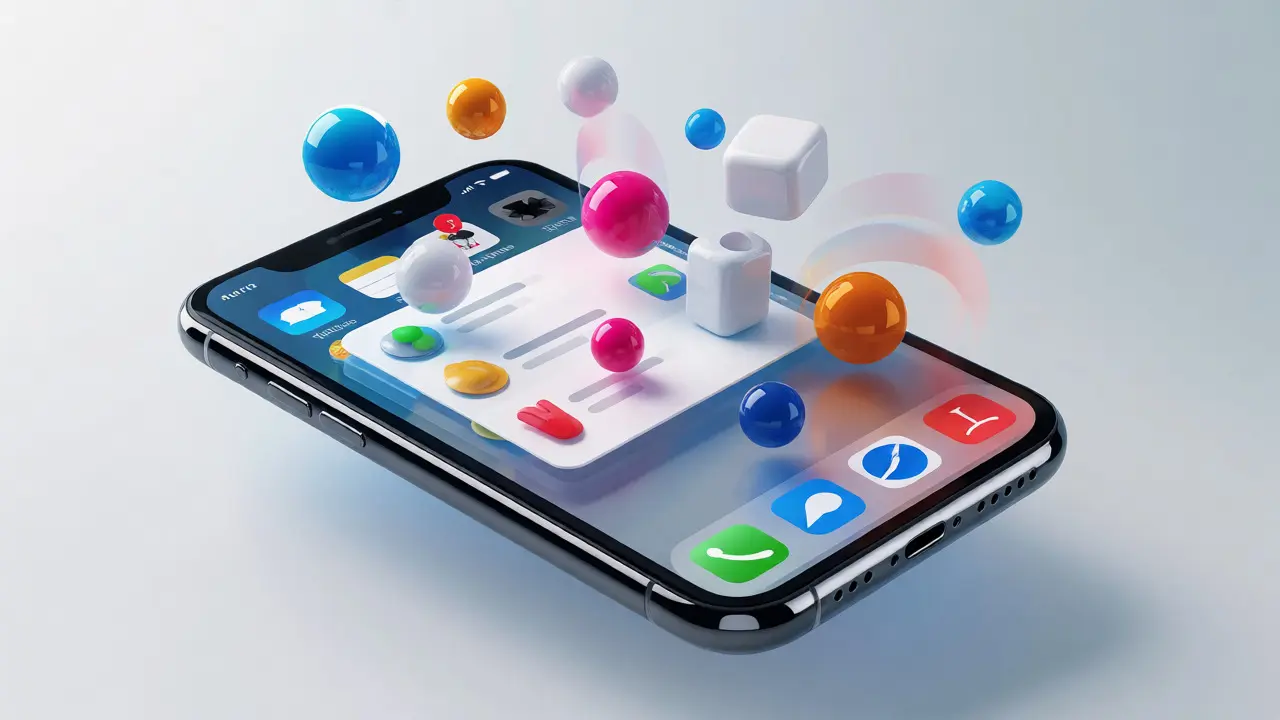
Hardware is useless without smart software. iOS uses a unique approach to animation physics. Most operating systems treat animations as linear timelines. iOS treats them as physical objects with mass, friction, and momentum. When you scroll a list, you aren’t moving a page; you’re throwing a virtual object. The UIKit framework calculates inertia, allowing the list to bounce back when it hits the end.
This isn’t just aesthetic. It’s functional. By simulating physics, iOS hides processing delays. If an image takes 200ms to load, the system continues the scroll animation based on momentum. By the time the image appears, your eye has already moved past it. This technique, known as "perceptual masking," tricks your brain into perceiving instant response. The Core Animation layer renders these effects on the GPU, freeing up the CPU for background tasks like downloading emails or syncing iCloud data.
Moreover, iOS prioritizes main thread execution strictly. Any task that could block the UI-like database queries or network calls-is pushed to background threads. Developers are forced to follow this model through strict guidelines. If you try to run a heavy operation on the main thread, the system flags it. This discipline ensures that the frame rate stays consistent, regardless of what’s happening in the background.
The Role of Apple Silicon in Latency Reduction
You can’t discuss responsiveness without mentioning the brain: the Apple Silicon chips (A17 Pro, M-series derivatives). These aren’t just faster; they’re architecturally designed for low-latency tasks. The unified memory architecture means the CPU, GPU, and Neural Engine share the same RAM pool. There’s no copying data between different memory banks, which adds delay in traditional PC architectures.
Take the Neural Engine. It handles machine learning tasks locally, such as photo enhancement or voice recognition. Because it operates on the same die as the CPU, the handoff is instantaneous. When you unlock your phone with Face ID, the neural network compares the new scan against the stored vector almost instantly. No cloud round-trip. No waiting. This local processing capability is critical for maintaining the illusion of seamlessness. If Apple relied on server-side processing for basic interactions, the latency would jump from milliseconds to seconds, breaking the immersive experience.
Why Other Manufacturers Struggle to Replicate This
If this sounds great, why don’t all phones do it? Fragmentation. Android manufacturers often use off-the-shelf components from different suppliers. One company makes the screen, another the processor, another the sensors. Getting them to communicate perfectly requires extensive software tuning, which varies by model and region. Apple controls the entire stack. They design the custom PMIC (Power Management Integrated Circuit) specifically for their displays. They write the drivers for their sensors. This vertical integration allows for optimizations that generic platforms miss.
For instance, Apple can tweak the voltage supplied to the display based on the current frame rate and brightness levels in real-time. This fine-grained control extends battery life while maintaining peak performance. Competitors often have to choose between performance and battery, leading to aggressive thermal throttling that causes stuttering. On an iPhone, the thermal management system works proactively, adjusting clock speeds before the device gets too hot, ensuring sustained responsiveness rather than bursty performance.
Practical Implications for Users
So, what does this mean for you? It means less frustration. When apps open instantly, when typing feels crisp, and when games don’t drop frames, you’re experiencing the results of this co-design. It also means better accessibility. For users with motor impairments, consistent response times are crucial. Unpredictable lag can make navigation difficult. The predictability of iOS interactions helps everyone, from gamers to grandparents.
However, this ecosystem comes with trade-offs. You’re locked into Apple’s way of doing things. Customization options are limited compared to Android. You can’t change the animation curves easily or force a fixed refresh rate on non-Pro models. But for most users, the consistency outweighs the lack of flexibility. The goal isn’t to give you every knob to turn; it’s to give you a device that just works.
Frequently Asked Questions
Does ProMotion drain my battery significantly?
Not really. Because ProMotion scales down to 1Hz when static, the average power consumption is often similar to or lower than fixed 60Hz screens. The battery drain mainly occurs during intense gaming or video editing where the screen stays at 120Hz.
Can I disable the animation physics on iPhone?
You can reduce motion in Settings > Accessibility > Motion. This disables parallax effects and zoom transitions, making the interface feel snappier but less fluid. It’s useful for users who prefer minimal distractions or suffer from motion sickness.
Why do some apps feel slower than others?
Apps that rely heavily on web views (WebView) or poor coding practices may bypass native UIKit optimizations. If a developer doesn’t manage background threads correctly, the main UI thread can get blocked, causing stutter despite powerful hardware.
Is the Taptic Engine necessary for responsiveness?
Yes, studies show that multimodal feedback (visual + haptic) improves reaction times and accuracy. The Taptic Engine confirms actions without requiring visual attention, speeding up interaction loops.
Do older iPhones benefit from these co-design principles?
Older models like the iPhone 11 or 12 still benefit from iOS optimizations, though they lack advanced features like ProMotion or LiDAR. However, the core principle of tight hardware-software integration remains, keeping them responsive longer than many contemporaries.
Categories
Popular Articles