
Most people think their iPhone camera works because it has a fancy lens or a high megapixel count. But the real magic isn’t in the glass or the sensor-it’s in how three things work together: the hardware, the silicon, and the software. Apple doesn’t build these parts separately. They design them as one system. And that’s why your iPhone takes better photos than phones with more megapixels.
It Starts with Experience, Not Specs
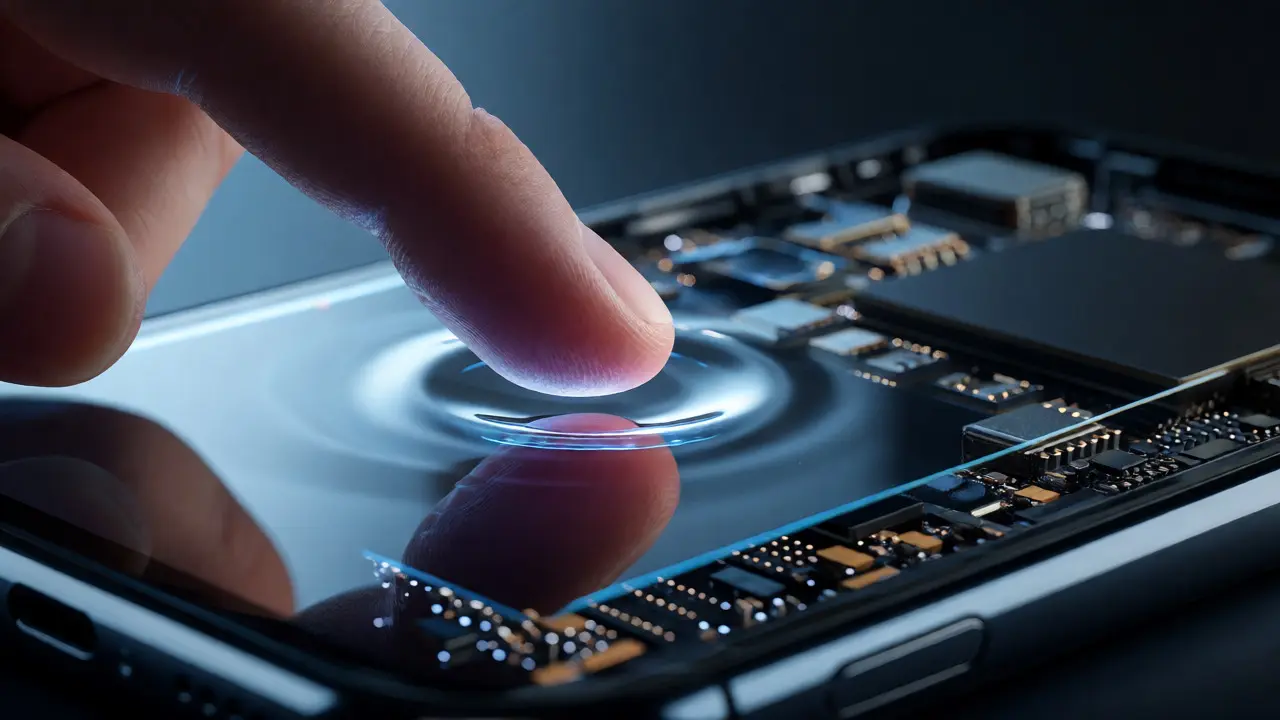
Apple doesn’t start by asking, “How fast can we make the chip?” or “How big can we make the sensor?” They ask, “What experience do we want the user to have?” That’s why the iPhone 13 didn’t just get a better camera-it got a smarter one. The A15 Bionic chip, released with that model, saw a 52% jump in GPU power compared to the previous chip. That’s not a random upgrade. It was a targeted move to make features like Cinematic Mode and macro photography feel natural, not forced.Most phone makers build chips for general performance. Apple builds chips for specific moments. That 52% boost? It was all about letting the camera recognize when you’re holding your phone just a few inches from a flower, a book, or a pet’s nose-and then automatically switching lenses, adjusting focus, and sharpening details without you touching a single setting.
Macro Photography: No Button Needed
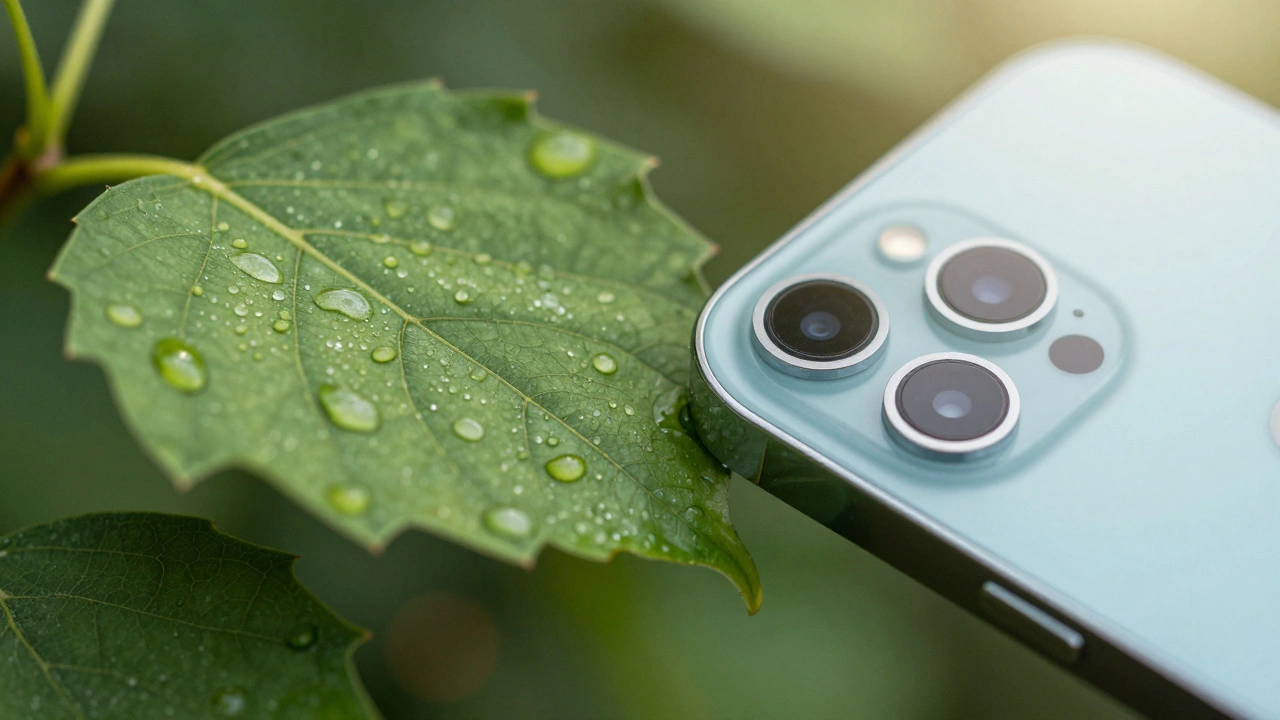
Try this: hold your iPhone 13 or newer about two inches from a leaf. Don’t tap anything. Don’t switch modes. Just point and shoot. The camera turns on macro mode automatically. It’s not magic. It’s design.The ultra-wide lens has the right focal length to get close. The A15’s GPU processes the scene in real time, detecting depth, texture, and movement. The software knows you’re not trying to take a portrait of a person-you’re trying to capture texture. So it adjusts focus, enhances contrast, and even tweaks color slightly to make details pop. All this happens in under half a second. And you don’t even notice it.
Compare that to Android phones. Many require you to tap a button, switch to a separate mode, or hold your phone perfectly still. Apple’s system doesn’t ask you to adapt. It adapts to you.
The Chip Isn’t Just a Processor-It’s a Camera Assistant
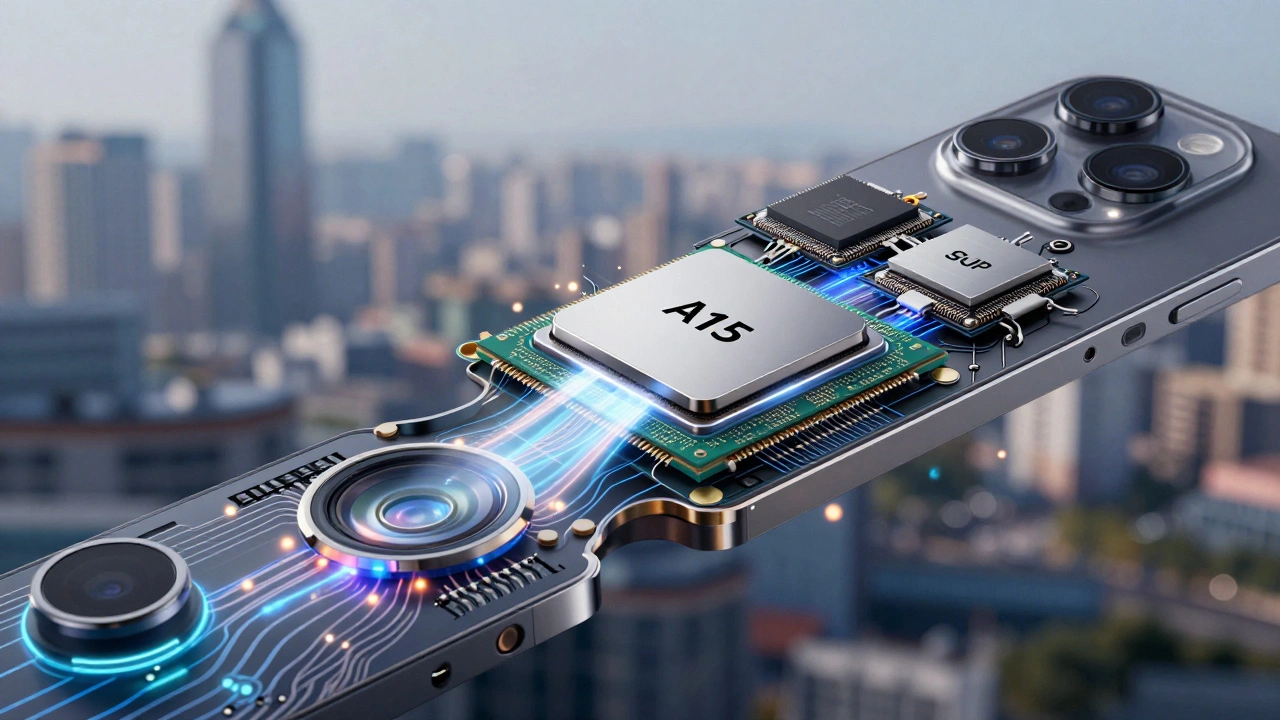
Apple’s silicon isn’t like the chips in other phones. It’s not a generic processor. It’s a custom-built assistant for your camera. The A15 Bionic includes a dedicated image signal processor (ISP) that handles noise reduction, tone mapping, and color correction before the image even hits the software layer. This isn’t something you can add later with software updates. It’s built into the silicon, right next to the GPU and neural engine.That’s why features like Night Mode work so well. The ISP doesn’t just brighten the image. It analyzes each pixel’s motion, noise level, and color drift across multiple frames-and then stitches them together in a way that preserves detail without making things look artificial. Other phones use AI to guess what the scene should look like. Apple’s system calculates what it actually is.
And here’s the kicker: Apple doesn’t just design this chip for its own apps. Third-party developers get the same access. If you use ProCamera, Halide, or even Instagram, you’re using the same processing pipeline that Apple’s native camera app uses. That’s because Apple opens up its camera APIs directly to developers. No middleman. No delays. No compromises.
Software Isn’t Just an App-It’s the Conductor
The camera app is just the tip of the iceberg. Behind it, iOS is constantly learning. When you take a photo of your cat, your dog, or your kid at the park, the system notices patterns. It learns your habits. It starts predicting what you want before you tap the shutter.That’s why Portrait Mode sometimes kicks in even when you’re not trying to take a portrait. It’s not a glitch. It’s a prediction. The software knows the distance, the lighting, and the shape of the subject. If it sees a face or a pet’s head surrounded by space, it assumes you want depth blur. And it’s right more often than not.
Even the way colors look-like how skin tones stay natural under streetlights-isn’t just a filter. It’s the result of years of research into how light behaves in real environments, combined with real-time processing that adjusts for tungsten, LED, and fluorescent lighting on the fly.
It’s Not Just the Phone-It’s the Whole Ecosystem
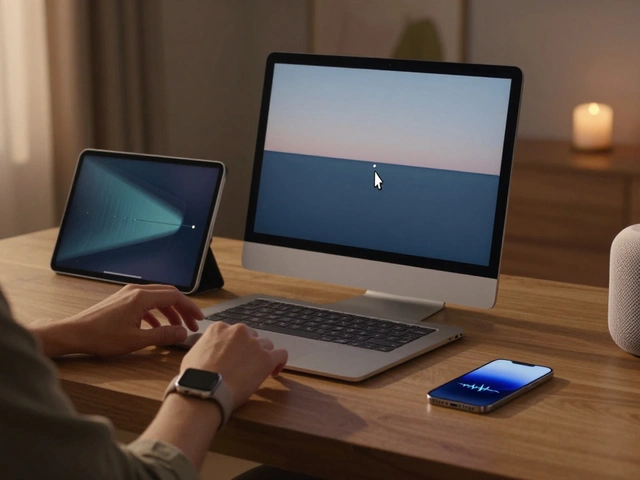
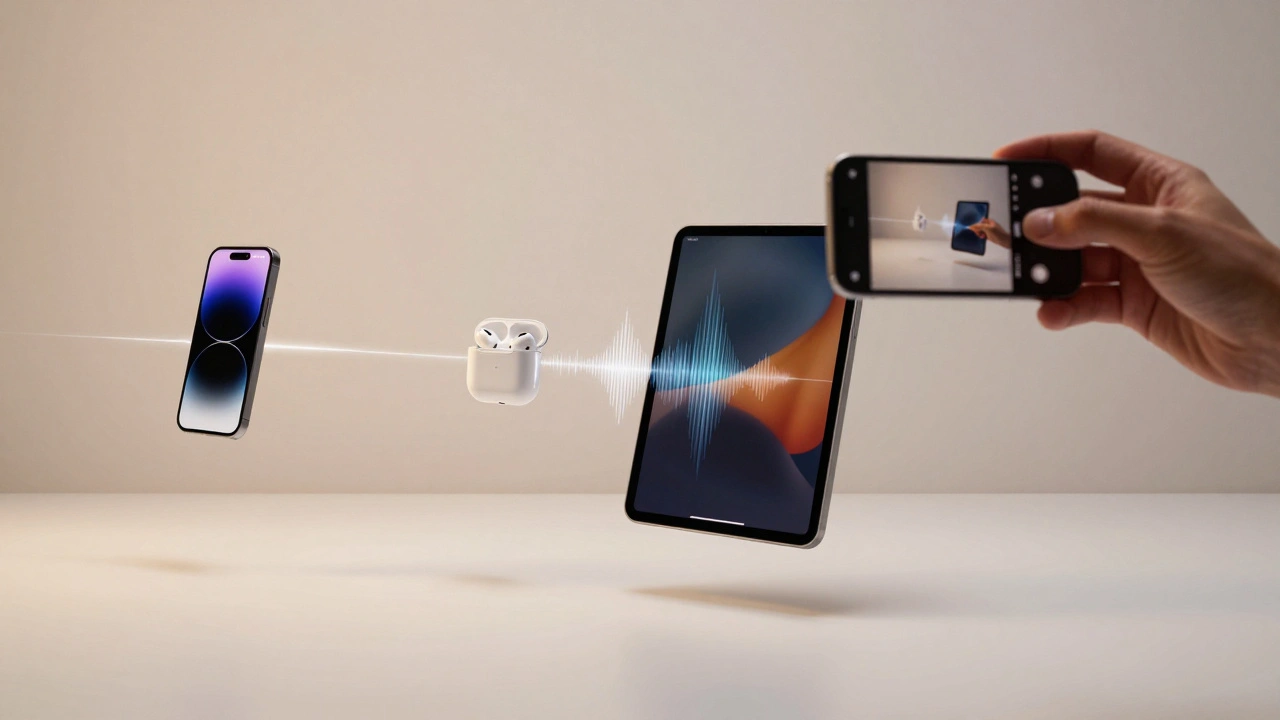
Your iPhone camera doesn’t stop at the screen. It connects to everything else. Take a photo on your iPhone. Open your iPad. Paste it in. No email. No cloud upload. Just paste. That’s Universal Clipboard, powered by iCloud and Continuity. Your photos move with you, seamlessly, without you lifting a finger.And it’s not just storage. When you edit a video on your Mac, you’re not just opening a file. You’re tapping into the same processing engine that was used on your iPhone. The color grading, the stabilization, the noise reduction-all of it was baked into the file by the A15 chip. That’s why edits on Mac feel so smooth. It’s not your Mac being powerful. It’s the iPhone doing the heavy lifting ahead of time.
Even your AirPods and Apple Watch play a role. When you’re recording video, your AirPods can act as a mic. Your Apple Watch can start a timer. Your iPad can be a second screen. Everything is connected-not because it’s trendy, but because Apple designed it that way from the start.
What’s Coming Next? Cameras Everywhere
Apple isn’t stopping at the iPhone. According to recent reports, they’re working on smart glasses with built-in cameras, a pendant device that acts like an always-on eye for your phone, and even AirPods with cameras. Why? Because they see the camera not as a feature of a phone-but as the core of how people interact with the world.That’s why the next big leap won’t be in megapixels. It’ll be in how the camera understands context. Imagine your iPhone knowing you’re at a concert and automatically switching to low-light mode, stabilizing video, and tagging the artist’s name-all without you saying a word. That’s not science fiction. It’s the direction Apple’s integration is heading.
Why This Matters for You
You don’t need to know how a GPU works. You don’t need to understand ISP pipelines. But you do need to know this: when you take a photo with your iPhone, you’re not just using a camera. You’re using a system that was built from the inside out-with every part designed to serve you, not the other way around.Other phones chase specs. Apple chases moments. And that’s why, even after years of use, your iPhone still feels like it’s reading your mind.
Why does my iPhone take better photos than phones with higher megapixels?
Megapixels only tell you how many pixels are in the image. They don’t tell you how well those pixels are processed. iPhone cameras use custom silicon, advanced software algorithms, and hardware tuned together to capture light, reduce noise, and enhance detail in ways that raw resolution can’t match. A 12-megapixel iPhone photo often looks better than a 50-megapixel photo from another phone because Apple’s system optimizes for real-world conditions-not lab tests.
How does Apple make macro photography work without me turning it on?
The iPhone uses its ultra-wide lens, which has a short focal length perfect for close-ups. The A15 chip’s GPU analyzes the scene in real time, detecting how close your subject is and whether it has texture or detail typical of nearby objects. If the system senses you’re close enough, it automatically switches to macro mode, adjusts focus, and enhances contrast-all without you doing anything. It’s not a button you press. It’s a behavior it predicts.
Can third-party apps use the same camera features as Apple’s native app?
Yes. Apple gives developers direct access to the same camera hardware and processing pipeline used by its own apps. This includes Night Mode, Deep Fusion, Smart HDR, and Cinematic Mode. Apps like Halide and ProCamera can use these features because Apple’s APIs expose them natively. There’s no lag, no patchwork, and no loss in quality. The system is designed to be open from the inside out.
Why is the A15 Bionic’s GPU so much faster than before?
The 52% GPU performance increase wasn’t about gaming or general speed. It was specifically to handle the heavy real-time processing needed for computational photography. Features like Cinematic Mode, macro video, and improved Night Mode require rendering multiple layers of depth, motion, and lighting in real time. The GPU was redesigned to handle those tasks efficiently, not to make apps load faster. The speed boost exists to make your photos feel more natural-not to win benchmarks.
Does this integration only work with Apple devices?
The full experience does. Features like Universal Clipboard, Handoff, and seamless editing across devices rely on Apple’s ecosystem-iCloud, AirDrop, and shared encryption keys. If you use an iPhone with an Android tablet, you won’t get the same flow. That’s because Apple’s integration isn’t just technical-it’s architectural. Everything is built to work together, not just connect.