Wolf and Hare

Tag: symbol library

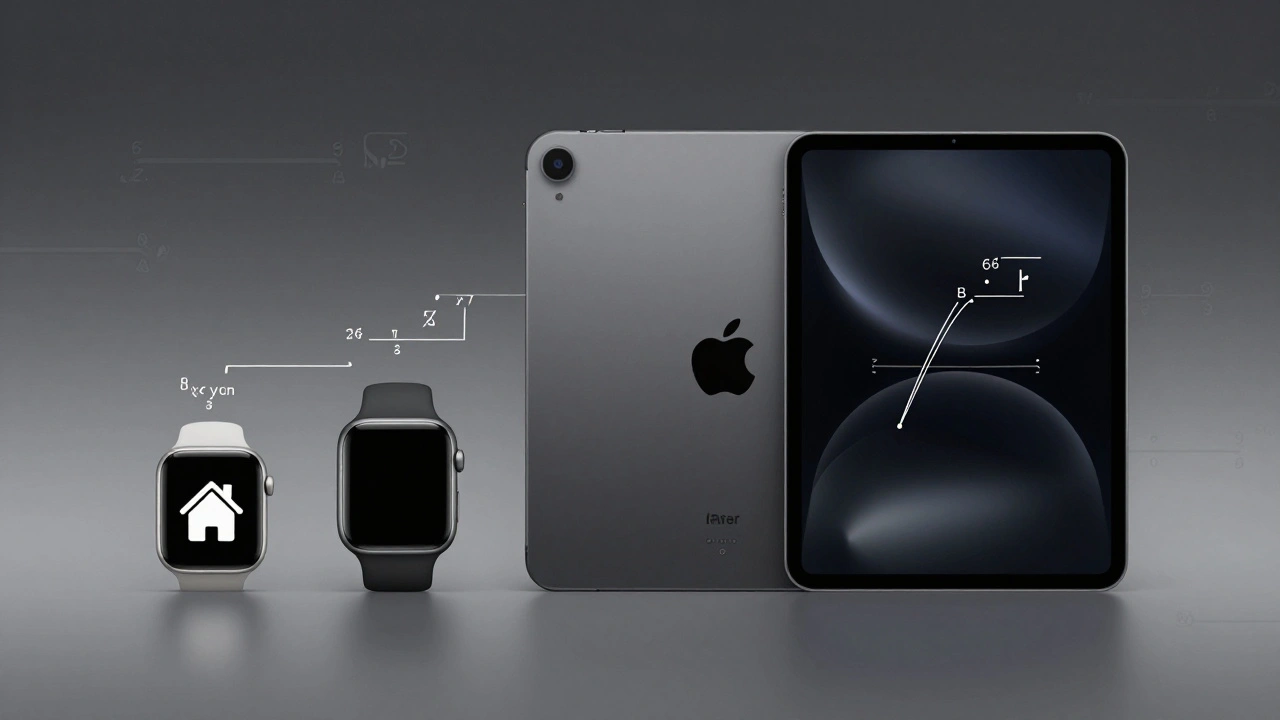
Exporting Apple-Ready Assets: Vector, PDF, and Symbol Best Practices
Exporting Apple-Ready Assets: Vector, PDF, and Symbol Best Practices
  • Elias Voss
  • Elias Voss

1/02
0

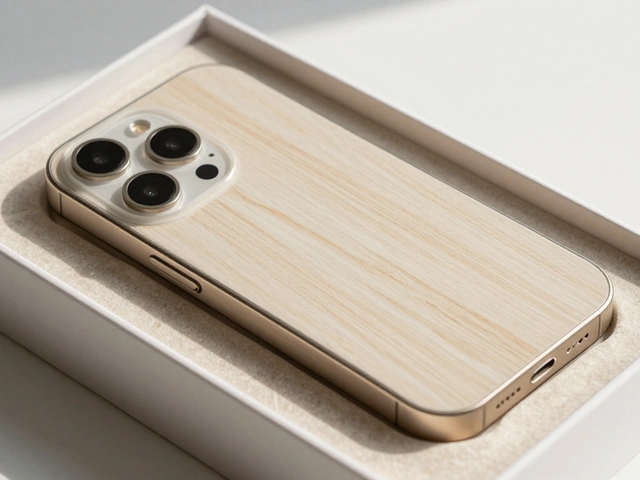
Learn how to export vector assets, PDFs, and symbols that work flawlessly on Apple devices. Avoid common mistakes and deliver clean, scalable icons for iOS and macOS apps.
Read More...

Categories

  • Design & Technology (118)
  • Retail Design (4)
  • Design Tools (2)
  • Technology (2)
  • Design & Development (1)

Popular Articles

Personalization in Apple Interfaces: Customizing Input, Audio, and Visuals

Mar 6 2026

Minimalism in Apple Retail: How Wood, Stone, and Open Plans Define a Brand

Jan 29 2026

Designing Widgets for Apple Platforms: At-a-Glance Value and System Harmony

Jan 21 2026

Designing Accessible Typography on Apple: Legible at a Glance and Up Close

Jan 14 2026

Motion and Depth in Apple Interfaces: How Spatial Design Communicates State Without Noise

Mar 4 2026

Tags

  • Apple design
  • Apple typography
  • Liquid Glass
  • Apple ecosystem
  • unboxing experience
  • San Francisco font
  • Apple packaging
  • iOS 26
  • Apple accessibility
  • Apple Intelligence
  • inclusive design
  • Jony Ive
  • Apple design philosophy
  • Apple interface design
  • Apple Watch design
  • Apple retail design
  • industrial design
  • Dynamic Type
  • Apple design system
  • Liquid Glass design
Wolf and Hare

© 2026. All rights reserved.