Wolf and Hare

Tag: iOS interface

Alerts and Sheets on Apple Platforms: How to Prioritize User Choice Without Causing Panic
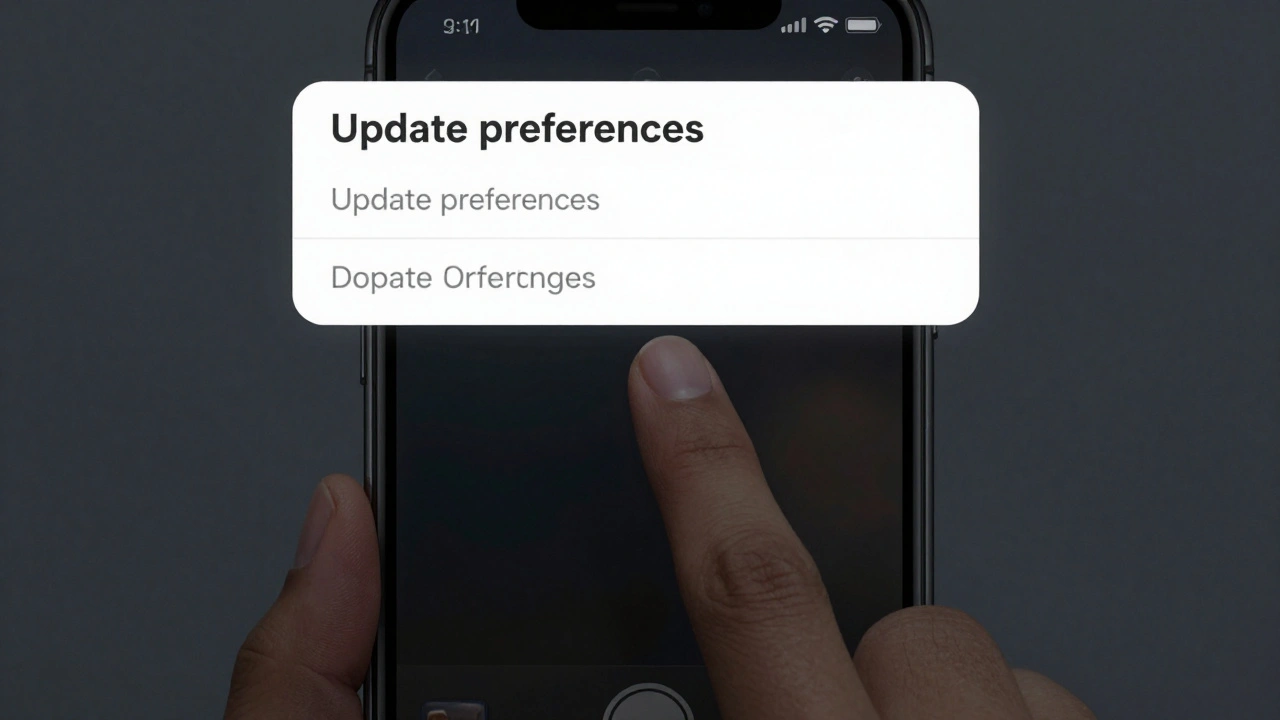
Alerts and Sheets on Apple Platforms: How to Prioritize User Choice Without Causing Panic
  • Elias Voss
  • Elias Voss

24/02
0

Learn how to use alerts, action sheets, and half sheets on Apple platforms to guide users without overwhelming them. Prioritize choice, reduce panic, and build trust with smarter UI design.

Read More...

Categories

  • Design & Technology (108)
  • Retail Design (4)
  • Design Tools (2)
  • Technology (2)
  • Design & Development (1)

Popular Articles

Contextual Menus and Peek: How Apple Unified Touch Interactions Across iOS and iPadOS

Feb 22 2026

Liquid Glass vs. Skeuomorphism and Flat Design: Apple’s New Material Middle Ground

Jan 15 2026

Designing for iPhone Lifecycles: Accessory Compatibility and Long-Term Usability

Dec 30 2025

Strategic CMF Choices: Materials That Signal Performance and Sustainability at Apple

Jan 27 2026

iPad Pro as a Production Tool: Interface Patterns for Professional Apps

Feb 10 2026

Tags

  • Apple typography
  • Liquid Glass
  • Apple design
  • Apple ecosystem
  • San Francisco font
  • iOS 26
  • unboxing experience
  • Apple packaging
  • inclusive design
  • Apple accessibility
  • Jony Ive
  • Apple design philosophy
  • Apple Watch design
  • Apple retail design
  • Apple Intelligence
  • industrial design
  • Dynamic Type
  • Apple interface design
  • Apple design system
  • Liquid Glass design
Wolf and Hare

© 2026. All rights reserved.