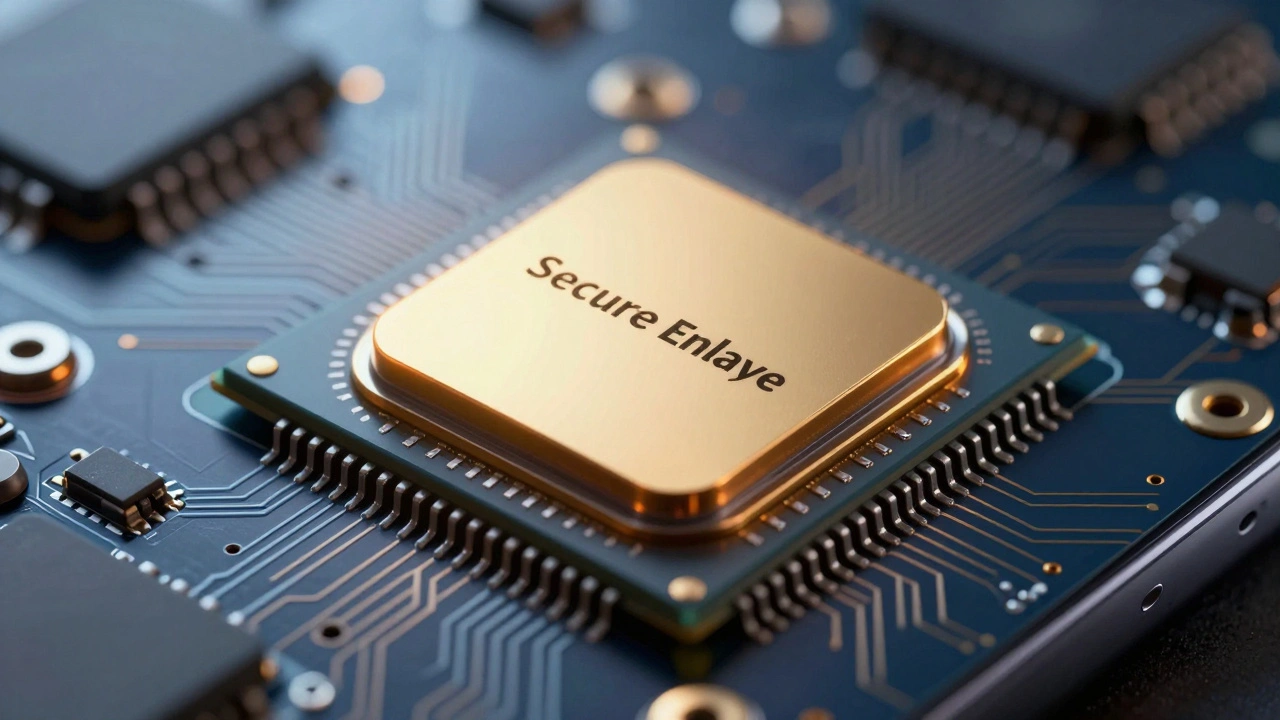

Most of us treat security like a speed bump. We hit it when we need to log in, pay for groceries, or open our phones, and we usually just want to get past it as fast as possible. But what if that speed bump was actually the road itself? That is exactly how Apple's Secure Enclave is a dedicated hardware-based security coprocessor integrated into Apple’s system-on-chip (SoC) designs. It changes the game by making high-level cryptography something you don't see, hear, or think about. Instead of typing complex passwords, you just look at your screen or tap your finger. The heavy lifting happens inside a locked room on your chip, while you stay in the living room.
The Invisible Guardian Inside Your Chip
To understand why this feels so smooth, you have to look under the hood-literally. The Secure Enclave isn't just software running on your main processor. It is a separate coprocessor with its own operating system, often called sepOS. Think of it as a tiny, fortified bank vault built directly into the silicon of your iPhone or Mac. When you unlock your phone with Face ID, the main application processor (like the A17 Pro or M3) doesn't handle the sensitive data. It sends a request to the Secure Enclave via an isolated mailbox. The enclave checks the biometric match, verifies the keys, and gives a simple "yes" or "no" back to the rest of the system. The actual biometric template never leaves that vault.
This architecture started with the A7 chip in the iPhone 5s back in 2013. Since then, it has evolved from supporting Touch ID to handling everything from disk encryption on Macs to the secure tokenization required for Apple Pay. Every modern Apple device, from the cheapest iPhone SE to the most powerful MacBook Pro, includes this component. It ensures that even if someone manages to hack your main operating system, they still can't access the keys needed to decrypt your personal data without your passcode or biometrics.
Biometrics: The Bridge Between Hardware and Human
The magic of the Secure Enclave becomes obvious when you use biometrics. With Touch ID, a capacitive sensor scans the ridges of your fingerprint. The resolution is incredibly high-500 pixels per inch-and it maps sub-dermal patterns to create a unique mathematical representation. This template is encrypted and stored solely within the Secure Enclave. If you try to unlock your phone with the wrong finger, the false acceptance rate is roughly 1 in 50,000. You rarely have to retry, making the experience feel instant.
Face ID takes this further. Introduced with the iPhone X, it uses the TrueDepth camera system to project over 30,000 invisible infrared dots onto your face. This creates a detailed 3D depth map that is far harder to spoof than a simple photo. Apple claims the odds of a random person unlocking your device are 1 in 1,000,000. From a UX perspective, this means you can walk up to your phone, glance at it, and be unlocked in under a second. There is no button to press, no pattern to draw. The security is passive, yet robust enough to satisfy strict financial regulations like PSD2 in Europe.
| Feature | False Acceptance Rate | Data Storage | Unlock Speed |
|---|---|---|---|
| Touch ID | 1 in 50,000 | Encrypted in Secure Enclave | ~0.3-0.5 seconds |
| Face ID | 1 in 1,000,000 | Encrypted in Secure Enclave | Under 1 second |
Security Without Friction: The User Experience Shift
Traditionally, security meant friction. You had to remember strong passwords, rotate them every three months, and type them out repeatedly. The Secure Enclave flips this model. Because the cryptographic keys are tied to the hardware and your biometrics, you can use features like Passkeys to log into websites without ever knowing a password. Safari prompts you to confirm your identity with Face ID, and the Secure Enclave signs the authentication request behind the scenes. To you, it looks like a single click. To hackers, it is a mathematically secure handshake that is nearly impossible to phish.
This extends to payments too. When you use Apple Pay, your actual credit card number is never stored on your device or sent to merchants. Instead, a unique Device Account Number is held in a separate secure element, but the authorization keys are managed by the Secure Enclave. You double-click the side button and authenticate with your face or fingerprint. The transaction is complete before you even realize you authenticated. This seamless flow encourages adoption because the security step feels like part of the action, not a barrier to it.
For Developers: Building Trust Into Apps
If you build apps for iOS or macOS, the Secure Enclave offers tools that let you move beyond basic password protection. Through frameworks like CryptoKit and LocalAuthentication, developers can generate private keys that live exclusively inside the Secure Enclave. These keys are marked as non-exportable, meaning even if a malicious app gains root access to the device, it cannot steal the private key. It can only ask the Secure Enclave to perform a cryptographic operation, like signing a message, which requires user consent via biometrics.
This allows for truly end-to-end encrypted messaging apps, offline credential stores, and secure health data applications where the developer never sees the user's sensitive data. The limitation is that you must trust Apple's implementation since the firmware is closed-source. However, for consumer-facing apps, this trade-off provides a level of security that would require massive infrastructure costs if built entirely in software.

The Trade-offs: Repairability and Opacity
No technology is perfect, and the Secure Enclave design has drawn criticism from right-to-repair advocates. Because the biometric sensors (Touch ID and Face ID modules) are cryptographically paired with the Secure Enclave during manufacturing, replacing a broken sensor with a third-party part often disables biometric functionality entirely. Independent repair shops argue this limits consumer choice and increases electronic waste. Apple defends this design, stating that pairing prevents attackers from swapping sensors to exfiltrate biometric data or bypass security checks.
Additionally, the Secure Enclave runs a microkernel OS that is not open for public audit. While Apple regularly patches vulnerabilities through iOS and macOS updates, some security experts worry about "security by obscurity." Despite this, there have been very few confirmed attacks that successfully extracted biometric templates or UID-derived keys from updated devices. Most exploits target the main operating system, leaving the Secure Enclave intact and protecting the core data.
Looking Ahead: Privacy in the AI Era
As Apple moves into more advanced features like Apple Intelligence, the principles of the Secure Enclave are expanding. For tasks that require server-side processing, Apple is implementing Private Cloud Compute, which uses hardware isolation and memory-safe code to ensure that personal data remains encrypted even while being processed in the cloud. This mirrors the on-device philosophy: keep the keys local, minimize exposure, and make privacy the default setting.
In a world where digital threats are constant, the Secure Enclave represents a shift from security as a chore to security as a foundation. It works silently in the background, allowing users to focus on their lives rather than their passwords. By embedding protection directly into the silicon, Apple has made strong security feel effortless, proving that safety and simplicity do not have to be mutually exclusive.
What exactly is the Secure Enclave?
The Secure Enclave is a dedicated hardware coprocessor built into Apple's chips (like the A-series and M-series). It handles sensitive cryptographic operations, stores biometric data, and manages security keys in an isolated environment separate from the main operating system.
Does Apple store my Face ID or Touch ID data on its servers?
No. Biometric data is converted into mathematical representations and stored exclusively within the Secure Enclave on your device. This data never leaves your device and is not accessible to Apple, apps, or iCloud.
Why does replacing a Touch ID sensor sometimes break it?
The biometric sensor is cryptographically paired with the Secure Enclave during manufacturing. If you replace the sensor with a non-original part or without proper calibration tools, the Secure Enclave will reject it to prevent potential security breaches, disabling biometric unlock.
Is the Secure Enclave immune to hacking?
While highly robust, no system is completely immune. However, the Secure Enclave is designed to resist physical tampering and software exploits. Vulnerabilities are rare and typically patched quickly. The main risk remains weak user passcodes, which can be brute-forced if the device is physically accessed.
How does the Secure Enclave improve user experience?
It removes friction from security tasks. Instead of typing long passwords, users can unlock devices, authorize payments, and log into apps using quick biometric gestures. The heavy cryptographic work happens invisibly in the background, making interactions faster and smoother.