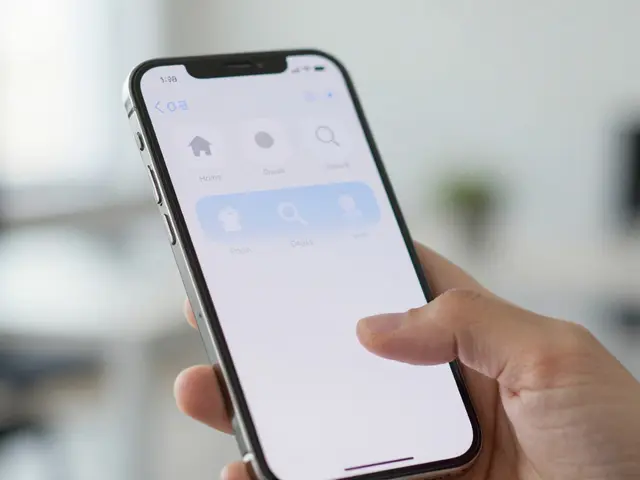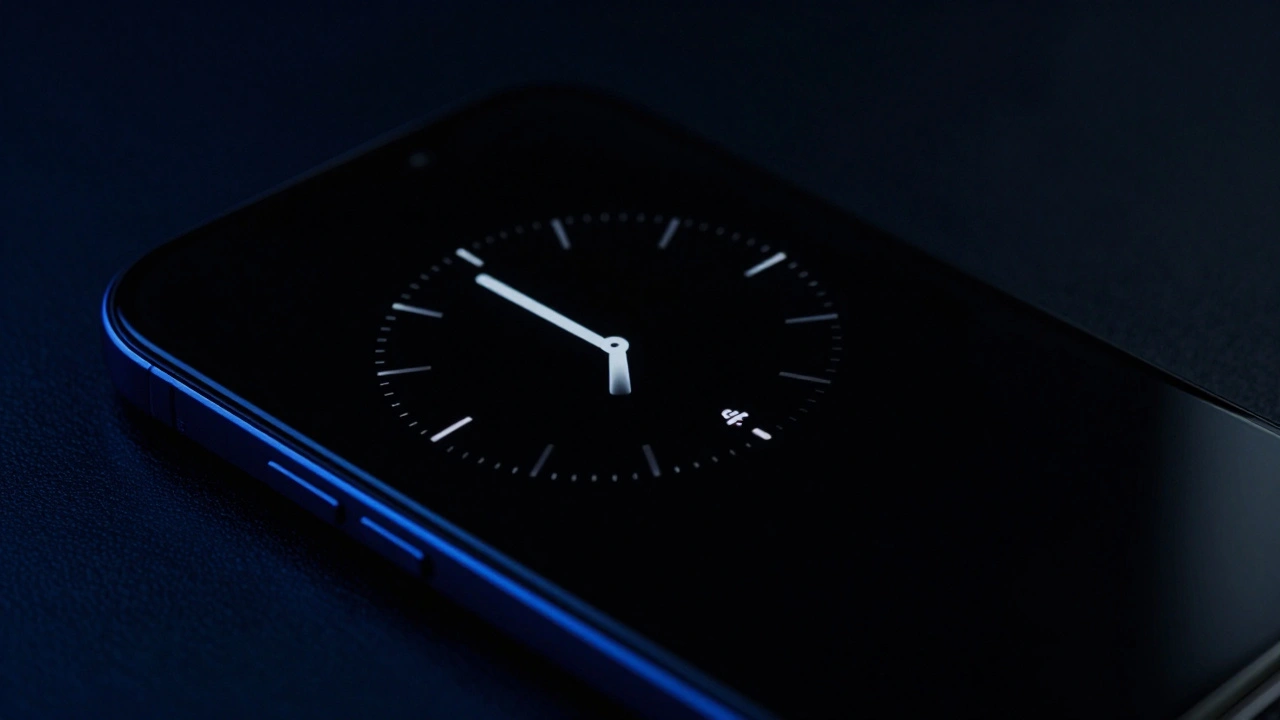

Ever wonder why some gadgets let you glance at the time without touching a button while others force you to wake the screen every single time? It feels like a small convenience, but behind that glowing clock is a brutal tug-of-war between hardware capability and battery chemistry. The Always-On Display (AOD) is a perfect example of a design trade-off where the goal of "ambient information" clashes directly with the physical limits of a battery cell.
For designers and engineers, the problem isn't just making the screen stay on; it's doing so without killing the device by lunchtime. Whether it's a high-end smartphone or a sleek smartwatch, the math is simple: every pixel that glows is a tiny straw sucking energy out of the battery. To make AOD viable, we have to move away from traditional screens and lean into some very specific chemistry.
The Chemistry of Power: Why OLED is Non-Negotiable
You won't find an always-on display on a budget phone with an LCD screen, and there's a scientific reason for that. In a LCD Liquid Crystal Display, there is a backlight that lights up the entire panel regardless of what you're looking at. If you want to show a single dot of light on a black screen, the whole backlight still has to run. That's a battery nightmare.
Enter OLED Organic Light-Emitting Diode technology. Unlike LCDs, OLED pixels are self-emissive. They produce their own light. When a pixel is told to be black, it doesn't just "look" black-it actually turns off completely. It consumes zero power. This is the secret sauce that makes AOD possible. By keeping 90% of the screen pitch black and only lighting up a few thin lines for the time and a few icons for notifications, designers can keep the power draw low enough to be tolerable.
Measuring the Drain: The Real-World Cost
How much does this actually cost you? The data varies depending on who you ask and how you use your device. In controlled lab settings, the hit can be shocking. Some tests show that enabling AOD can slash idle battery life by as much as 75%. For instance, a device that might last 400 hours on standby with the screen off might drop to just 100 hours once AOD is active.
But does that translate to your daily routine? Not exactly. In real-world scenarios, the impact is more muted. Some users report a loss of only 0.5% to 1% of battery per hour during overnight idle periods. For a typical user, this usually manifests as an extra 1% to 3% battery drain by the end of the day. While that sounds negligible, for someone chasing every single minute of longevity, it's a conscious choice.
| Device Model | Discharge Current (AOD Active) | Efficiency Profile |
|---|---|---|
| iPhone 14 Pro Max | ~36 mA | High (Optimized OS integration) |
| Google Pixel 7 Pro | Competitive | Moderate (Conservative brightness) |
| Xiaomi 12S Ultra | ~47.3 mA | Low (High pixel brightness) |
Design Strategies to Save Juice
Since we can't change the laws of physics, engineers use a few clever tricks to hide the battery drain. If you look closely at your AOD, you'll notice it's not just a dimmer version of your lock screen; it's a completely different design language.
- Adaptive Brightness: Modern devices use ambient light sensors to dim the AOD in a dark room. If the room is pitch black, the clock doesn't need to be bright, so the power draw drops.
- Pixel Minimization: Instead of full-color images, many AODs use thin, white or monochromatic lines. Reducing the number of active pixels is the most effective way to save energy.
- Reduced Refresh Rates: Some screens can drop their refresh rate from 120Hz down to 1Hz. This means the screen only updates once per second, which drastically lowers the workload on the processor.
- Conservative Layouts: Some manufacturers choose to show only tiny pictograms rather than a full clock, trading off visibility for a few extra hours of battery.
The Watch Design Challenge: Shrinking the Battery
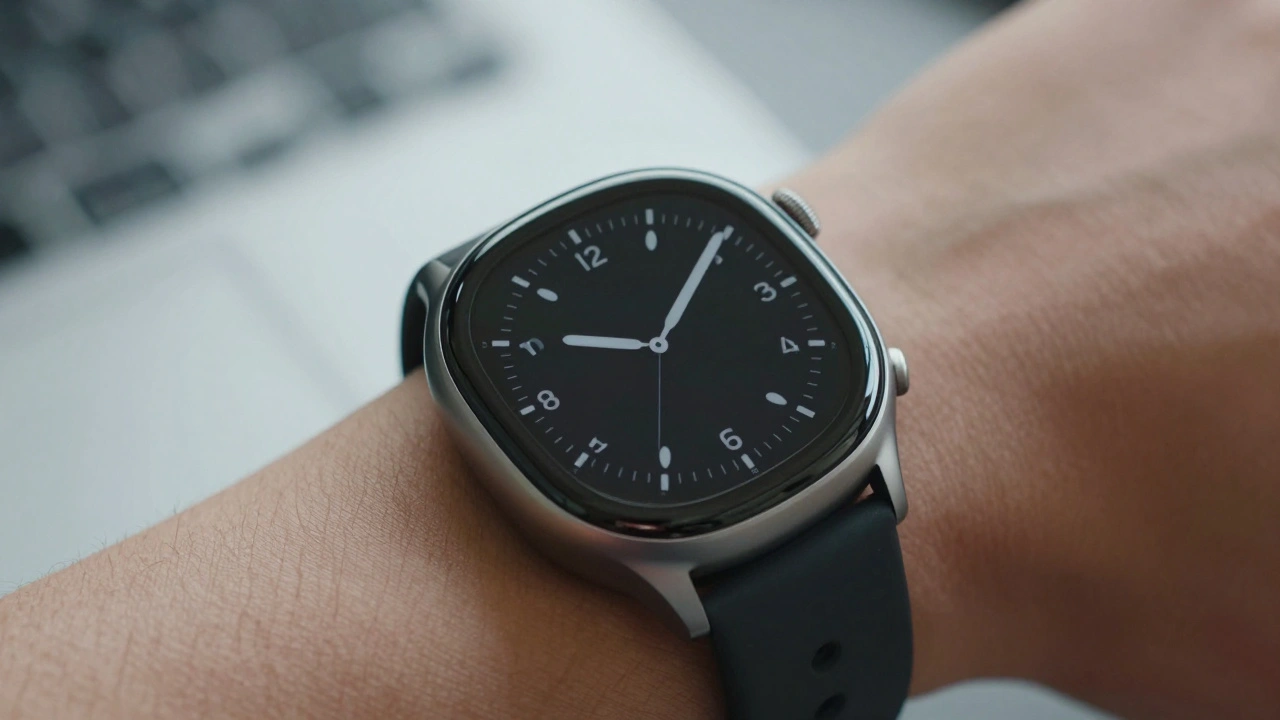
Smartwatches take this struggle to a whole new level. While a phone has a massive battery relative to its screen, a watch has a tiny battery and a screen that is almost always facing the user. To keep an AOD on a wrist, designers use even more aggressive tactics.
Many watches use a Hybrid Display A combination of a high-resolution screen and a low-power secondary display. This allows the watch to show basic timekeeping on a very low-energy layer, only waking the power-hungry OLED for notifications or apps. They also rely on specialized energy-saving processors that handle the AOD independently from the main CPU, ensuring the "big" brain of the watch stays asleep while the clock keeps ticking.
Thermal Limits and User Experience
You might think that keeping a screen on 24/7 would make a device run hot. Interestingly, the power draw for AOD is so low that it rarely impacts thermal performance. Most flagship devices only see a temperature increase of 1 or 2 degrees Celsius. The real "heat" comes from the CPU and GPU during active use, not from the few pixels needed to tell you it's 3:00 PM.
The trade-off eventually comes down to psychology. Do you prefer the convenience of knowing you haven't missed a text without touching your phone, or do you prefer seeing 100% on your battery icon at the end of the day? For most of the market, the "ambient' feel of an always-on screen has become a premium expectation that outweighs the minor battery penalty.
Can I have an always-on display on an LCD screen?
Technically, you could keep an LCD screen on, but it's practically impossible for battery life. Because LCDs use a backlight that illuminates the whole panel, it would drain your battery incredibly fast compared to an OLED, which can turn off individual pixels.
Does AOD cause screen burn-in?
Yes, it can. Because OLED pixels degrade over time, leaving the same static image in one spot for hours can cause "burn-in." To prevent this, most AODs subtly shift the position of the clock and icons every few minutes.
How much battery does AOD actually use per day?
While lab tests show huge drops in idle time, real-world usage typically results in an additional 1% to 3% drain per day, depending on the brightness and how many pixels are active.
Which is more efficient: a full image or a simple clock?
A simple, monochromatic clock is far more efficient. Every additional color or bright pixel increases the milliamp draw, which is why the most battery-efficient AODs avoid rich graphics.
Why do some phones have better AOD battery life than others?
It comes down to software and hardware optimization. Efficient devices better manage the refresh rate of the screen and use more aggressive brightness scaling to minimize power draw.
Next Steps for Power Users
If you're struggling with battery life but love your AOD, try these tweaks:
- Switch to a minimal clock: Use a text-only face instead of a full analog clock with a background.
- Disable "Wake on Wrist Raise": If you have AOD, you don't need the device to wake up every time you move your arm.
- Schedule AOD: Set your device to turn off the always-on display during your sleep hours when you aren't looking at it anyway.